- Right click on the relevant Invoice (in the top window) of the Account Enquiry screen.
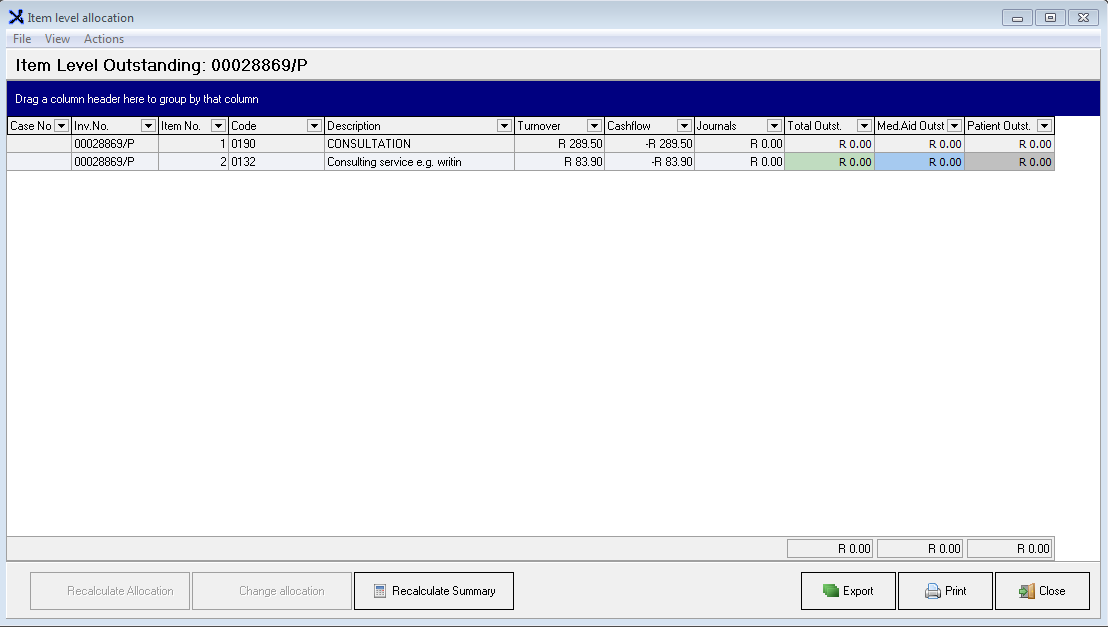
Item level Summary (Ctrl+Alt+I).
- This will provide you with an overview of the Items, Turnover, the Receipts (Cash flow) and Journals done on this Invoice.
- You can recalculate this summary if necessary by clicking on the Recalculate Summary.
- This screen can be exported to Excel and Printed.
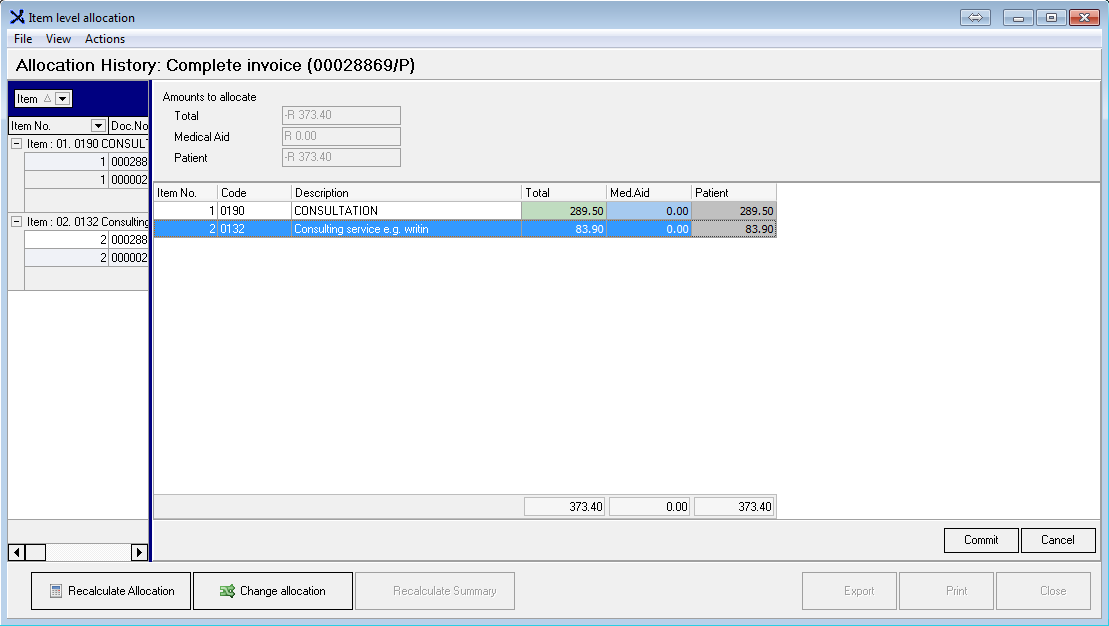
Item-level allocation history (Shift+Ctrl+I)

- This will provide you with an overview of Transactions allocated to items on the Invoice.
- This screen can be exported to Excel and Printed.

Change Allocation
- Use this function to change the allocation of a Payment.
- Highlight the Receipt and click on the Change allocation button.
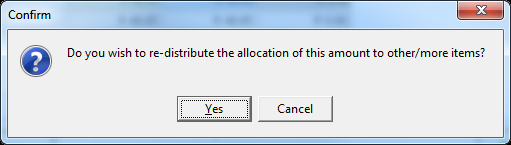
- Re-allocate the amount against the applicable Items.
Last modified: Monday, 15 April 2019, 2:48 PM