NOTE: When using this function, the Debtor will have to be searched for through the Debtor list- Print a Debtor Statement without selecting an Appointment
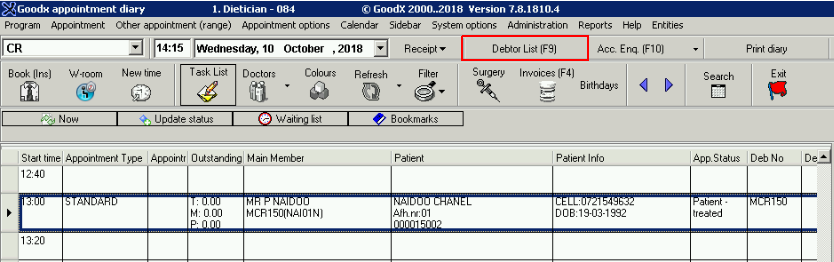
- Click on Debtor List (F9) or Press F2
- Make use of the Search function to select the Debtor
- Press Ctrl+S to Print directly From the Debtor List screen
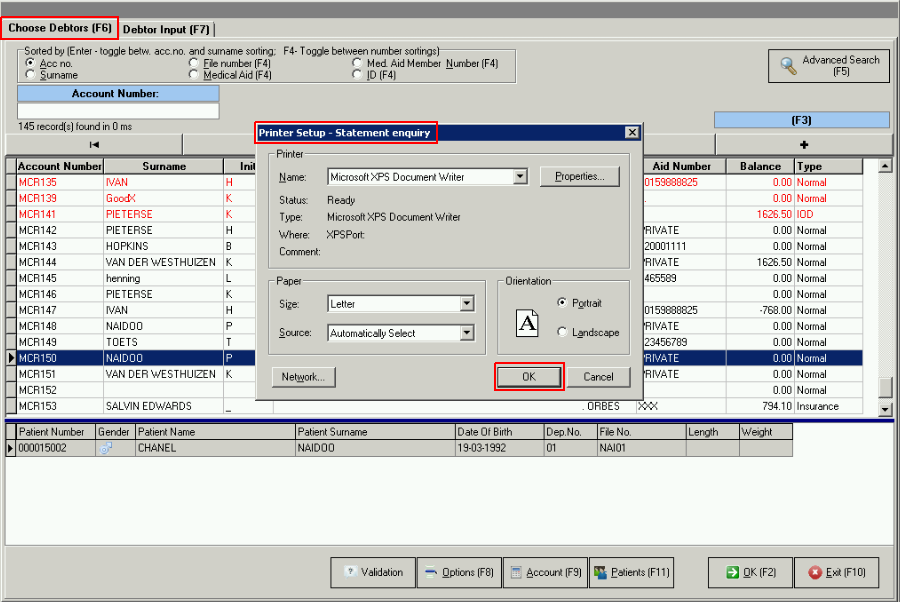
- Press OK
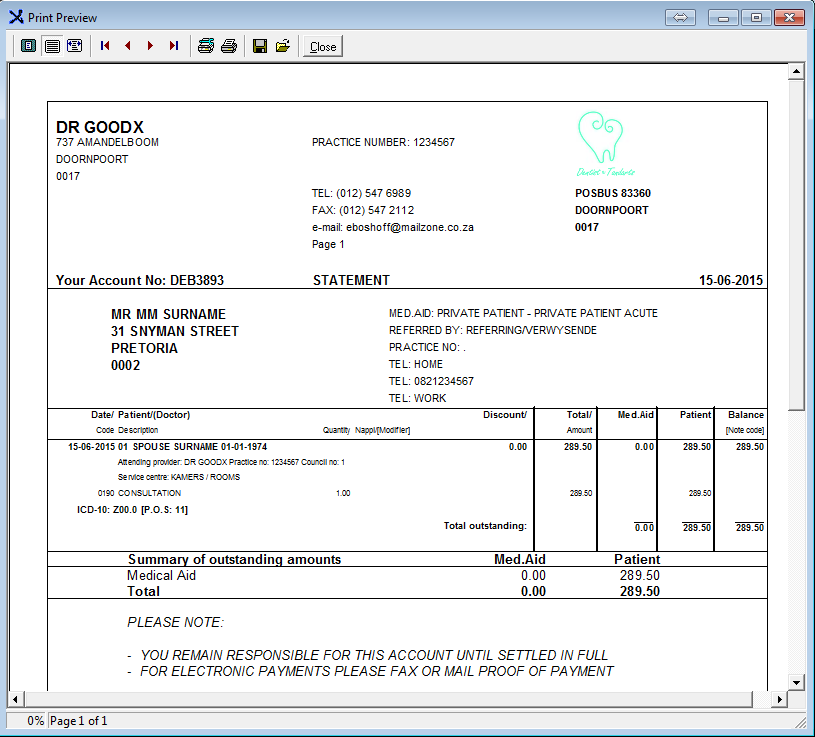
- The Statement will display on the screen first
- You can Print the Statement from here
Last modified: Friday, 12 October 2018, 3:59 PM