The function will be used when the practice starts on GoodX for the first time and wants to bring debtors medical aid closing balances from a previous system. These are amounts that still need to be collected from the medical aid. This will assist the practice to get a correct age analysis.
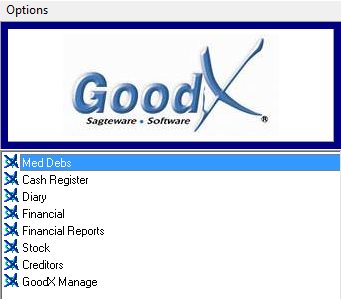
Sign in to the GoodX Desktop App using your GoodX username and password.
Double click on the MedDebs module
Click on the Batch transactions tab
From the drop-down, click the Opening Balances: Medical aid
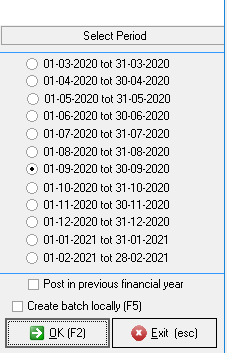
Click on the correct financial period, click on the OK button or F2 on your keyboard
Click on the Medical aid option
from Post to account
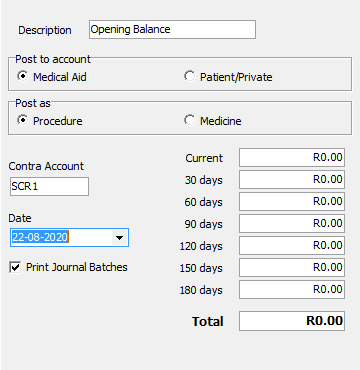
Complete the following information:
Description: The system will automatically pull through the Opening Balance description
Post to account: Where the account should be posted to
Medical Aid: The opening balance account should be posted to the patient's medical aid
Patient/Private: The opening balance account should be posted to the private patient because they pay for the account themselves and not through the medical aid
Post as: Post the opening balance as a procedure or as medicine
Procedure: When the patient has been for an operation of some sort you should click on the procedure option
Medicine: When the patient needs to get medicine, you should click on the medicine option
Click on Import data
Click on the ellipse (...) to import the correct file
Complete the correct information and click onthe Process text file
Click onthe Close button
Enter the correct Contra Account and Date
Click on the OK button
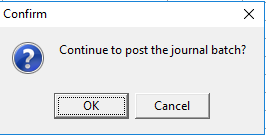
Click on OK (again) to confirm the journal batch
Last modified: Wednesday, 23 December 2020, 9:11 AM