When a journal batch has been posted, but there where a mistake on the batch, the whole batch can be reversed. The batch should then be redone and posted correctly
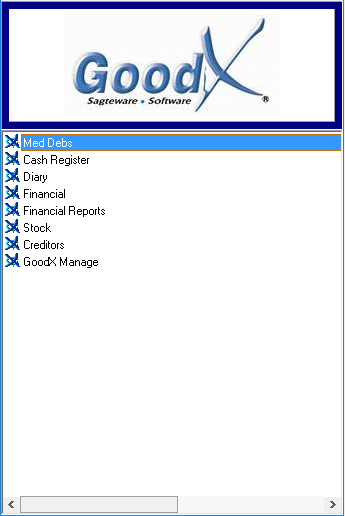
Log into the GoodX Desktop App with your username and password.
Double click on the Med Debs module.
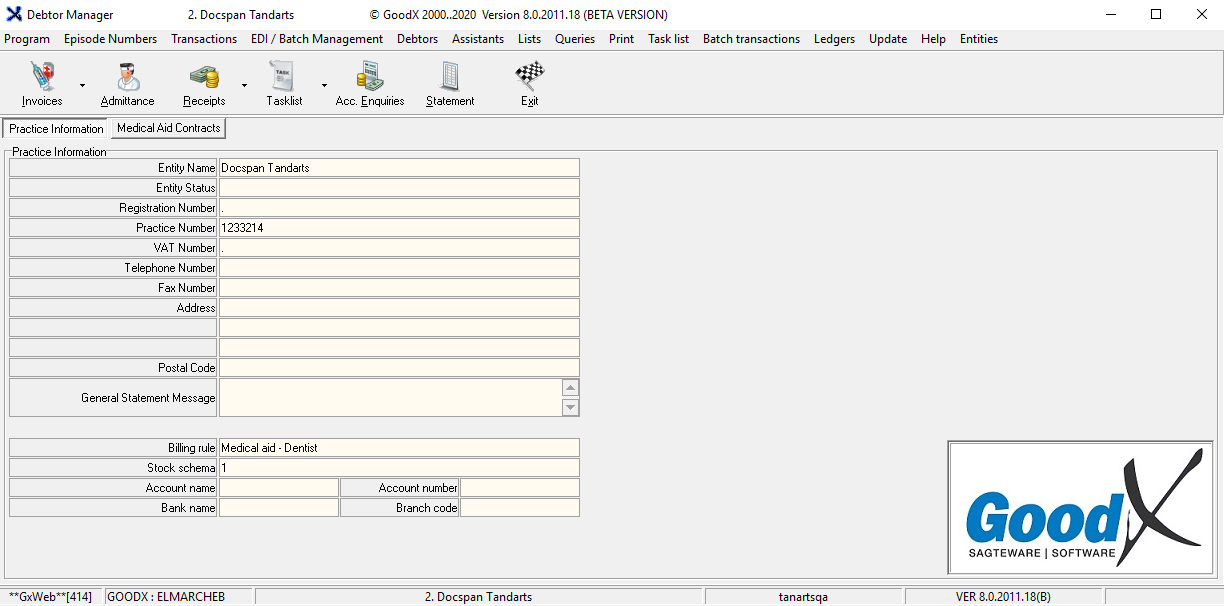
The Med Debs screen will appear
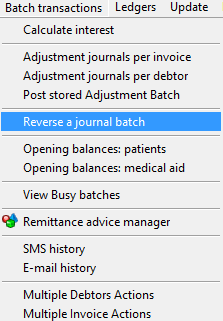
From the menu bar, click on Batch transactions.
From the sup menu, click once on Reverse a journal batch.
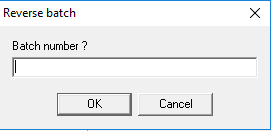
The Reverse batch screen will appear.
Enter the correct Batch number that you want to reverse.
Click on the OK button to proceed.
A confirmation screen will appear.
Click on the Yes button to reverse the batch.
Click on the No button to exit without saving.
Last modified: Tuesday, 15 December 2020, 10:53 AM