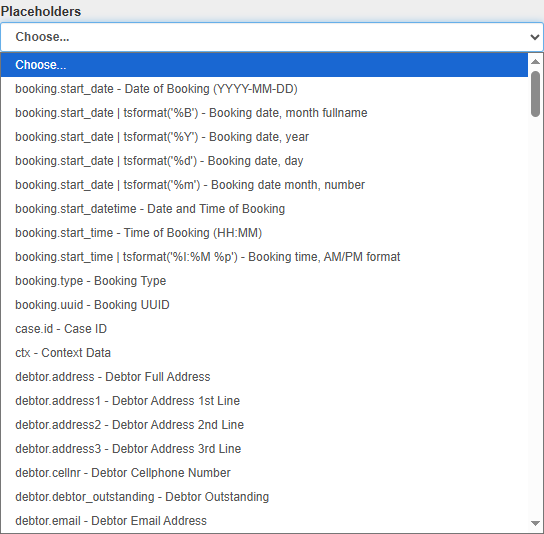
Placeholders save time by eliminating the need to manually enter repetitive Patient, Debtor, Practitioner, or Practice-related information, pulling pre-filled data from various sources within the GoodX system such as Patient files, Debtor records, and booking details, to ensure consistency and reduce errors, while being inserted into templates and replaced with actual data when used, thus personalising communications for each Patient or entity.
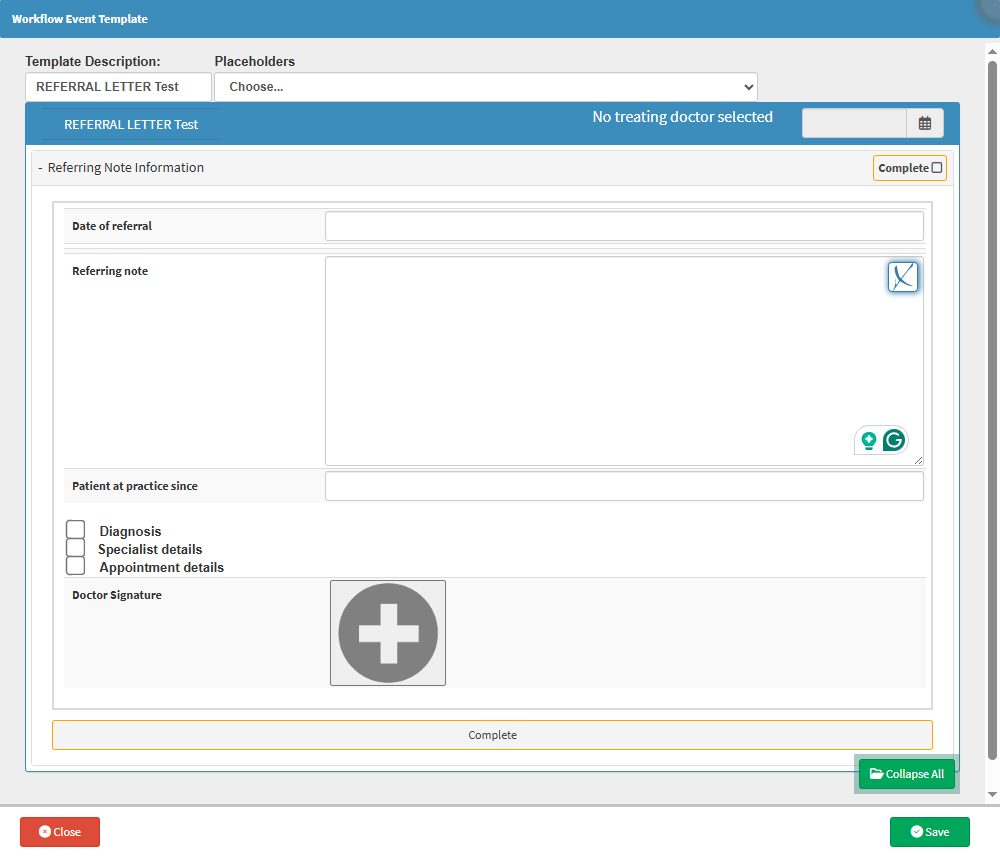
For the purpose of this user manual, we will be starting on an already editable Workflow Event Template. In this case, the Referral Letter is going to be used.
For more information regarding the Workflow Events Template List, please refer to the user manual: Workflow Event Template List.
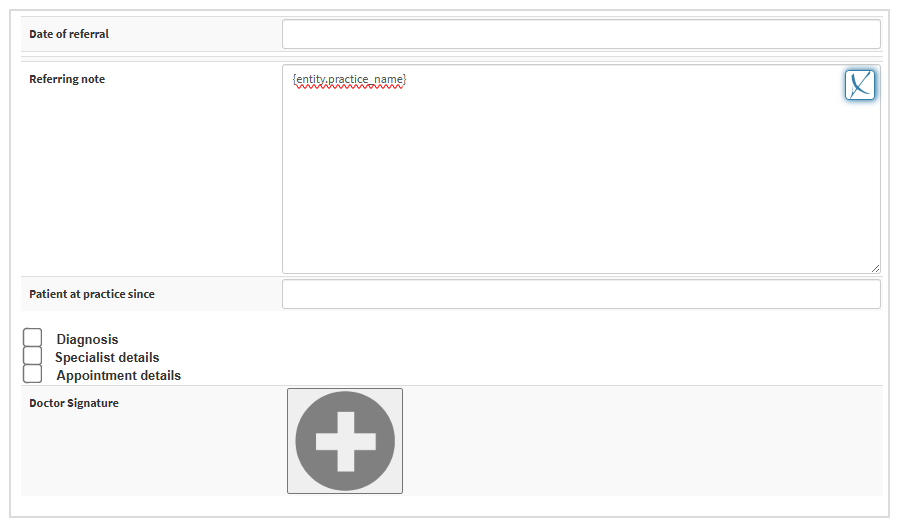
Click on the desired option on the list to insert the Placeholder.
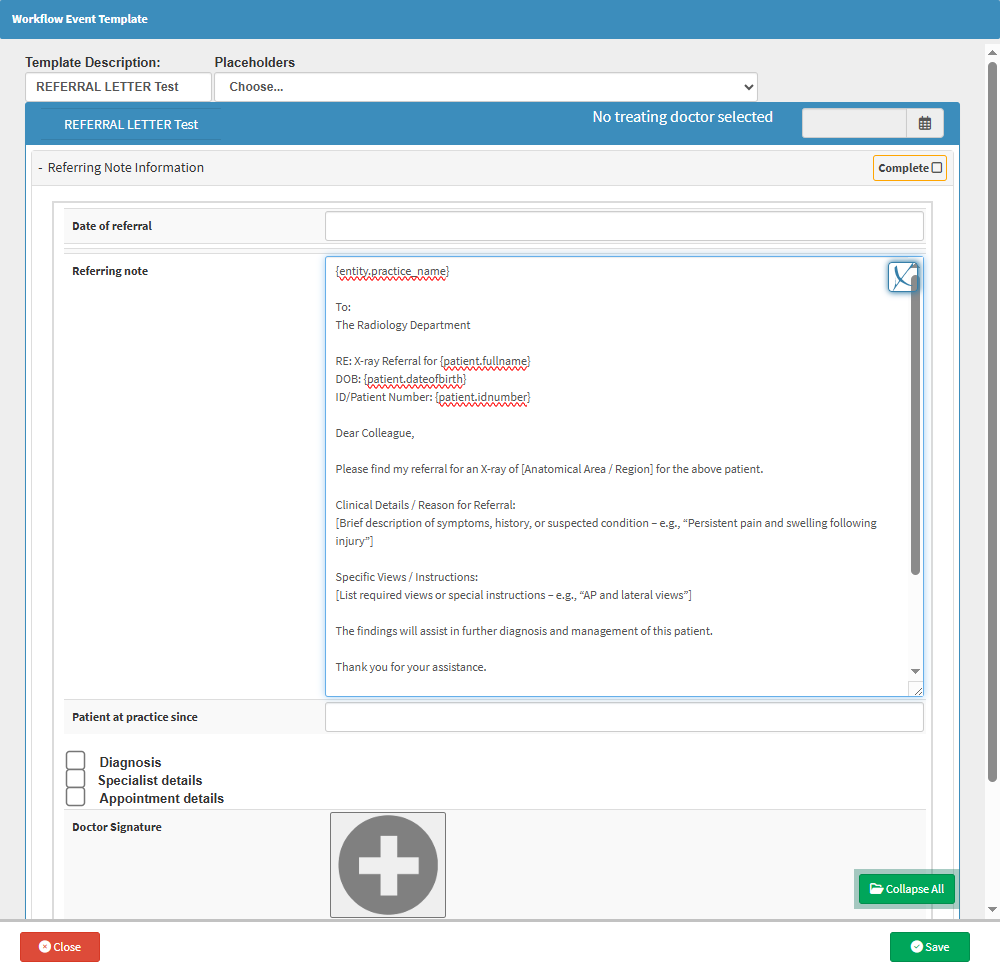
Complete the Referral Letter according to your Practice’s standard format and requirements, ensuring that all Placeholders are inserted in the relevant sections.
Below is an example of the above-drafted Referral Letter with the use of Placeholders.