The SMS History will allow a user to view all the information regarding SMS's that have been sent to debtors and patients. This will show whether the communication has been sent successfully.
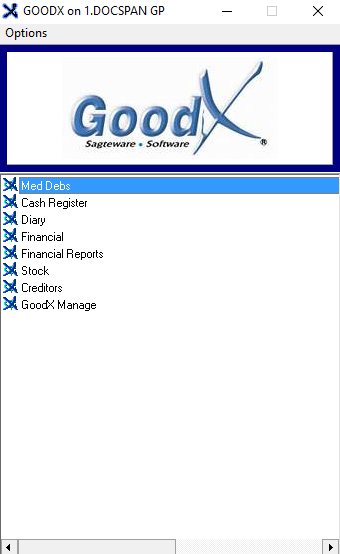
Log in to the GoodX Desktop using your GoodX username and password.
From the Navigator Double Click on the MedDebs Module.
The Main MedDebs screen will open.
SMS History
Allows the user to view all SMS Communication that the practice has sent out.
Click on Batch Transactions on the menubar.
Click on SMS History on the sub-menu.
The SMS History screen will open.
Click on the From Date drop-down menu to open the calendar to select the date from which the history will be displayed.
The Calendar will open.
Click on the desired date to make a selection.
Click on the To Date drop-down menu to open the calendar to select the date to which the history will be displayed.
The Calendar will open.
Click on the desired date to make a selection.
Click on the Refresh button to refresh the history according to the dates that were selected.
Display: Will determine how the history is displayed on the screen.
Select an option by clicking on the relevant radio button:
Threaded Display: Displays all the SMS's as they were sent or received below one another in chronological order (from date first)
Sent Messages only: Displays only the SMS's that have been sent by the practice below one another in chronological order (from date first)
Replies only: Displays only the SMS's that have been received by the practice below one another in chronological order (from date first)
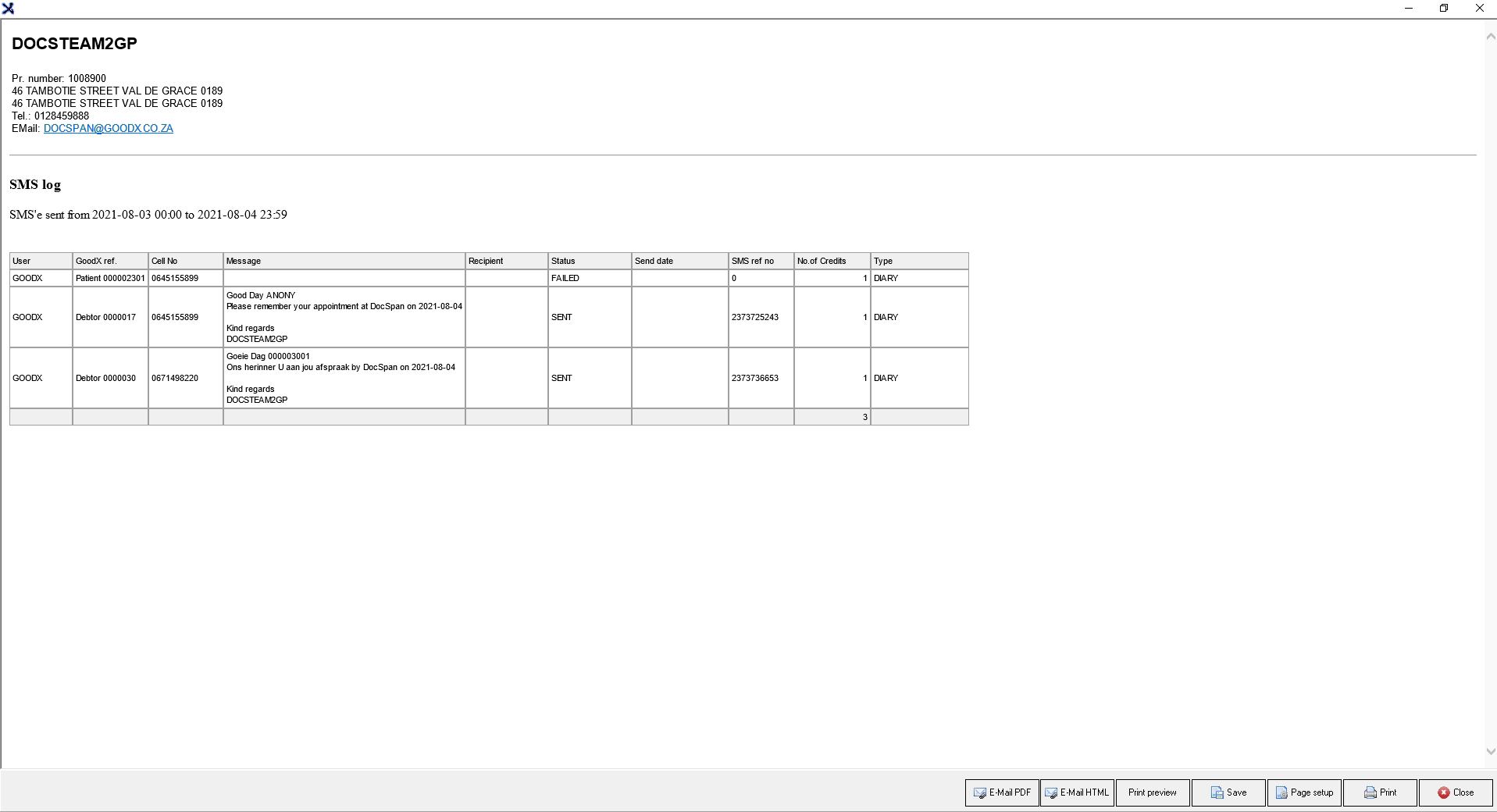
The information of the SMS's on the history will be divided into columns:
User: The name of the user who sent the SMS to the debtor/patient.
GoodX Ref.No: The system account number of the recipient of the message.
Cell No: The mobile number that the SMS was sent to.
Message: The content of the SMS.
Recipient: The name of the debtor or patient to who the SMS has been sent.
Status: Advises the user whether the SMS was delivered.
Send Date: The date and time that the user sent the SMS.
SMS ref no.: A system-generated reference number to identify the SMS.
No. of Credits: The number of credits that were used to send the message.
Type: From where the SMS was sent in the system.
Click on Print to print out the history of the SMS's that was sent.
The SMS log will print to the screen.
The SMS log will have E-mail and Print options for more information regarding these options please refer to the user manual: Options to Print.
Click on Done to return to the main Debtor Manager screen.
Last modified: Tuesday, 13 September 2022, 3:23 PM