A time slot can be deleted when the time slot is not used, or if it has been accidentally added by using new time slot.
A time slot can be deleted with an existing booking, but make sure not to delete an important booking. If the patient has arrived, the time slot can not be deleted.
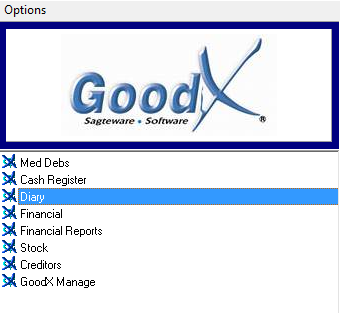
Log in to the GoodX Desktop App with your username and password
Double click on the Diary module
There are two options to Delete a timeslot:
Right-click on the correct booking, or
From the Menu bar, after you click on the correct booking
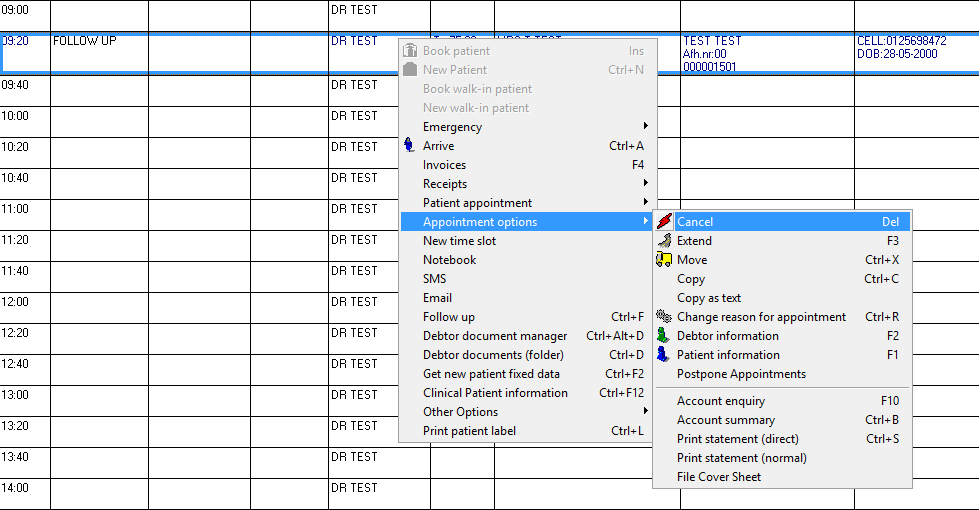
Right-click on the correct booking:
From the Diary screen, right-click on the appointment made
Click on Appointment options, then on Cancel, to delete the booking
On the correct booking and menu bar:
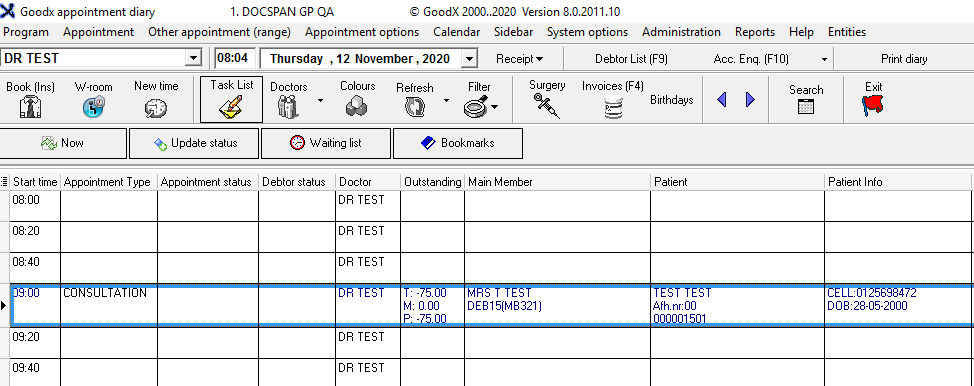
From the Diary screen, click once on the appointment that you want to delete
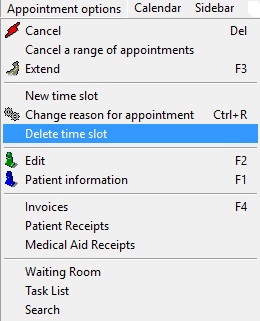
From the menu bar, click once on Appointment options menu
From the drop-down, click once on Delete time slot
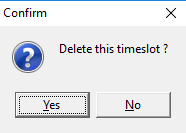
A Confirmation screen will appear
Click on the Yes button to proceed with the deletion
Click on the No buttonto cancel the deletion
If you clicked on Yes, the timeslot will be deleted
Last modified: Wednesday, 2 December 2020, 5:32 PM