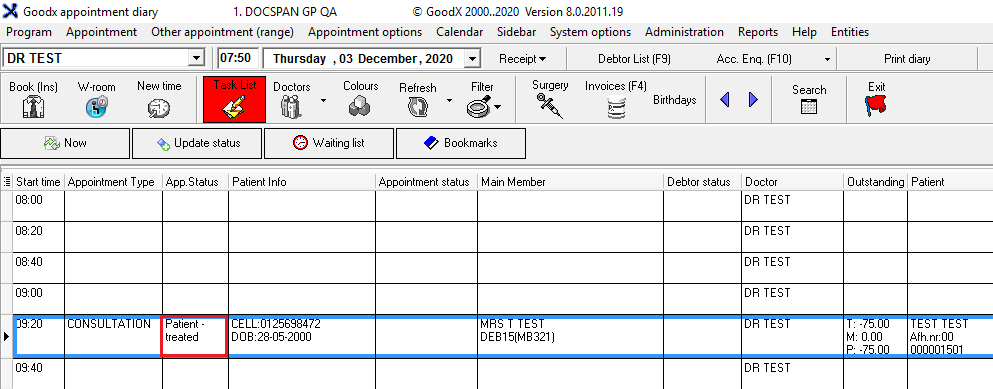
The patient's booking will be marked as treated; this will indicate that the patient was seen by the Doctor and the treatment is done. When an invoice is posted on the patient's appointment the appointment will be marked as treated automatically.
Log in to the GoodX Desktop App with your username and password
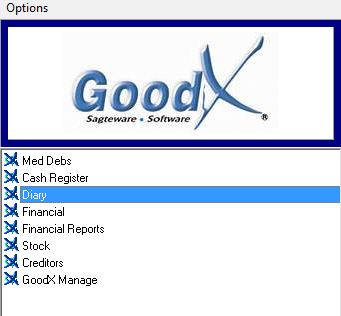
Double click on the Diary Module
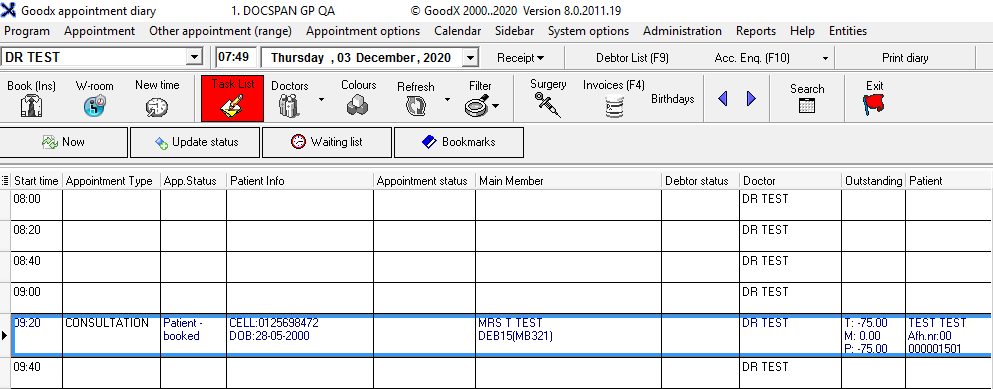
From the Diary screen, click once on the booking made
From the menu bar, click once on Appointment
From the sup menu, click on Treated or click Ctrl + Z on your keyboard
The patient's consultation will change to black to indicate that the patient is treated, depending on your setup