Text size
Line height
Text spacing
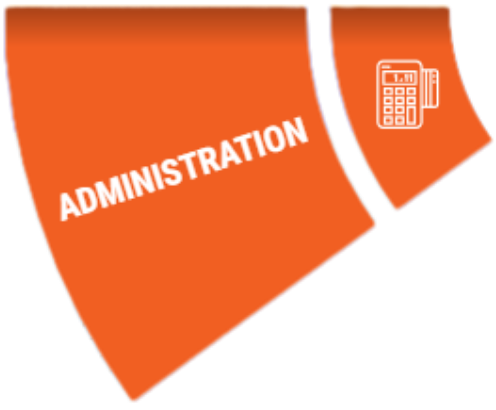
The Administration segment acts as the central management hub for your Practice's organisational structure. By utilising this function, the Practitioner or administrative staff can efficiently manage regulatory compliance, employee details, and departmental workflows. It streamlines the oversight of non-clinical operations, ensuring that the Practice remains organised, compliant, and correctly staffed within a single, integrated navigation point.
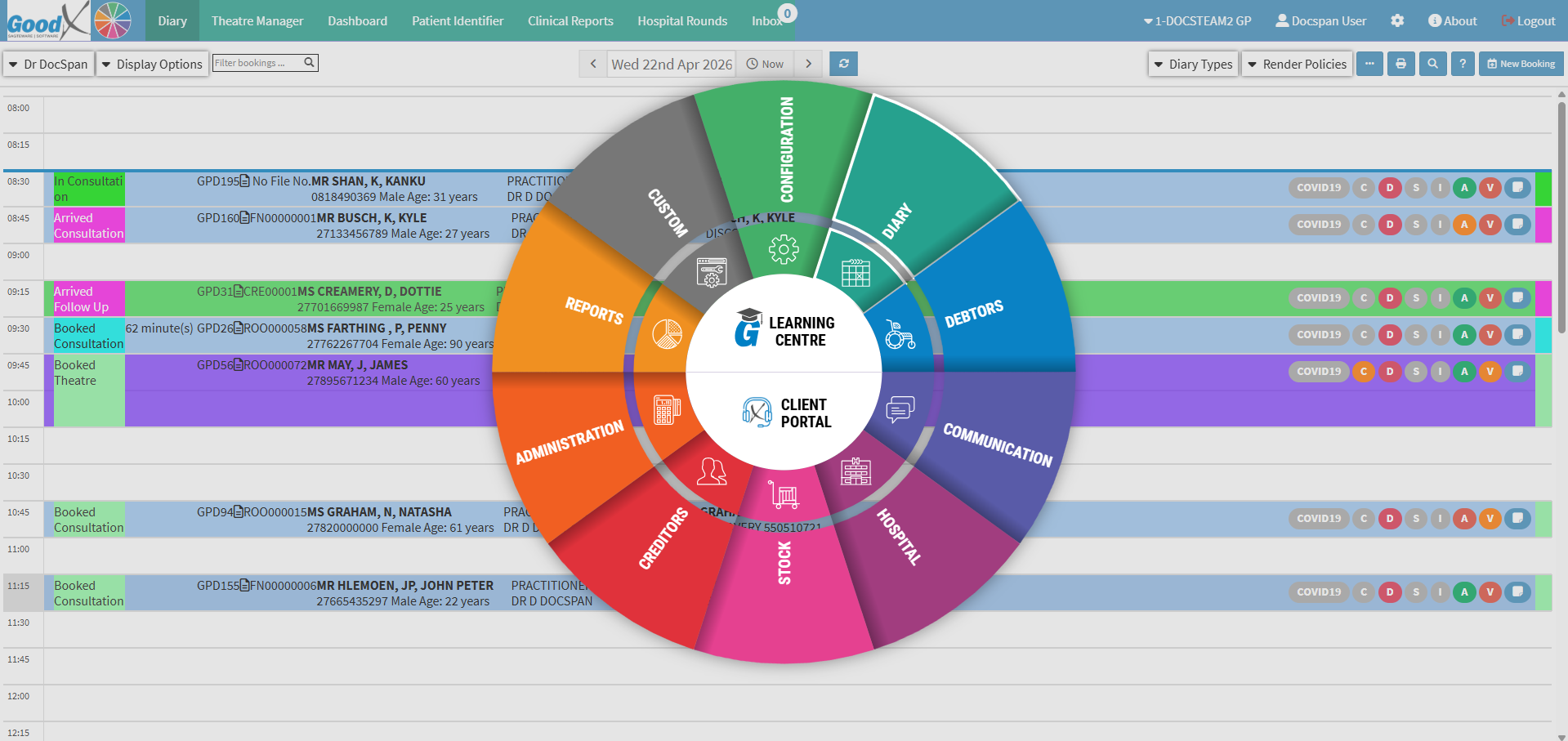
The Administration segment forms part of the Navigation Wheel. For more information regarding the functionality of the Navigation Wheel, please refer to the user manual: Navigation Wheel.
💡Please Note: This is the default set-up of the segment, and the Navigation Bar items can be customised to the needs and preferences of the Practice. For more information regarding the customisation of the segment, please refer to the user manuals: General Settings and Navigation (Wheel) Settings.
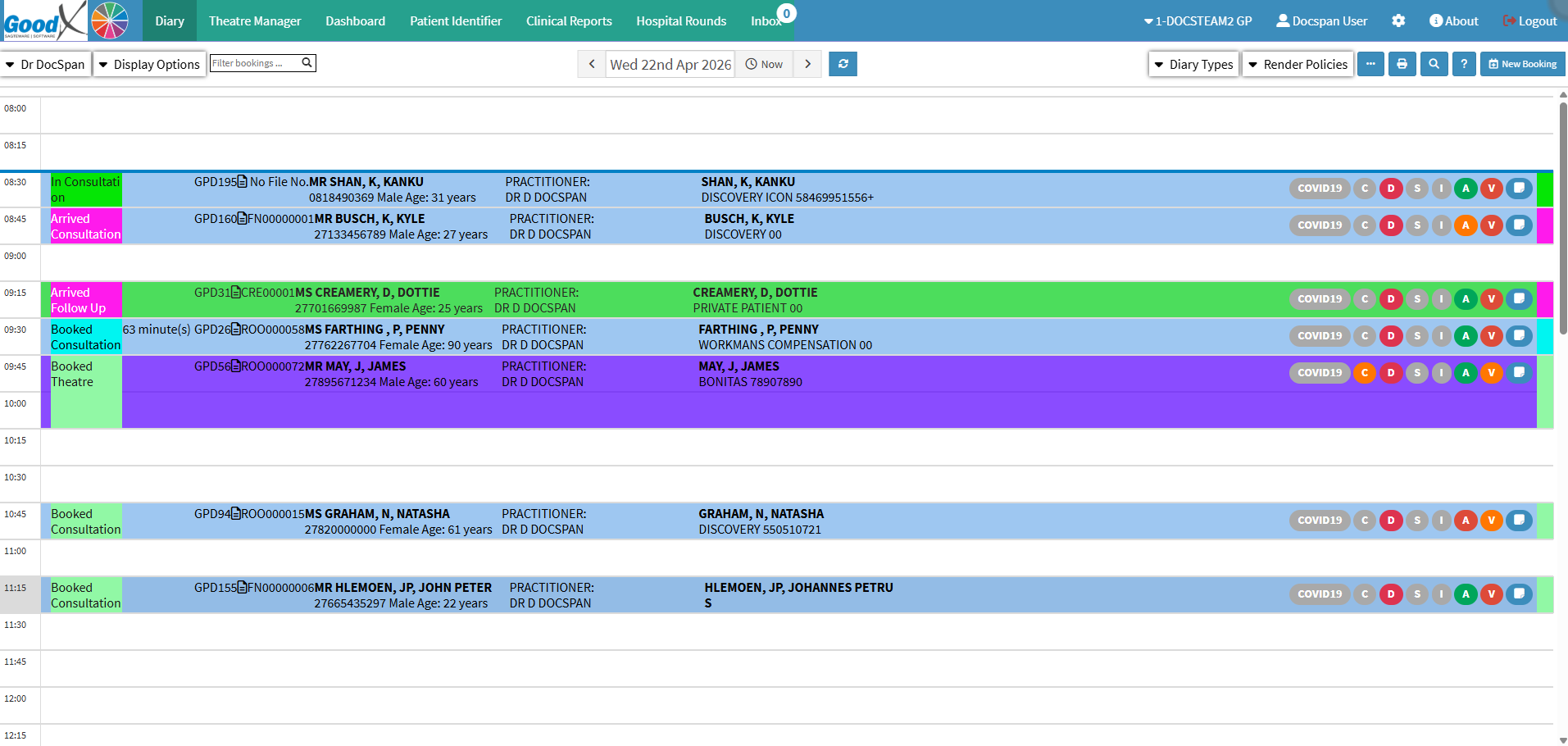

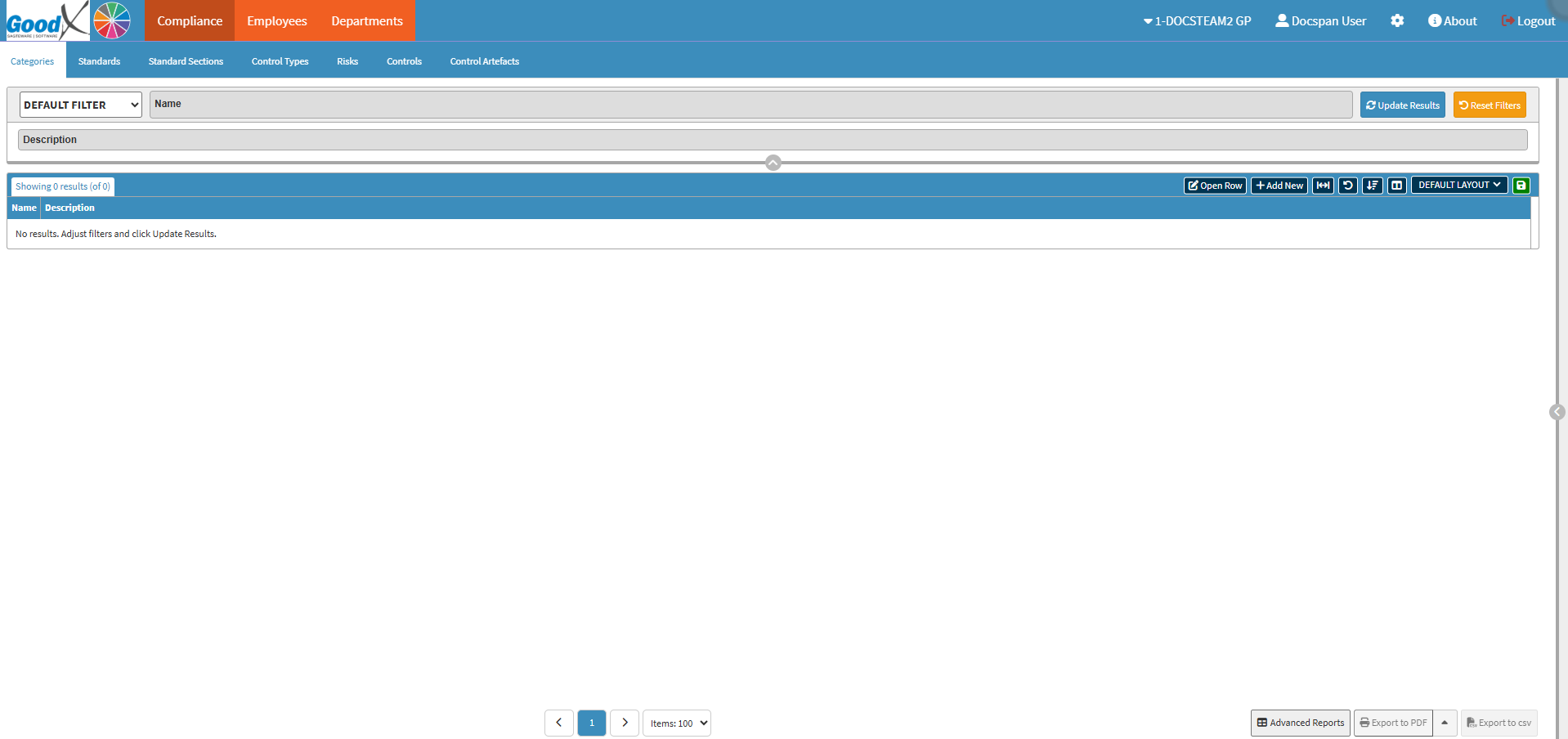
The Compliance tab allows the Practice to track and manage regulatory requirements and legal standards to ensure all operations meet industry-specific mandates.

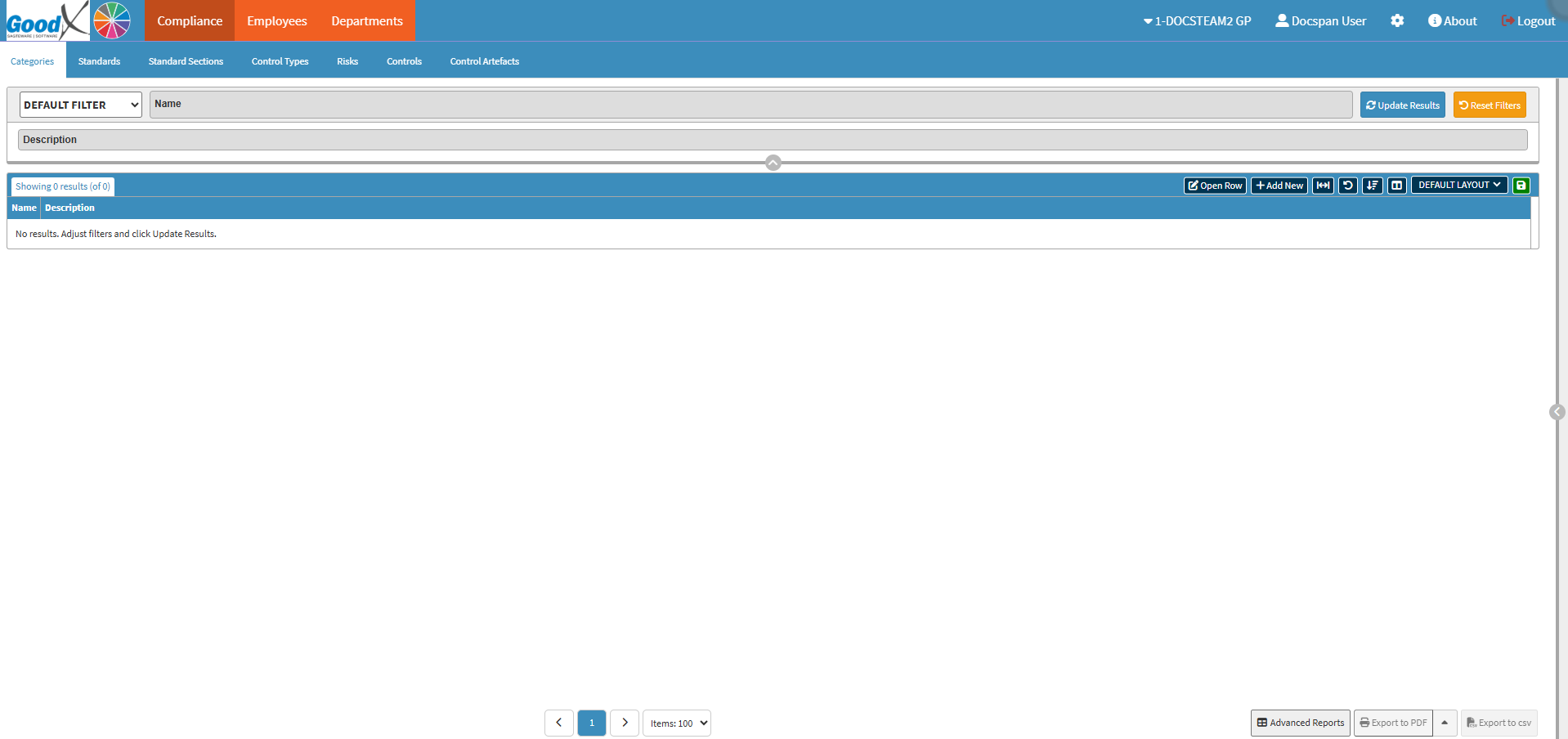
The Employees tab is used to manage personnel records, access levels, and individual practitioner details essential for day-to-day operations and ERA management.

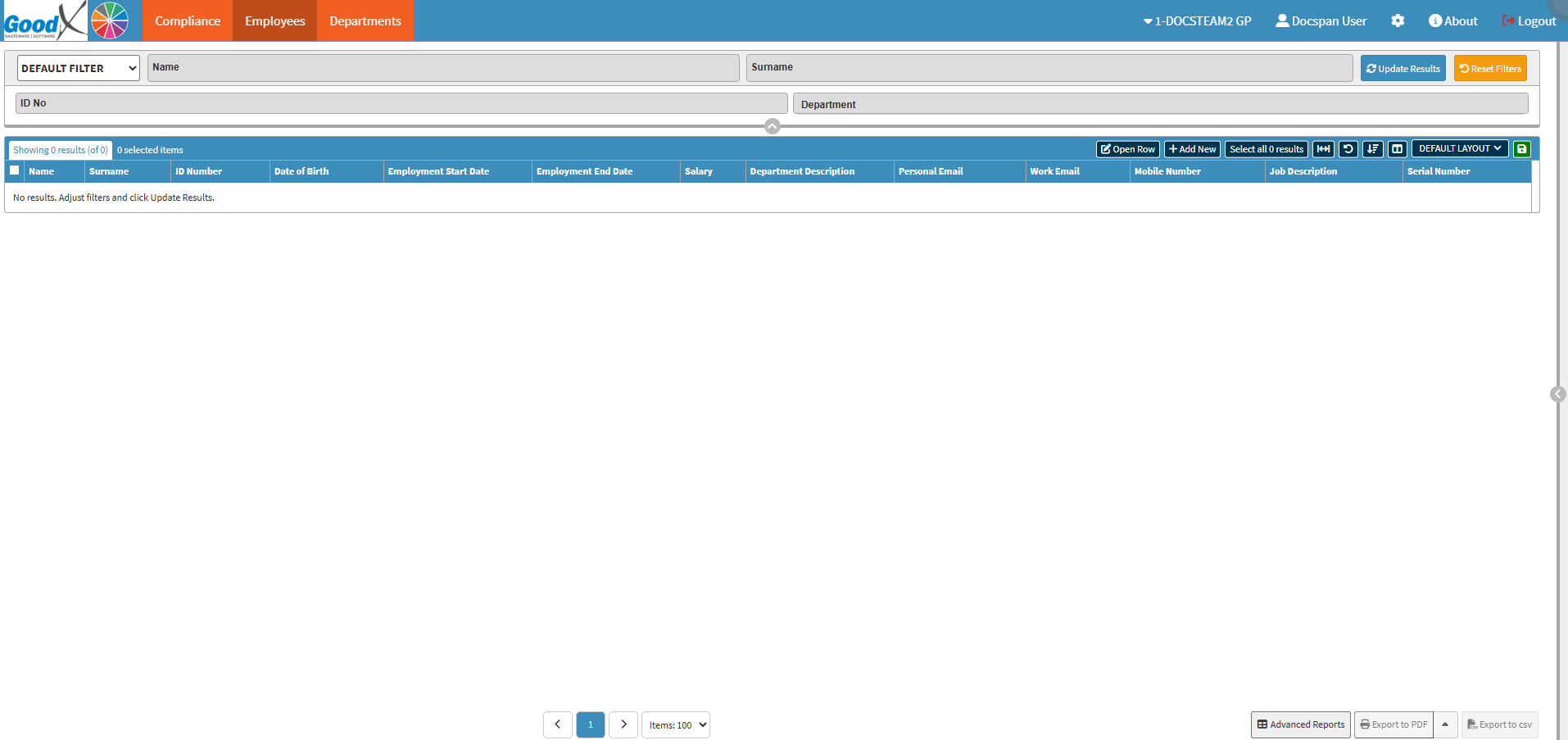
The Departments tab helps organise the Practice into specific operational units, allowing for better task delegation and specialised workflow management.