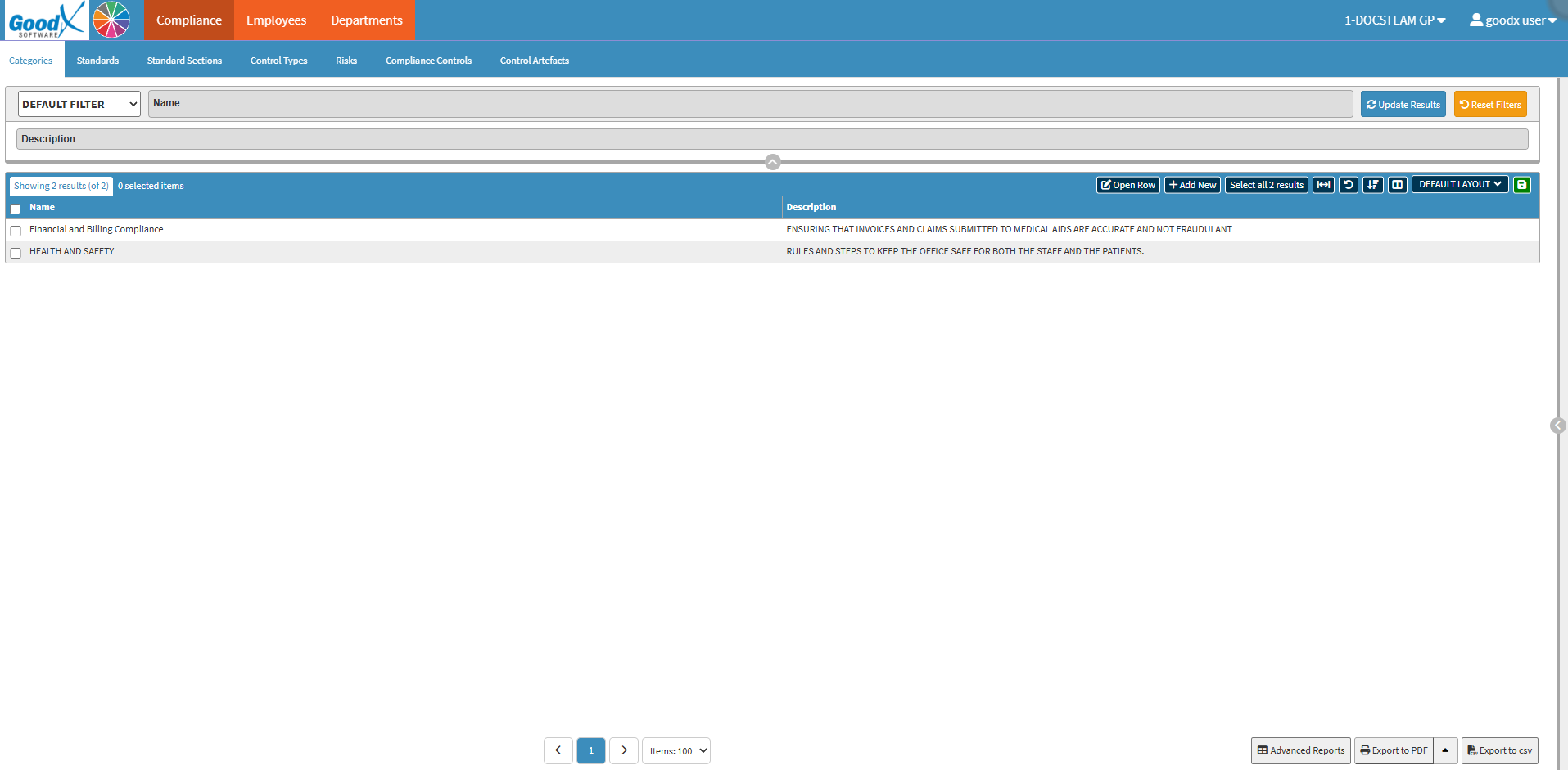
The Compliance screen is utilised to establish a structured regulatory framework within the Practice. By using this function, the Practitioner can categorise industry Standards, identify potential organisational Risks, and implement specific Controls to mitigate those hazards. This centralised module ensures that the Practice remains compliant with legal mandates and maintains high safety standards by tracking Control Artefacts as digital proof of adherence.
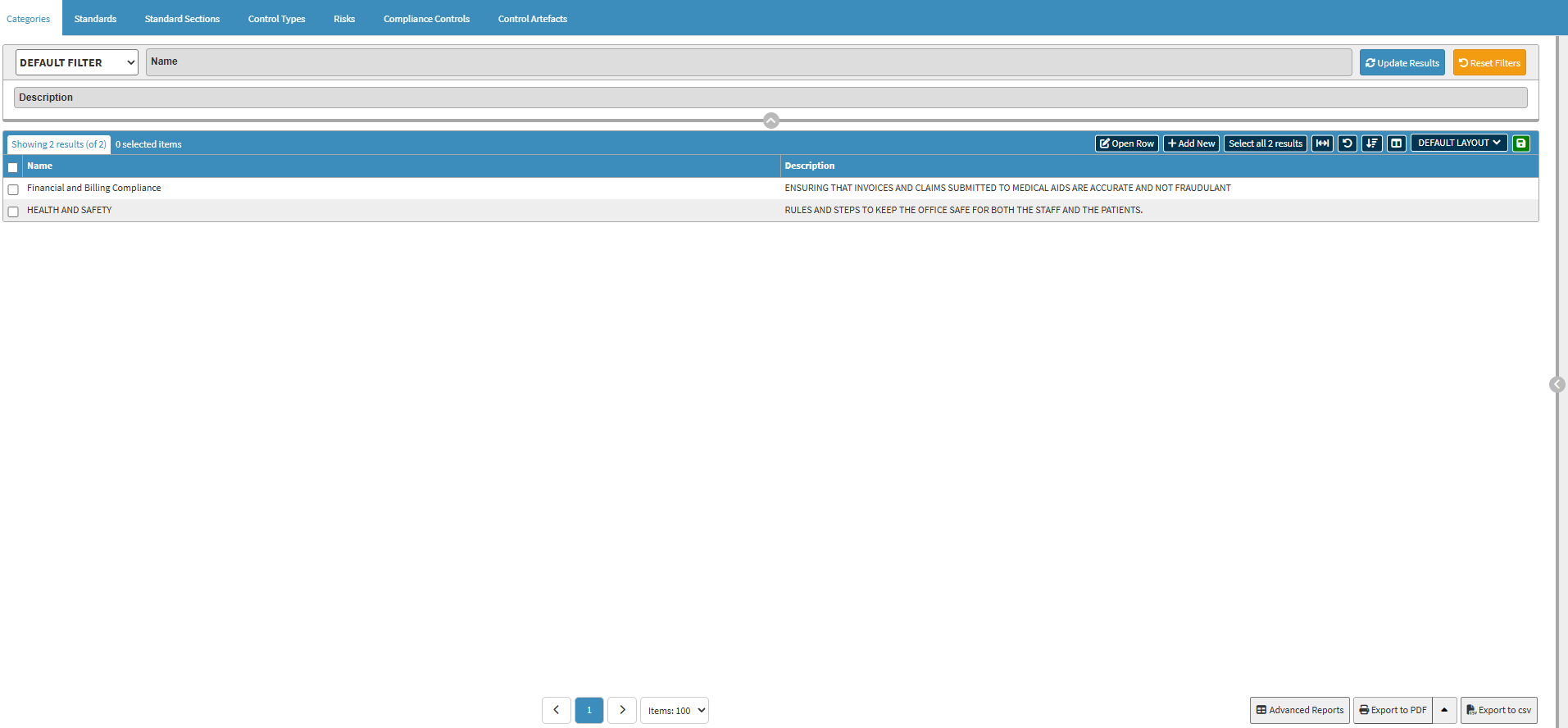
Categories: The Categories tab is used to group related compliance areas, such as Health and Safety or Data Privacy, to keep the regulatory library organised. For details, see Categories Sub Tab Navigation.
Standards
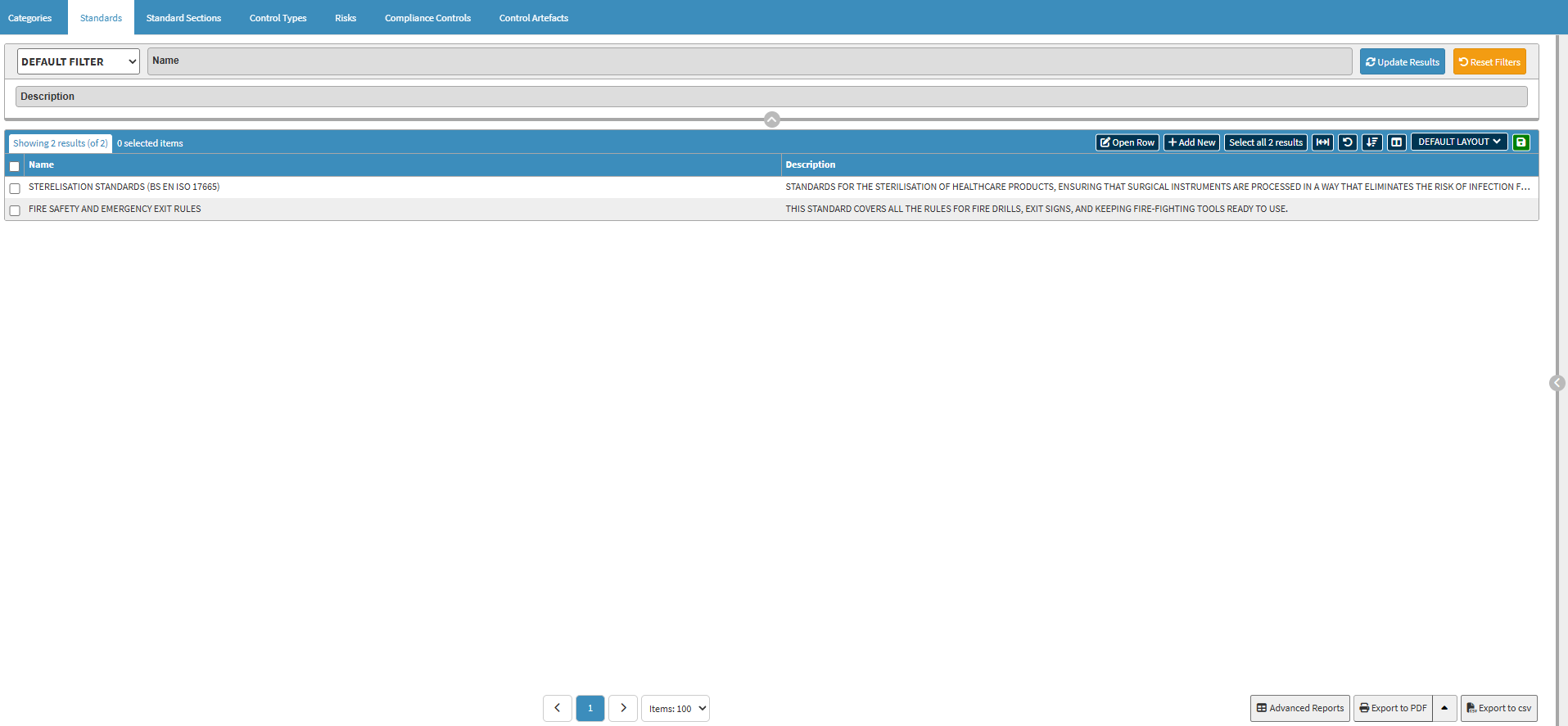
Standards: The Standards tab allows the Practice to define the specific quality benchmarks and regulations, such as ISO or HPCSA guidelines, that must be met. For details, see Standards Sub Tab Navigation.
Standard Sections
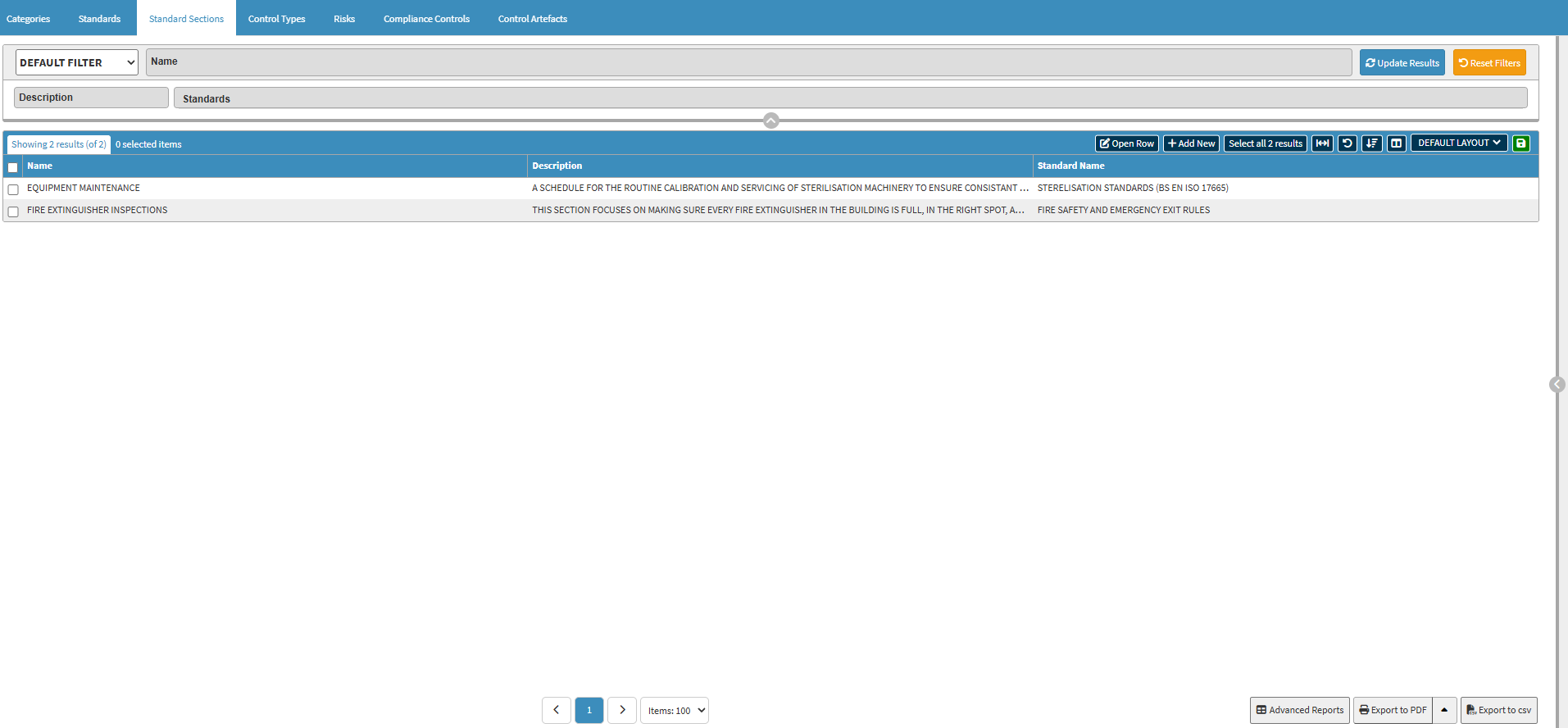
Standard Sections: The Standard Section tab is used to break down broad Standards into smaller, manageable sections or specific clauses for easier tracking. For details, seeStandard Sections Sub Tab Navigation.
Control Types
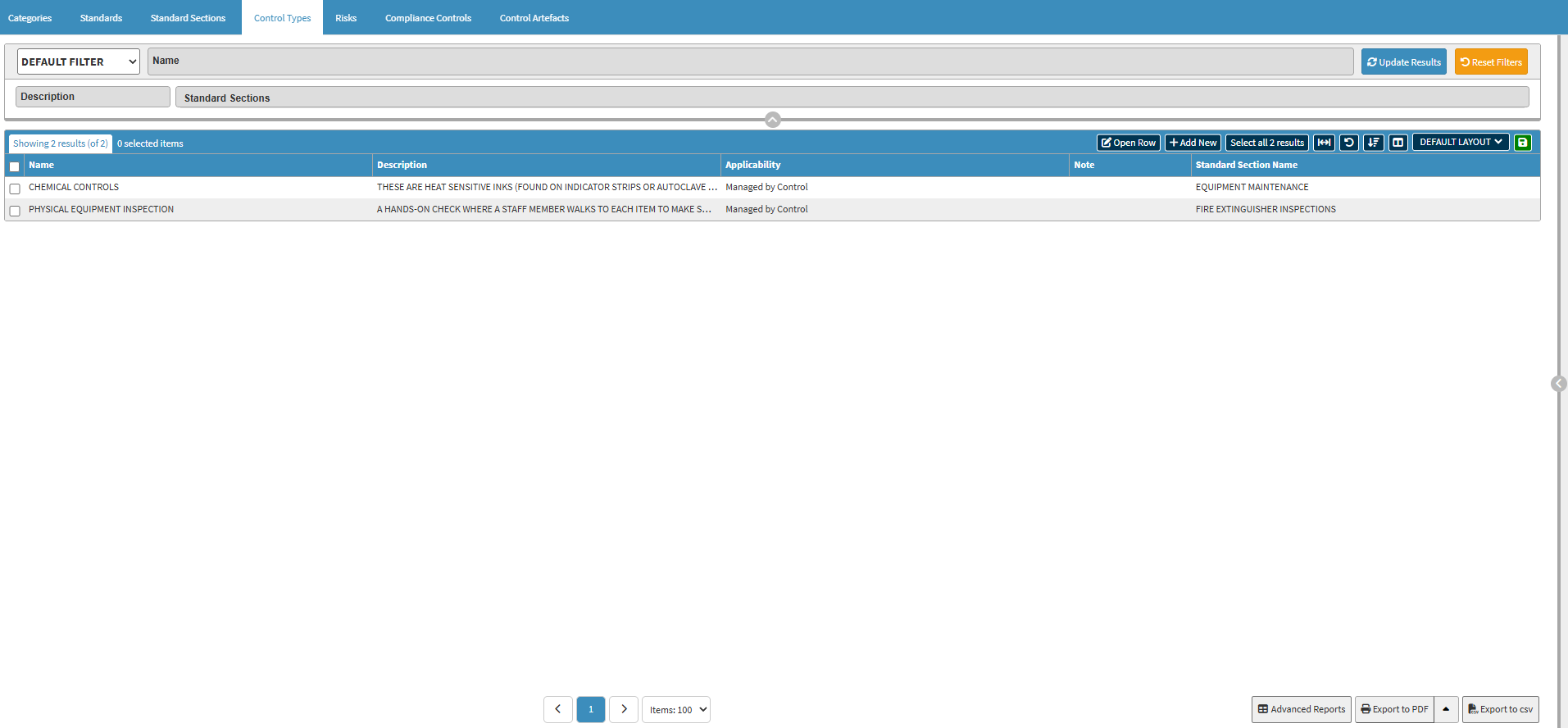
Control Types: The Control Types tab lets you define methods used to verify compliance, such as physical inspections, biological monitoring, or administrative audits. For details, see Control Types Sub Tab Navigation.
Risks
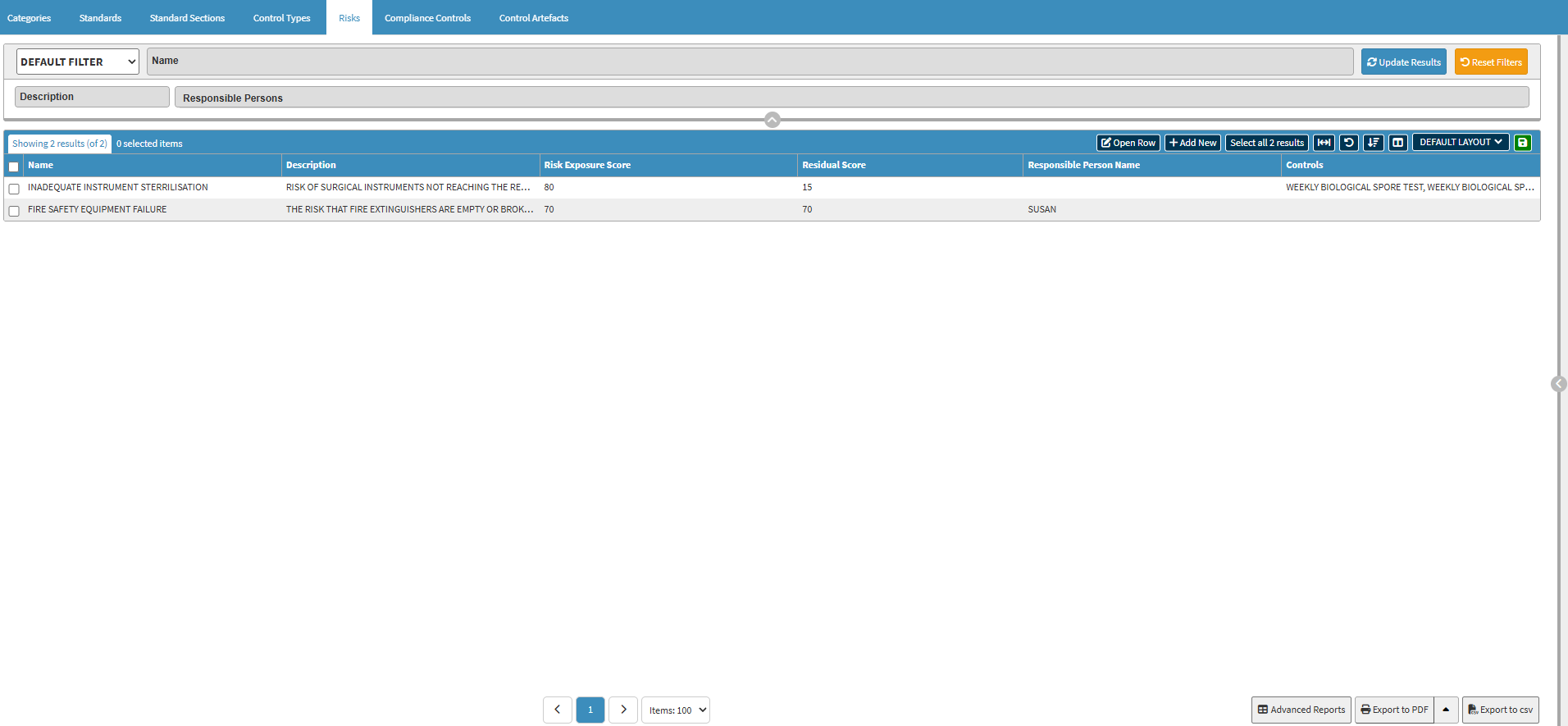
Risks: The Risks tab is used to identify and score potential hazards within the Practice that could lead to non-compliance or Patient harm. For details, see Risks Sub Tab Navigation.
Compliance Controls
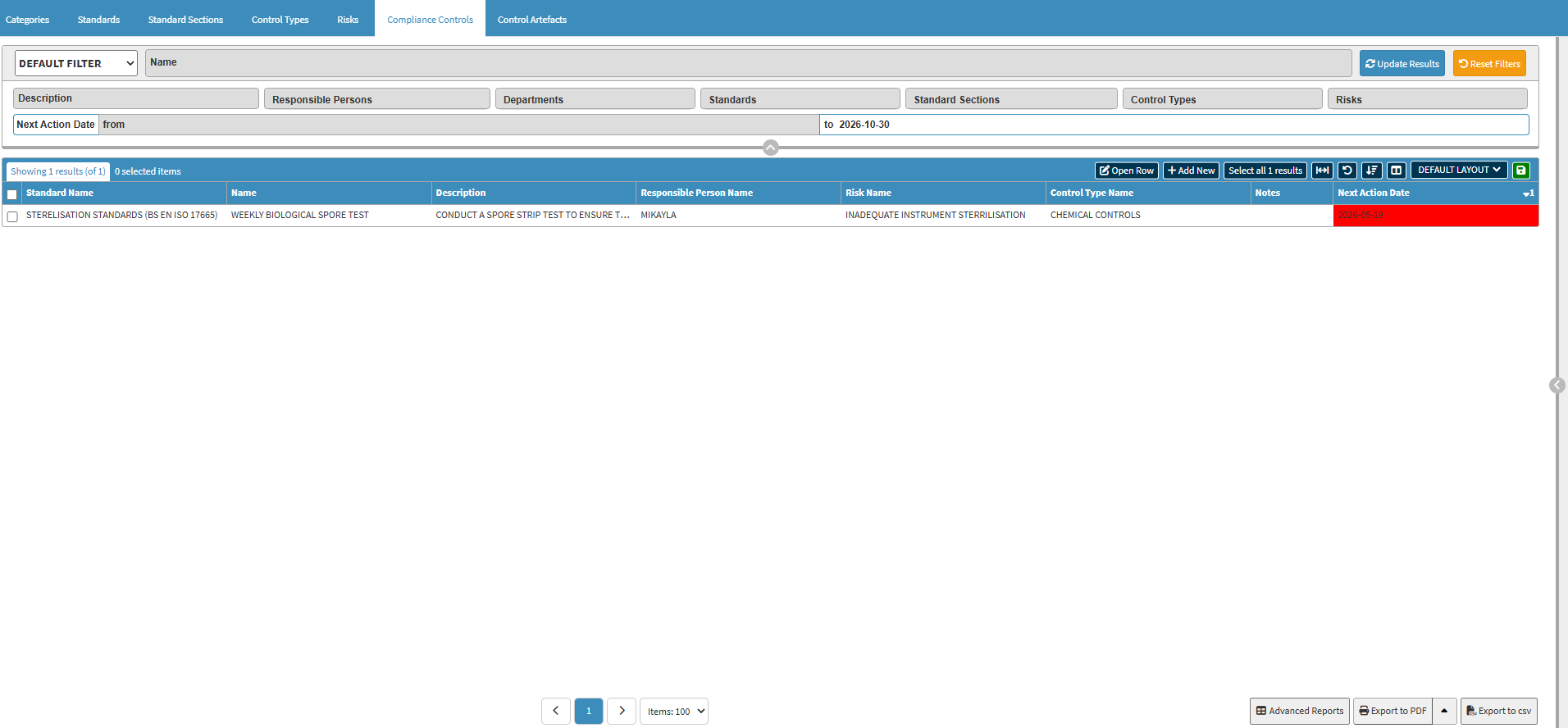
Compliance Controls: The Compliance Controls tab allows the practitioner to set up specific, repeatable actions and intervals designed to reduce or eliminate identified risks. For details, see Compliance Controls Sub Tab Navigation.
Control Artefacts
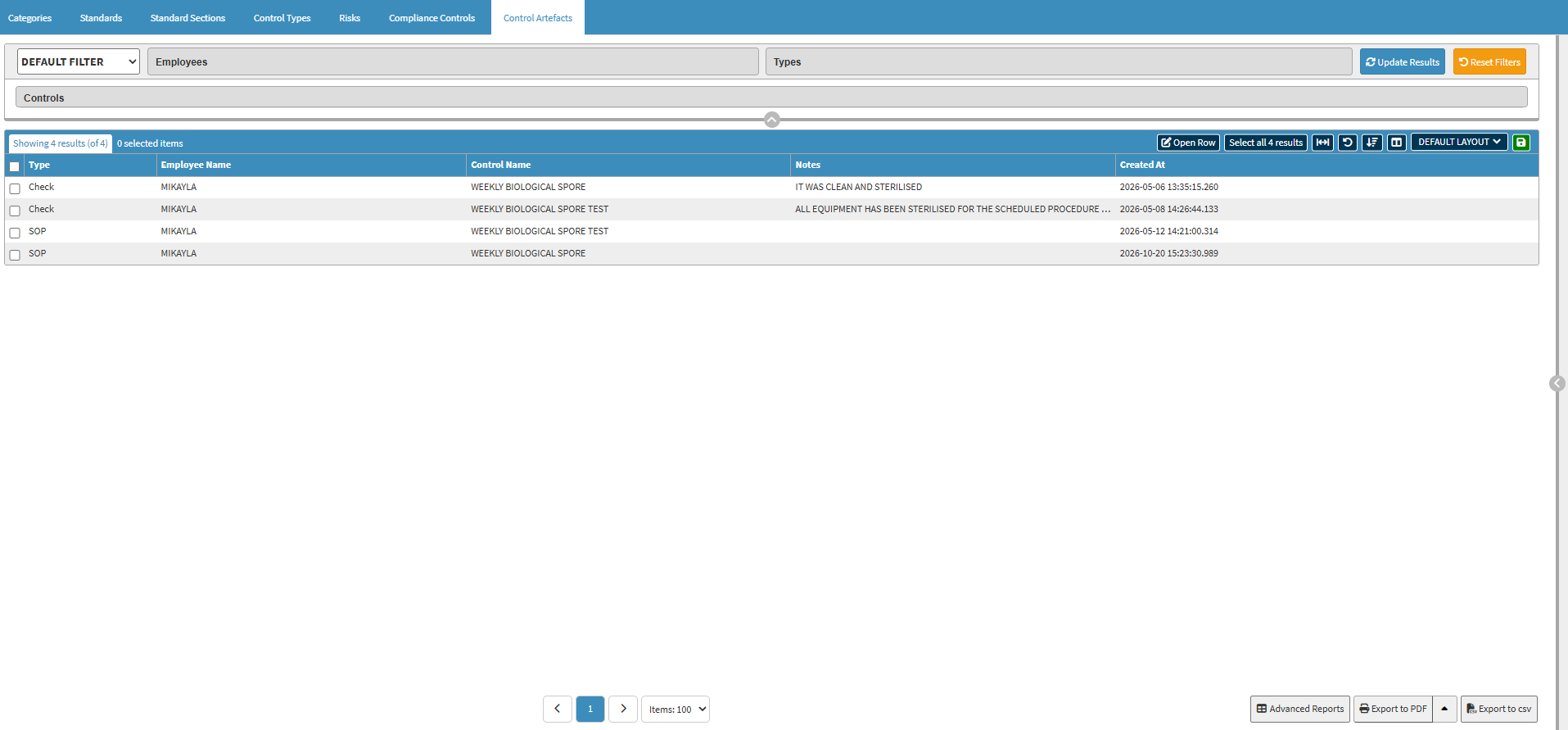
Control Artefacts: The Control Artefacts tab serves as a repository for evidence, such as test results or signed documents, proving that the required Controls were successfully performed. For details, see Control Artefacts Sub Tab Navigation.