The Stock Adjustment Codes tab allows you to set up and maintain your Adjustment Codes. Stock Adjustment codes are used to identify and track specific Stock items within the system. Stock Adjustments are performed for three primary reasons:
Lost Stock: Items that have gone missing and need to be accounted for in the inventory.
Broken Stock: Items that are broken or have damaged packaging, rendering them unusable.
Expired Stock: Items that have passed their expiration date and are no longer safe or viable for use.
The contents of this user manual will consist of the following information:
Filters
Screen Columns Action Buttons
Columns
Page Options
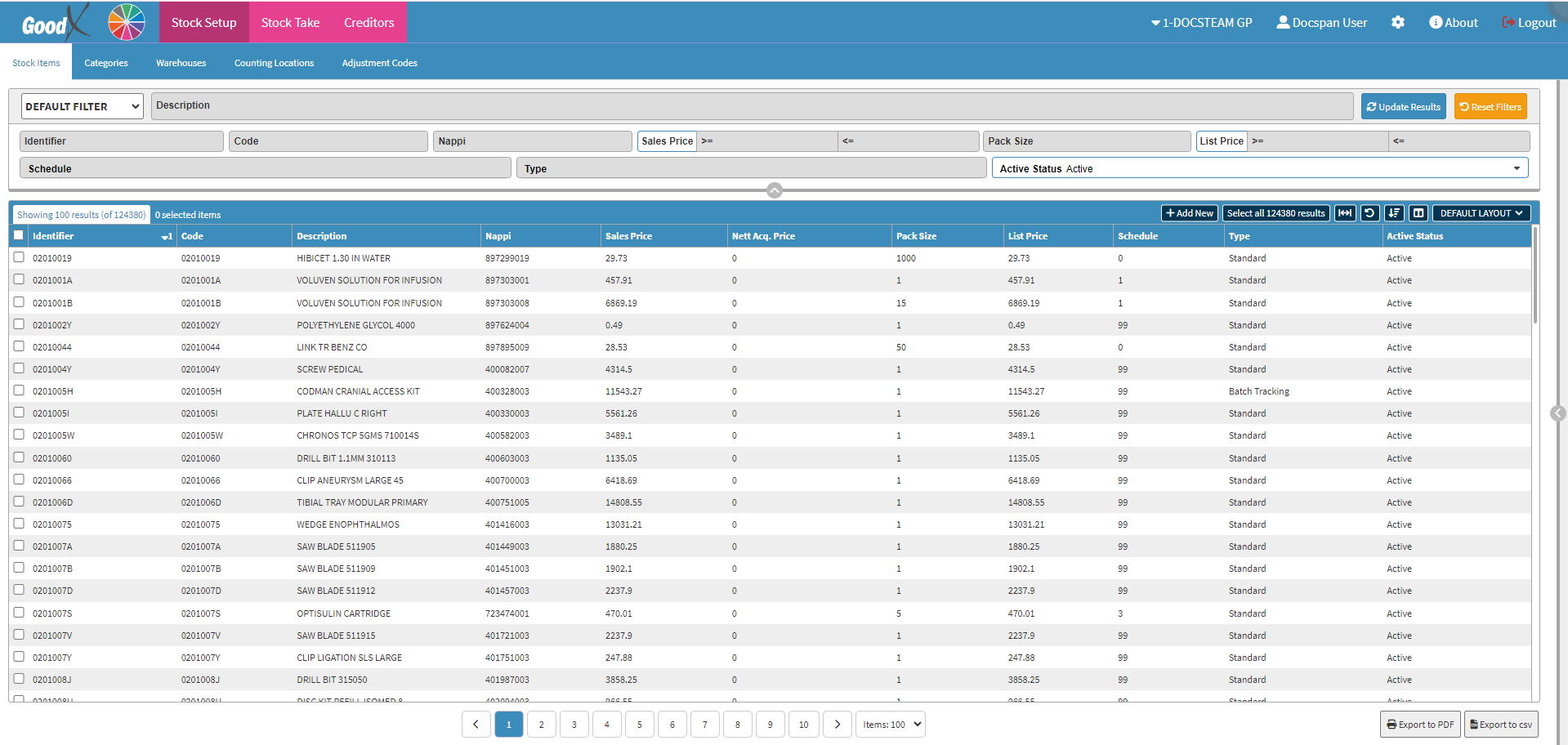
This user manual will start on the Stock Setup screen, Stock Items tab.
Filters are tools or functionalities that allow you to narrow down or refine the results displayed on the Adjustment Codes screen.
Click on the Description field to enter the detailsof the Adjustment Codeyou are searching for, only 3 characters are required before the results will start filtering.
Click on the Identifier field to enter the identifierof the Adjustment Code you are searching for, 2 characters are required before the results will start filtering.
Click on the Update Results button to refresh the list after the filters have been selected.
Click on the Reset Filters button to clear the filters that have been set.
Click on the Enabled slider to change the list options from active to inactive, allowing you to include or exclude Adjustment Codes that are no longer active from the list results.
Screen Columns Action Buttons
Several additional Options are available for the Columns. These additional Options can be used to help you adjust the list, refine the Search and give more specific results.
Click on the +Add New button to create a new Adjustment Code.