Text size
Line height
Text spacing
This User Manual is currently under construction. Thank you for your patience.
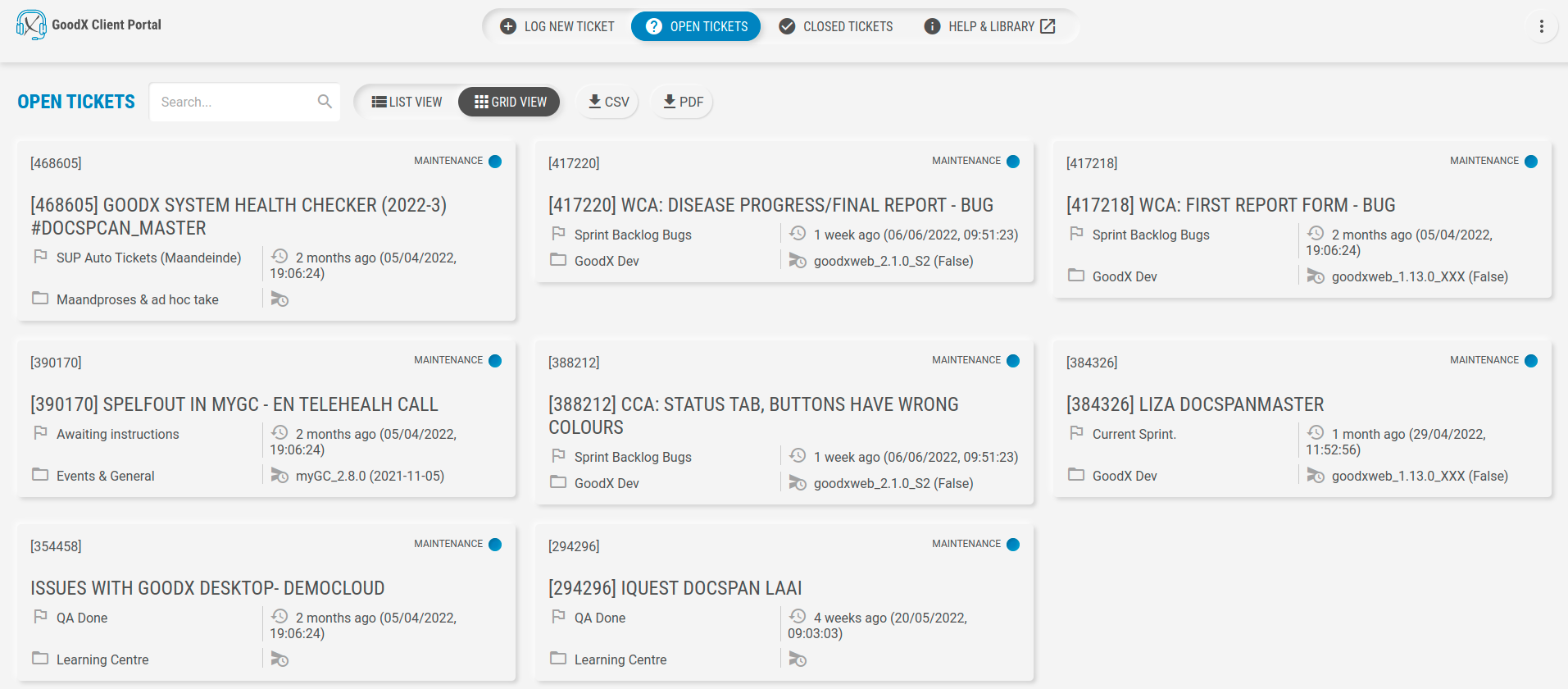
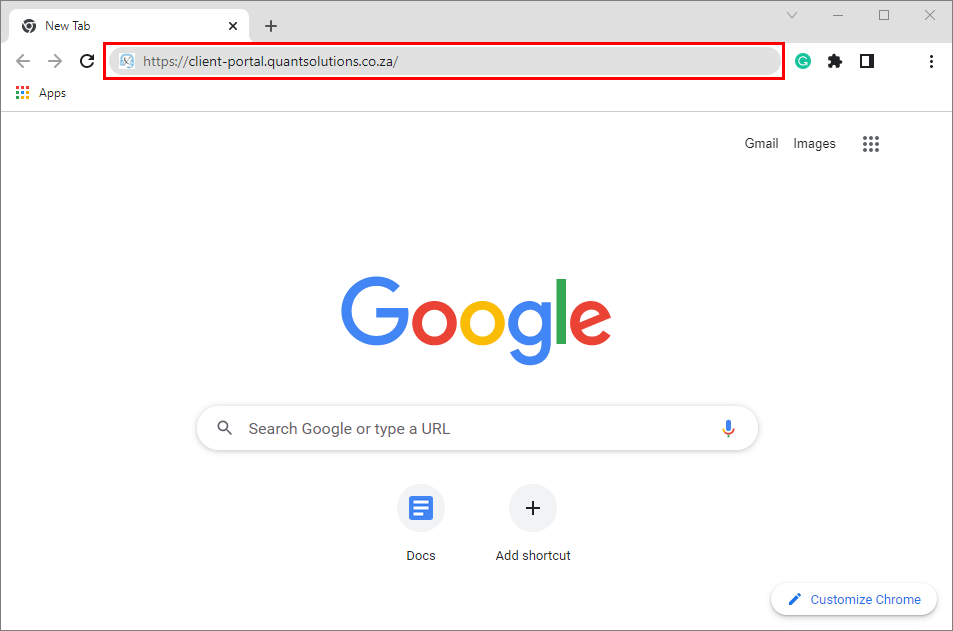
Logging in to the Client Portal enables registered users to access their Client Portal profiles, where users are able to submit and view support requests (tickets) in the GoodX Management System.Please Note: In order to use the Client Portal, the user will need to either have Google Chrome or Safari installed on their computer as an Internet browser. Google Chrome will need to be newer than version 50.
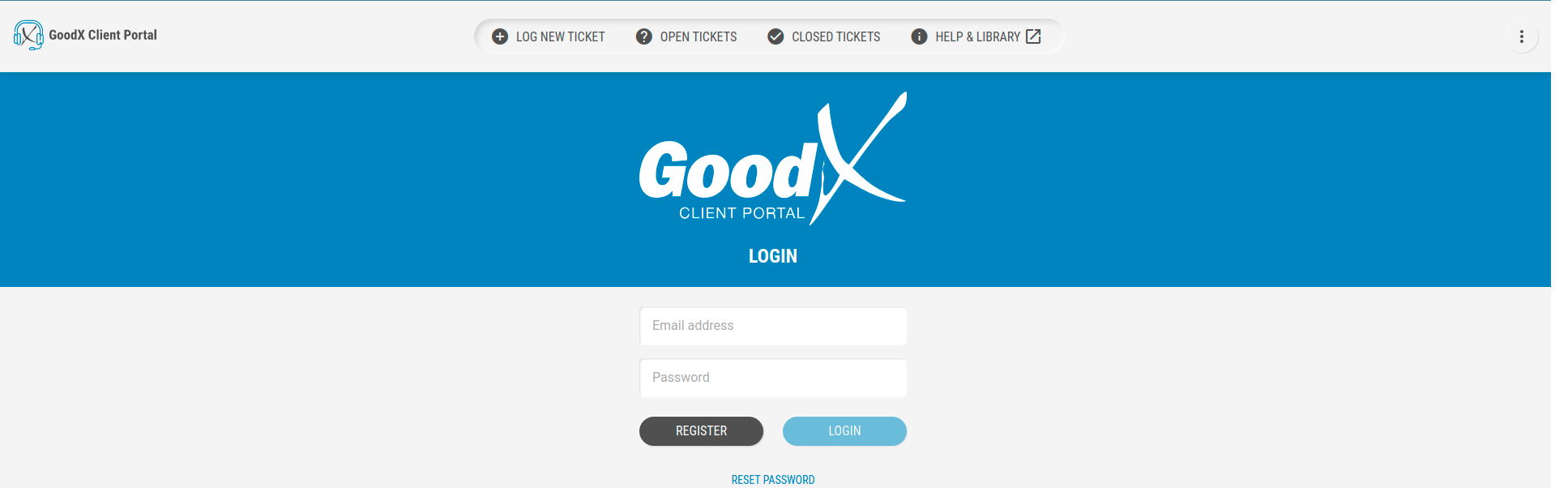


Please Note: The user will be unable to Click on the Login button until both fields have been completed.


Please Note: Users will need to go through the registration process before being able to log in to the Client Portal. For more information regarding the registration process, please refer to the user manual: The Client Portal.