Text size
Line height
Text spacing
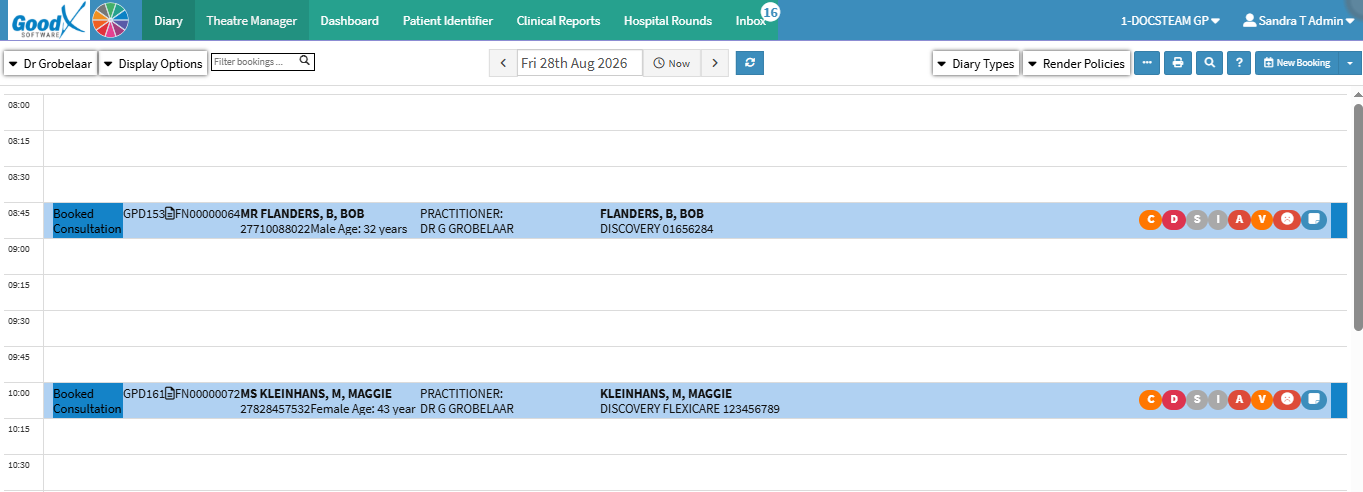
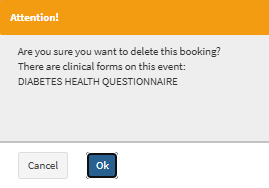
Deleting a booking removes an appointment from the Diary when it is no longer required. This may be necessary when a booking was created in error, is no longer needed, or a patient cancels their appointment.
Removing bookings that are no longer required helps keep the Diary up to date and prevents unused appointments from remaining in the schedule. It also keeps the Diary clear, making it easier to identify the appointments that still require attention.


💡Please Note: How the cancelled booking appears depends on how you configured your Diary. For details and navigation, see Booking Status Setup and How to Change Display Options.