Text size
Line height
Text spacing
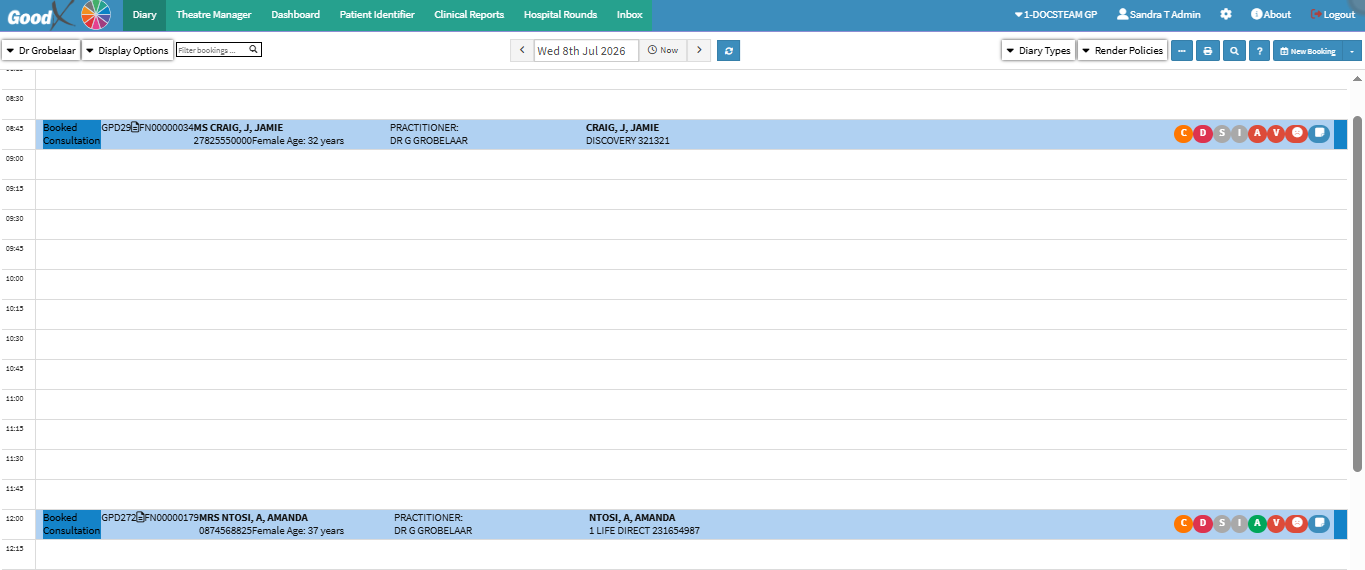
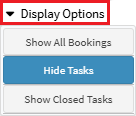
Display Options customise the information shown on the diary to suit the user's preferences and workflow. Users can choose to show or hide specific information, such as active bookings, deleted bookings, and tasks, creating a clearer and more focused diary view.
Customising the diary display helps reduce unnecessary clutter, makes important information easier to find, and supports quicker navigation and more efficient diary management.