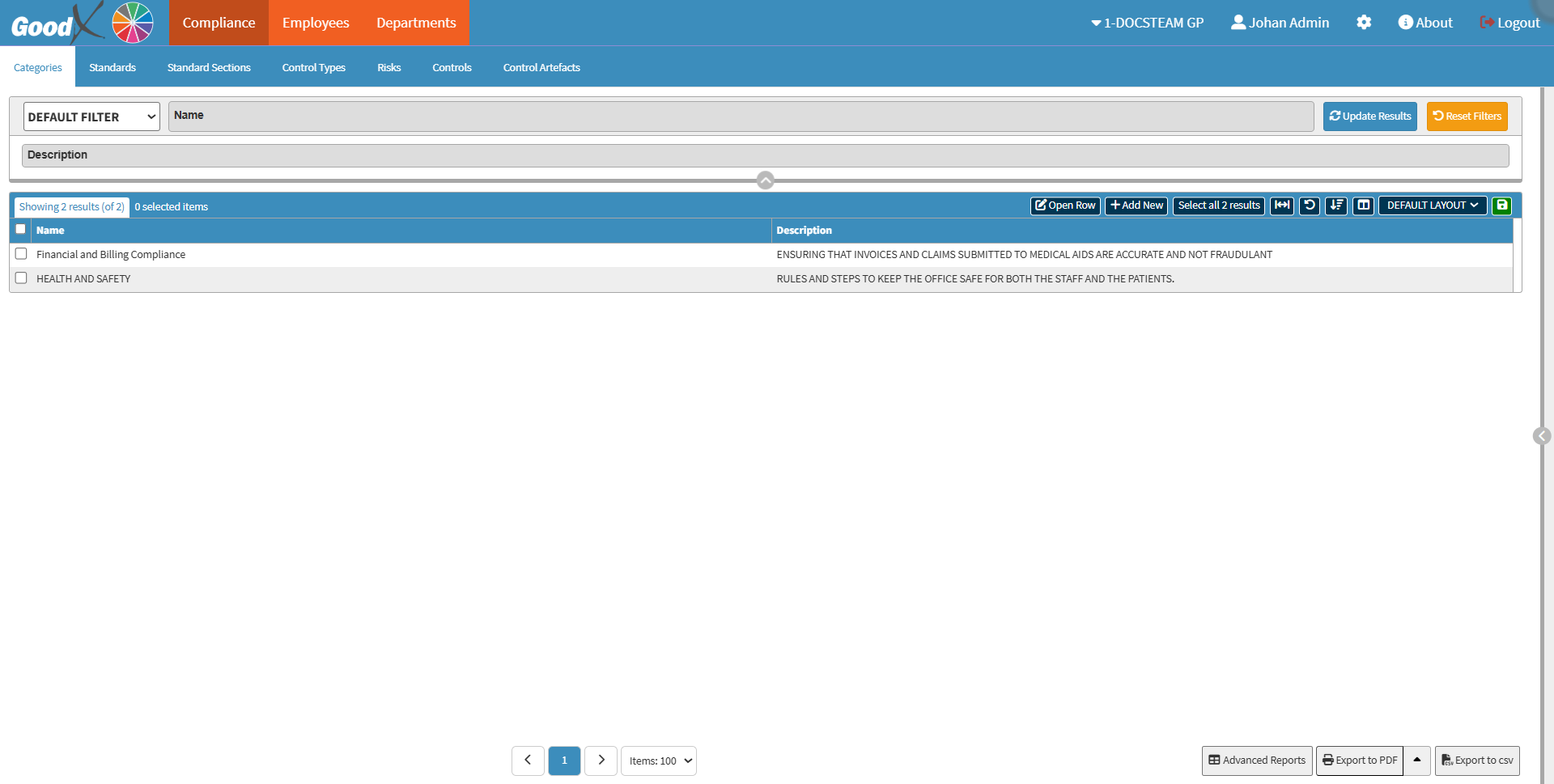
The Categories sub-tab allows you to create, view, and manage compliance categories within the system. You can organise standards and related records into structured categories, search for existing categories using filters, and access category records for review or updates. This screen helps maintain an organised compliance structure and improves navigation across compliance-related information.
The Contents of This User Manual:
Filters
Screen Column Action Buttons
Columns
Page Options
This user manual will start on the Compliance tab, Categories sub-tabscreen.
All the additional options that are available for the page.
Clickon the Previous button to navigate to the previous page.
Clickon the Page Number button to navigate to the desired page.
Clickon the Next button to navigate to the next page.
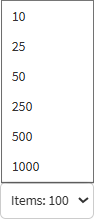
Clickon the Items drop-down menu to select the number of items that will be displayed on the screen.
Click on the Advanced Reports button to generate an Advanced report.
Click on the Export to PDF button to save a PDF file of all the data as a comprehensive report.
Clickthe Export to PDF drop-down menu to access the Export Consolidated PDF option, which generates a single document that combines data from multiple sources for an overview.
Clickon the Export to CSV button to save all the list items in a CSV format.
Last modified: Wednesday, 14 October 2026, 12:43 PM