Text size
Line height
Text spacing
Booking an existing patient uses the patient's information already stored in GoodX. There is no need to create a new file or capture the patient's details again. You can select the existing patient and continue with the booking.
Using the existing information saves time and reduces repetitive data capture while ensuring that the appointment is linked to the correct patient and debtor. This keeps the booking process simple and the patient's existing information connected to their appointment.
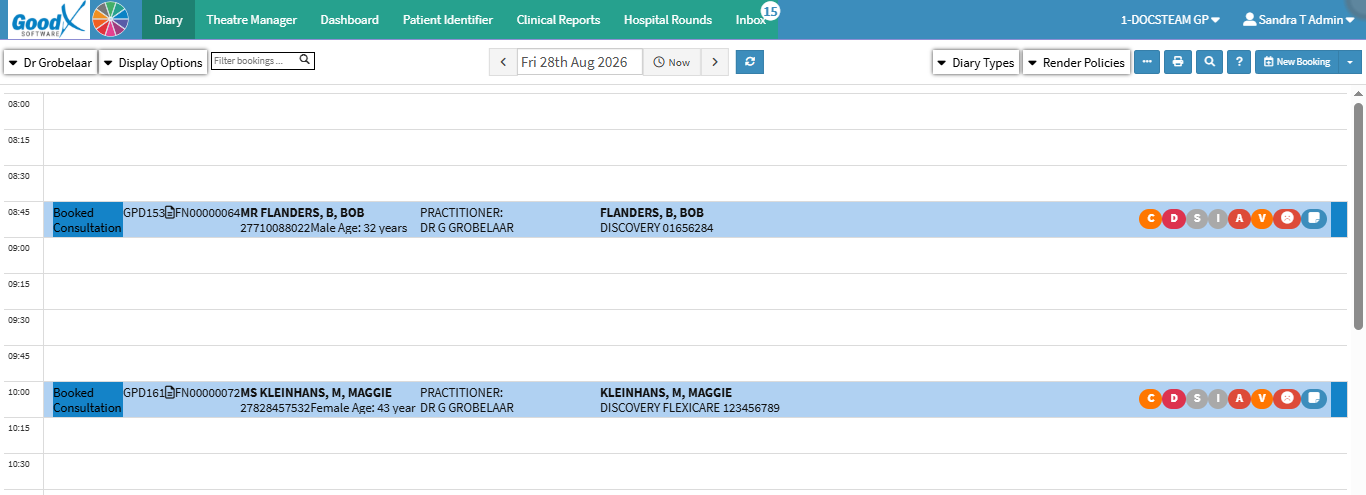

💡Please Note: The New Booking button is tailored to the Practice's needs. For details, see General Settings: Navigation and Use.

