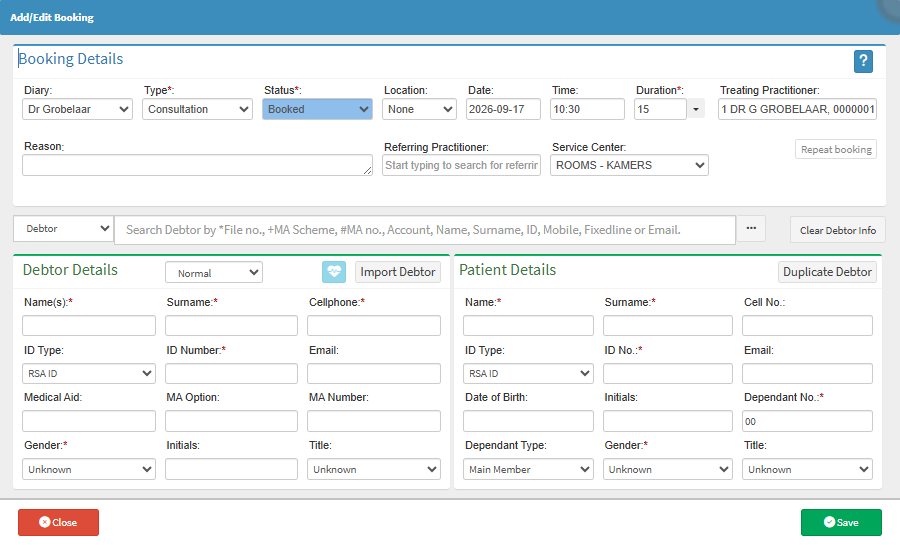
Click on the Search Debtor by field and enter the desired patient's details.
💡Please Note: Typing a single character into the search field will display a drop-down list. You can search by File No, MA Scheme, MA no, Account, Name, Surname, ID, Mobile, Fixedline or Email.
Alternatively, click on the Ellipse button and select the desired debtor from the list. For details and navigation, see Debtors Screen Navigation.
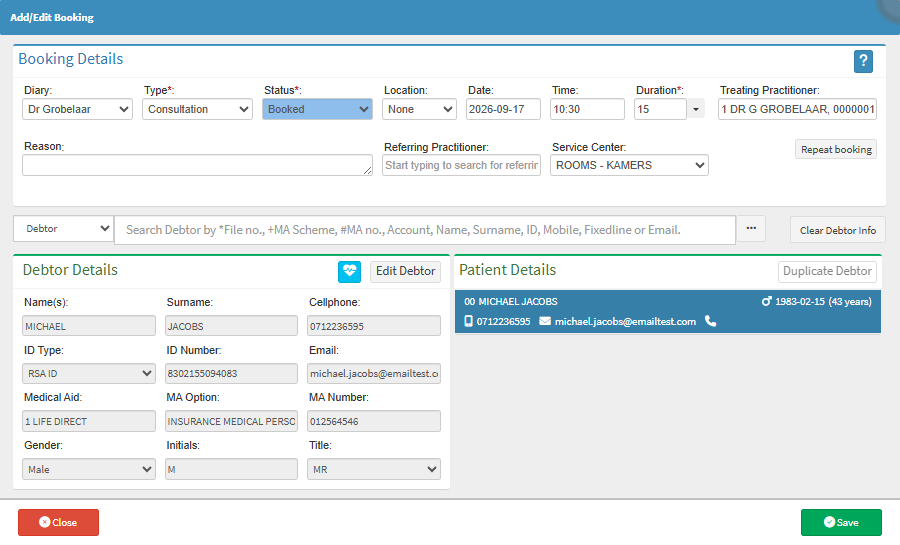
Result
The searched debtor is now selected and populated.