Text size
Line height
Text spacing
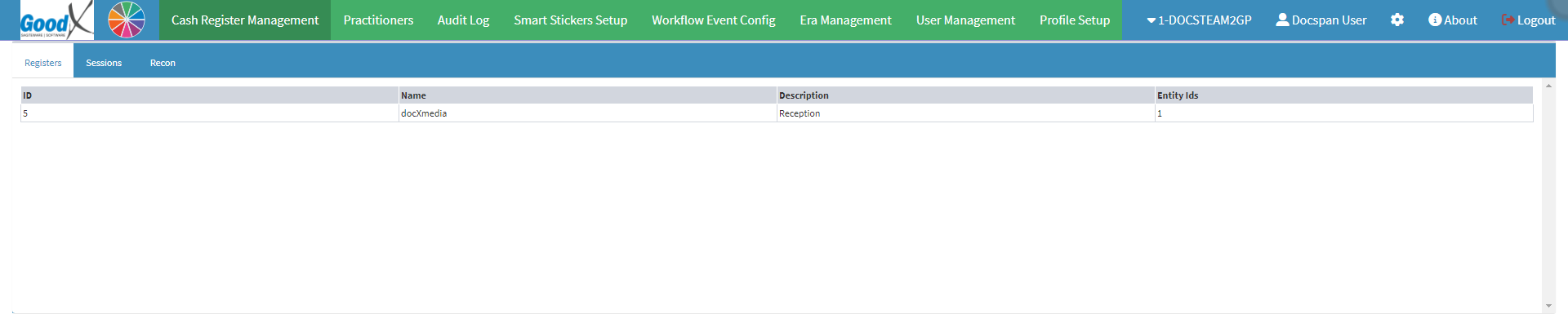
The purpose of the Reports is for the Practitioner to generate a Report for bookkeeping purposes. A Report is a document that presents information in an organised format for a specific audience and purpose.




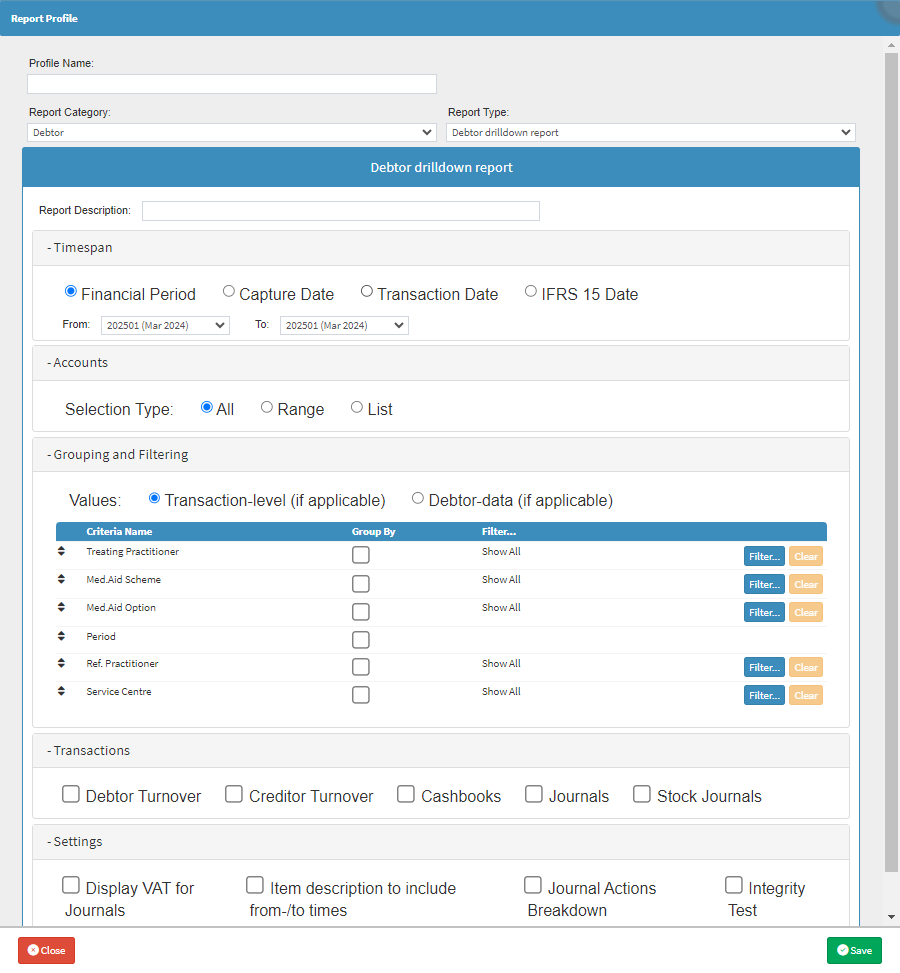
Please Note: For the purpose of this user manual, the Debtor Drilldown Report will be used as an example.
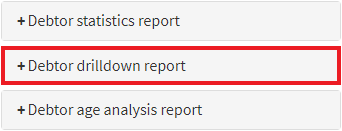

Please Note: The List that appears, is a List of Reports that have already been created previously.