Text size
Line height
Text spacing
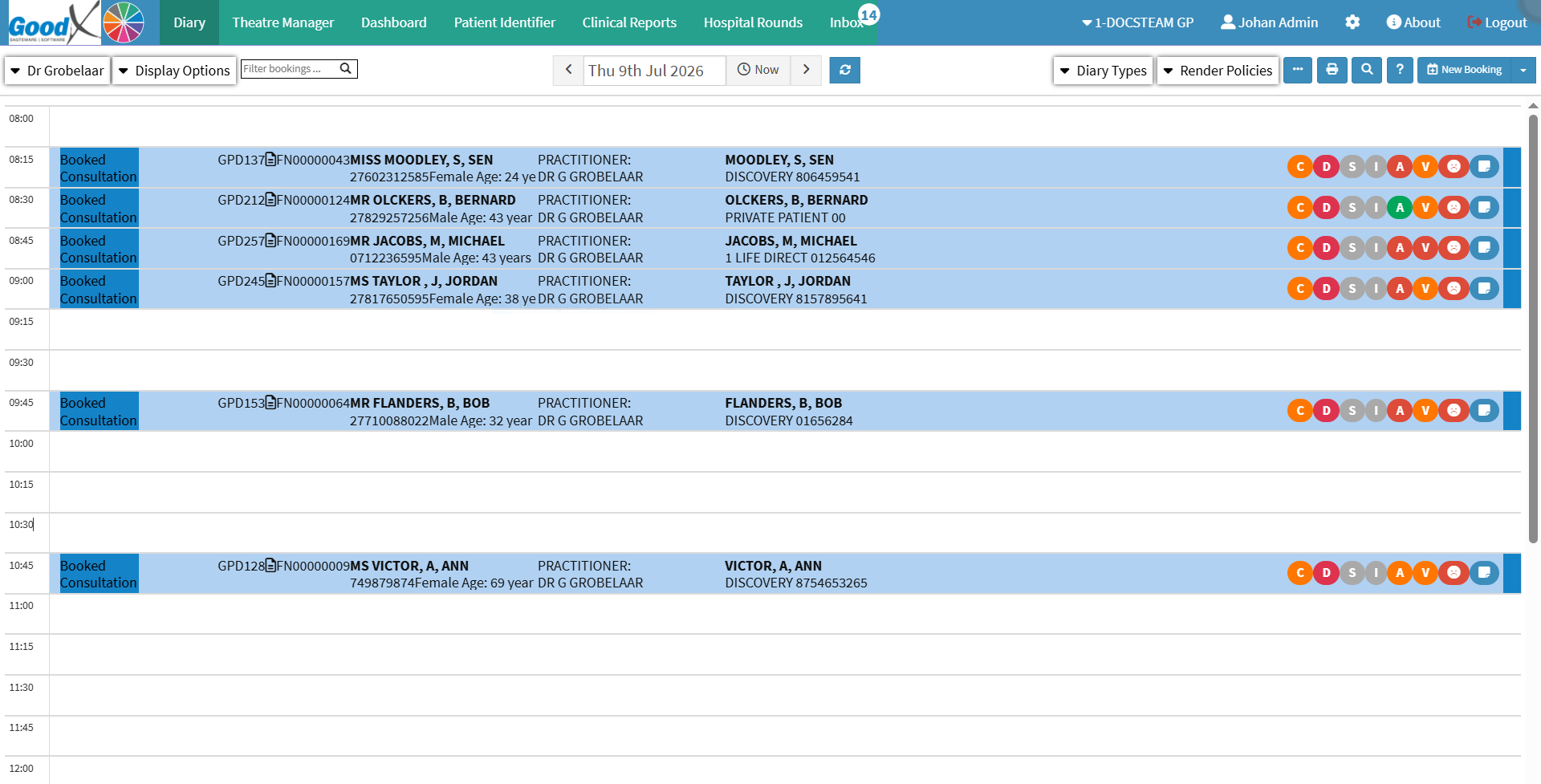
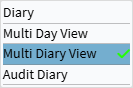
The Multi Diary View screen allows your Practice to display and manage multiple Practitioners’ diaries simultaneously, making coordination quicker and more efficient. Instead of working in separate diaries, you can view several side by side, easily move appointments between Practitioners when one is fully booked, or adjust schedules when cancellations occur. This flexibility helps prevent wasted time slots, ensures Patients are accommodated more smoothly, and supports better teamwork among staff. By providing a clear overview of daily operations, the Multi Diary View streamlines schedule organisation, improves time management, enhances Patient flow, and is especially beneficial in Practices where a single Receptionist manages several diaries.

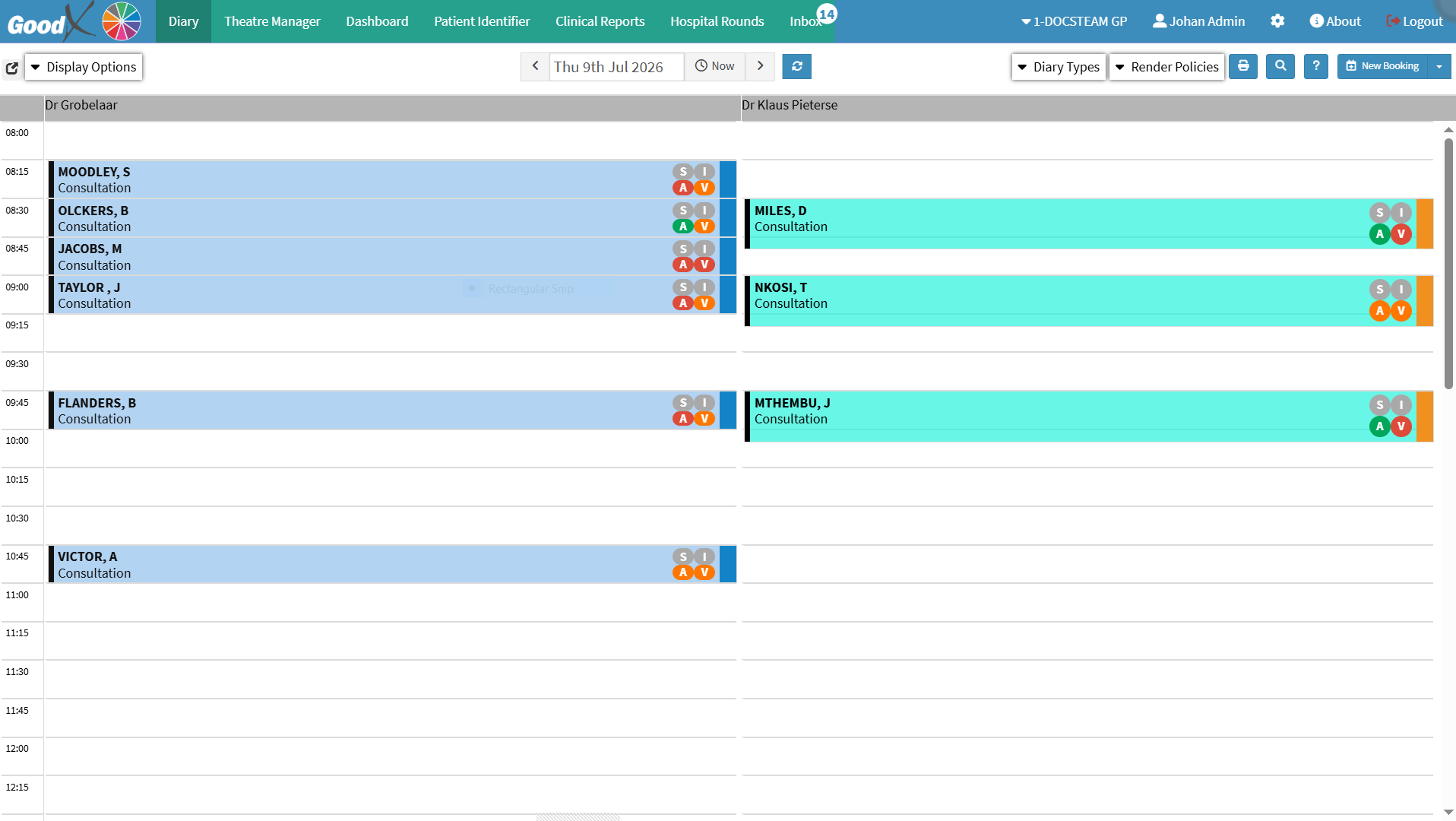
💡Please Note: The Multi Diary View displays all Diaries associated with the same Entity. For optimal clarity and usability, it is recommended that no more than five Diaries are displayed at a time. To configure the Current Timeline or change its colour, see General Settings.