Text size
Line height
Text spacing
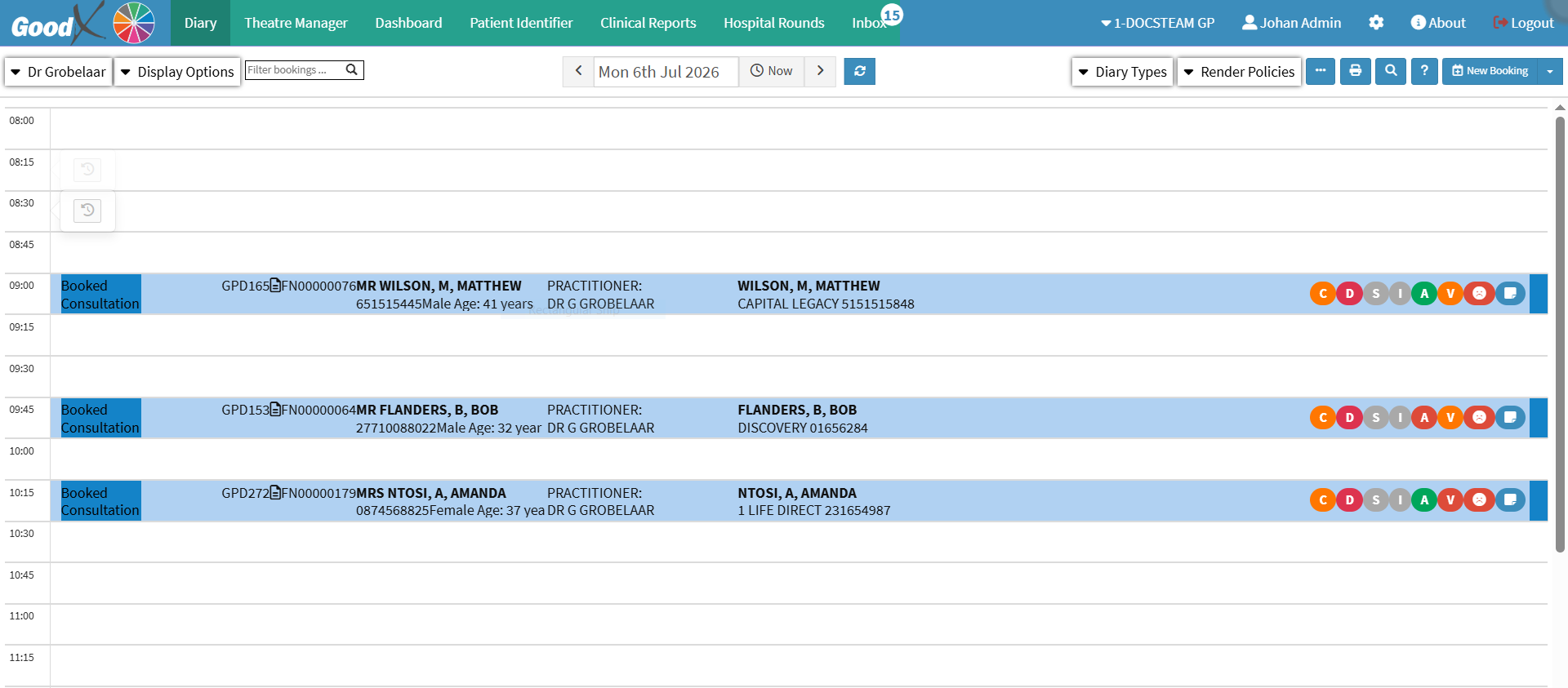
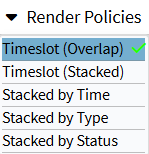
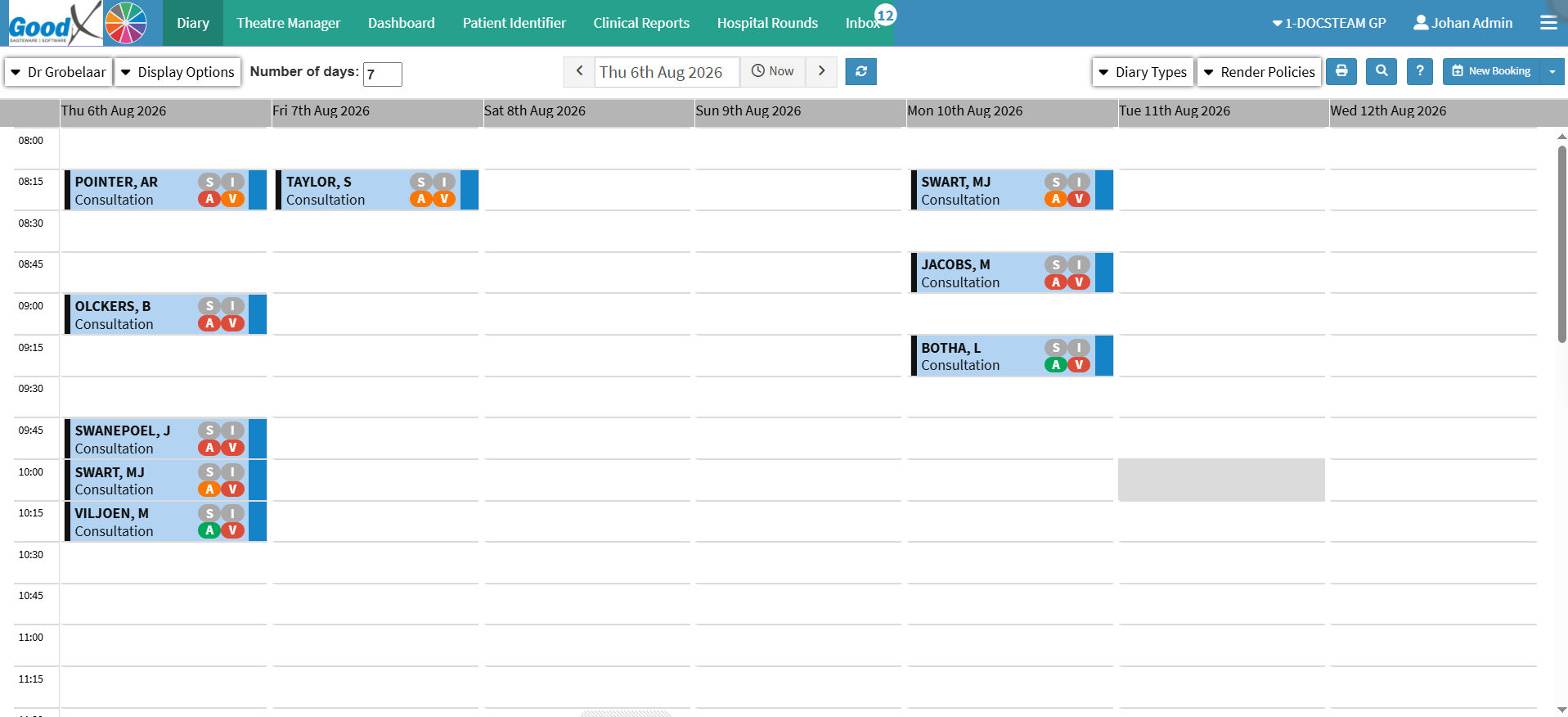
Changing the Render Policy changes how bookings appear in the Diary, helping you choose a view that best suits how you work. Different display options can make the Diary more detailed or more compact, reducing clutter and making bookings easier to view and manage.