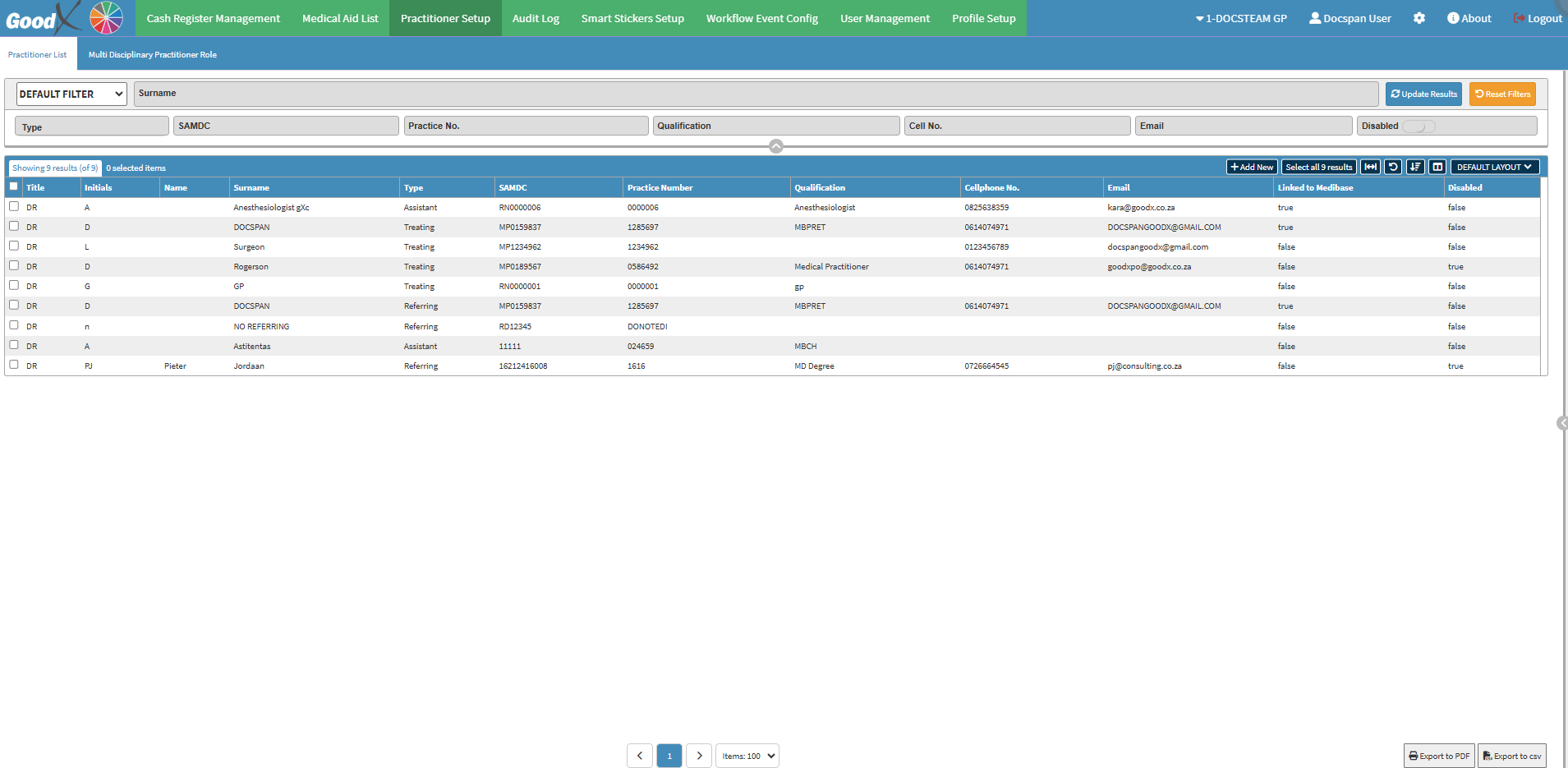
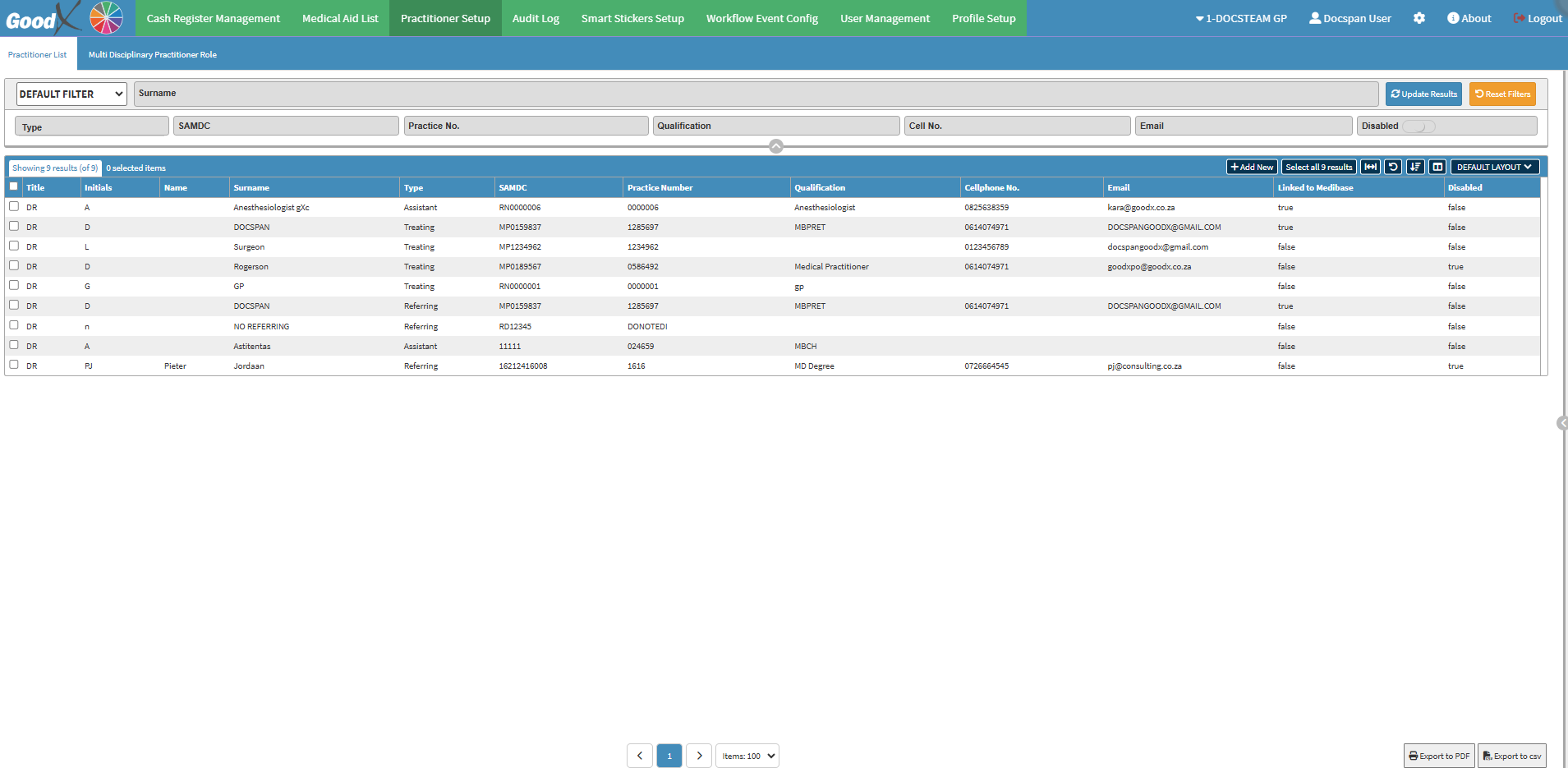
The Practitioner Setup List serves as a central point for managing Practitioners involved in the Practice's daily operations. It allows you to add new Practitioners and update existing details to ensure accurate and up-to-date information. Additionally, you can configure Multi-Disciplinary Practitioner Roles for Practitioners who perform multiple functions within the Practice, ensuring efficient role management.
The Contents of This User Manual:
Practitioner List
Multi-Disciplinary Practitioner Role
This user manual will start on the Practitioner Setup tab.
For more information on how to navigate to the Practitioner Setup tab, please refer to the user manual: Configuration Segment.
Practitioner List
The Practitioners List is a general list of all Practitioners registered in the system. It includes all medical professionals linked to the Practice, regardless of their specific roles or disciplines.
Allows a Practitioner to be assigned multiple roles in different cases. For example, a Practitioner who works as both a General Practitioner and a Specialist can have multiple roles within the specific Medical Case.
Click on the Multi-Disciplinary Practitioner Role subtab.
The Multi Disciplinary Practitioner Role screen will open.