Text size
Line height
Text spacing
Booking an appointment for an existing Patient on the Diary is straightforward and efficient. Since the Patient and Debtor information is already stored in the system, there’s no need to create a new file. You can quickly access the existing records, saving time and ensuring a seamless Booking process.
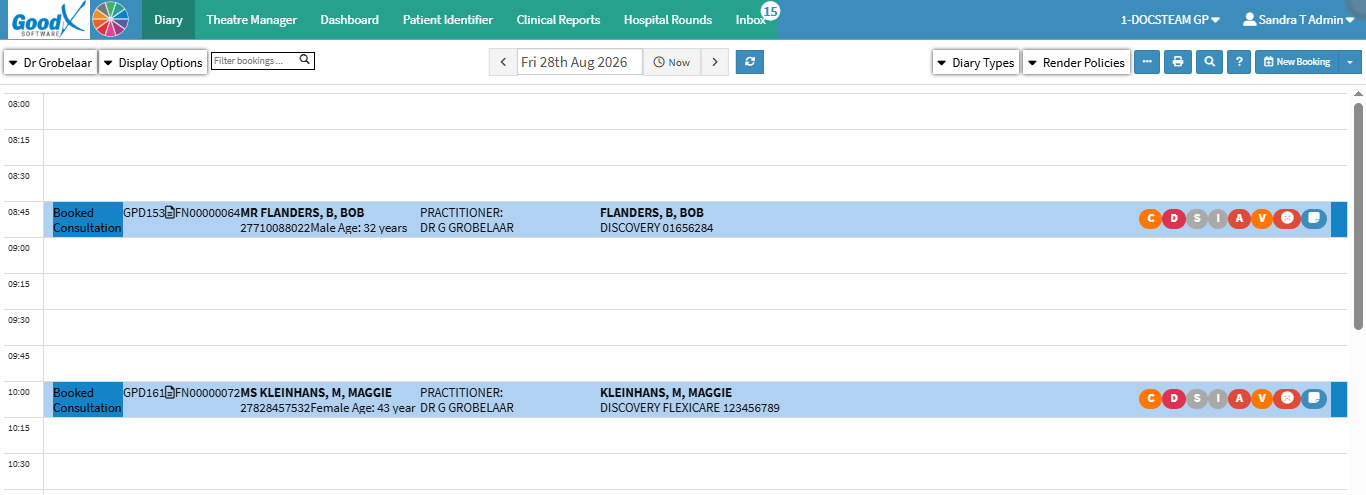

💡Please Note: The New Booking button is tailored to the Practice's needs. For details, see General Settings: Navigation and Use.

