Text size
Line height
Text spacing
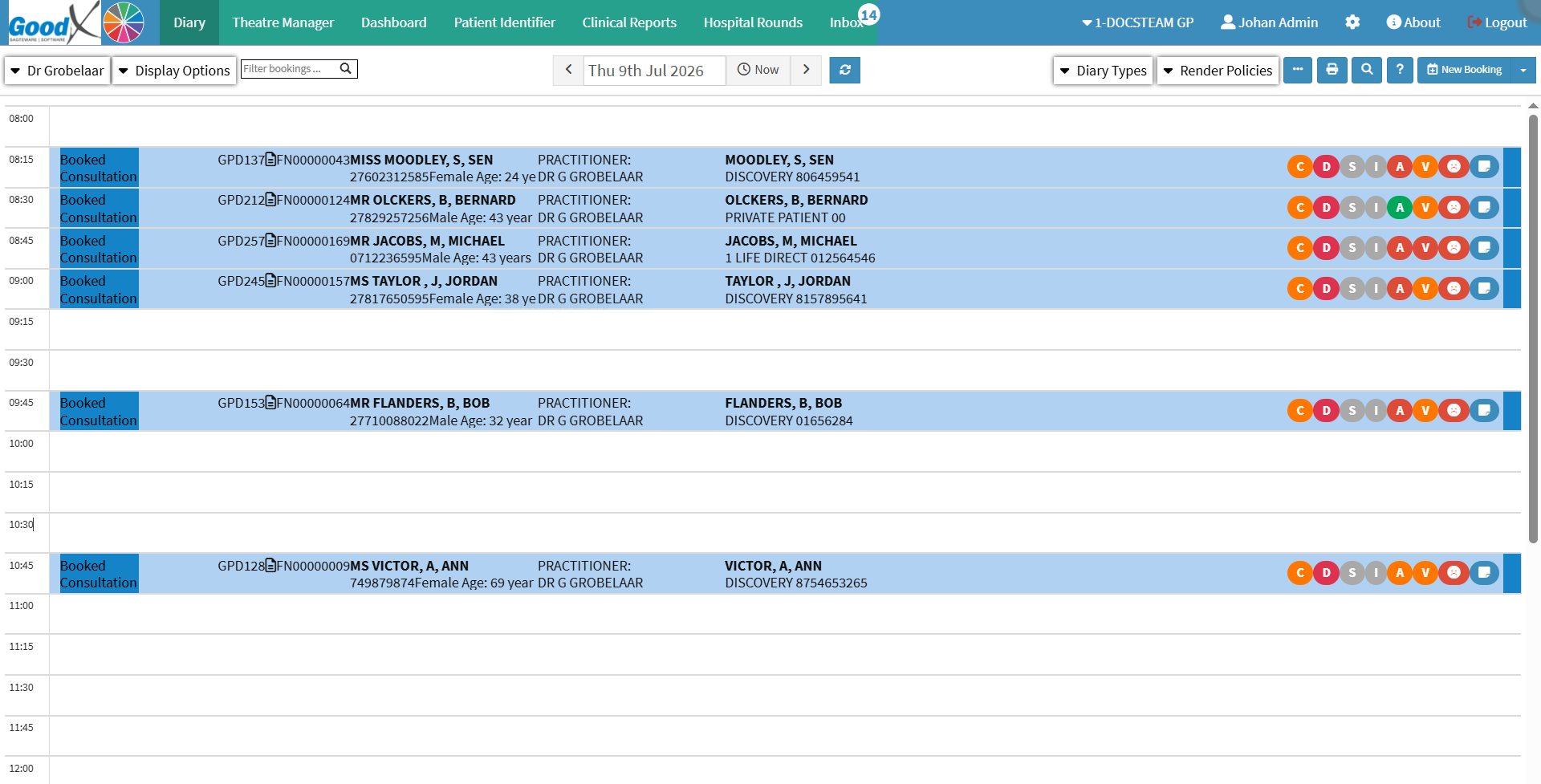
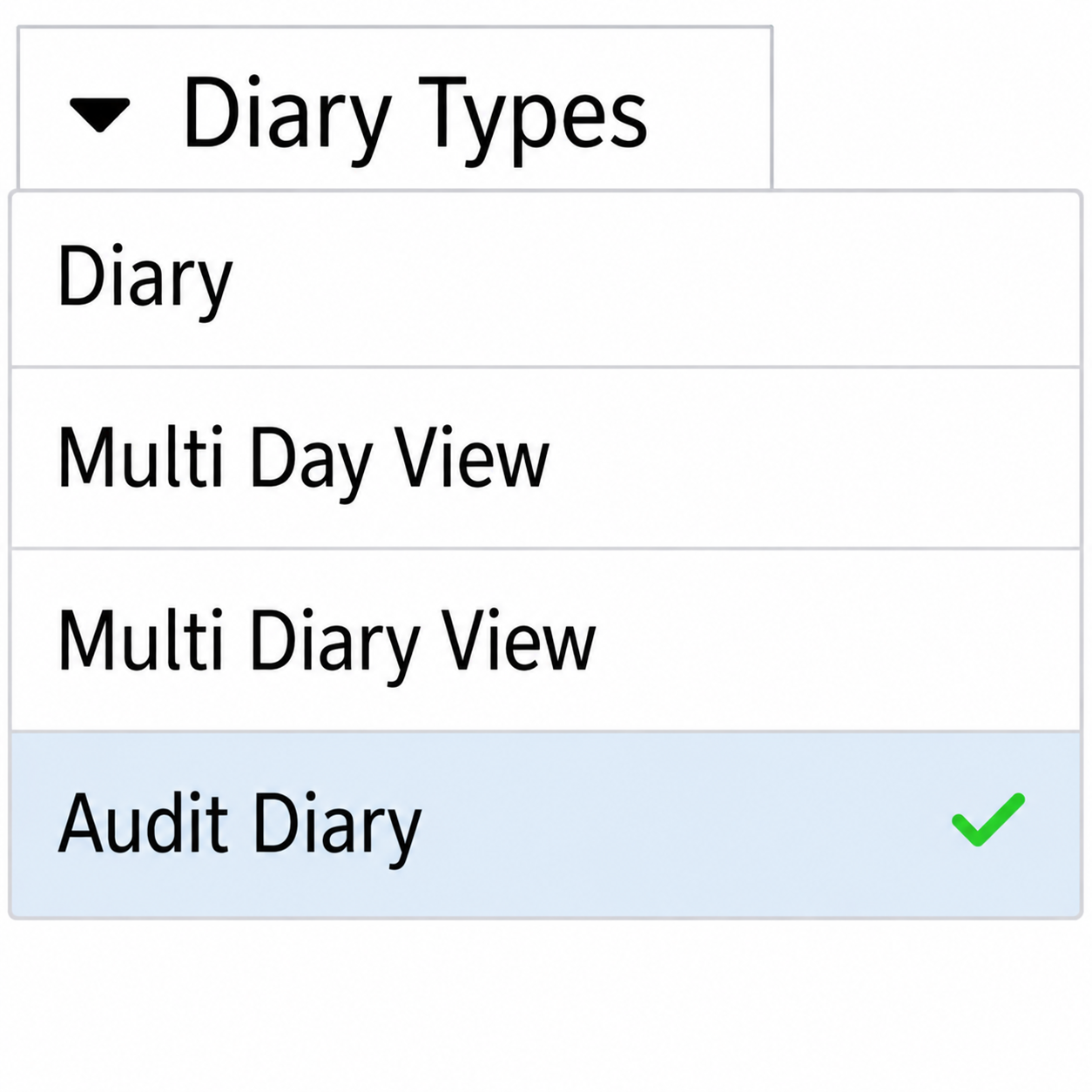
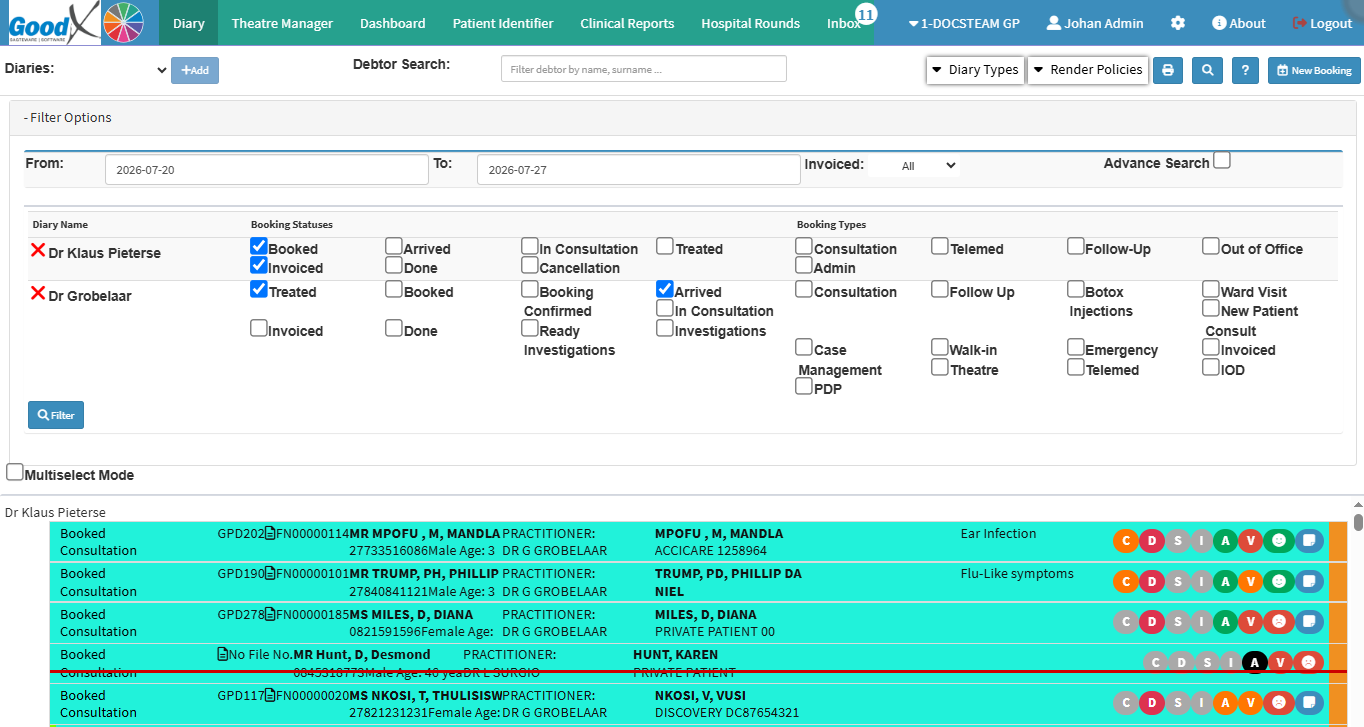
Using the Audit Diary helps you review and manage bookings by filtering diary information according to specific criteria. This makes it easy to identify bookings that require attention, check that administrative actions have been completed, follow up on outstanding tasks, and investigate queries.
Regularly using the Audit Diary supports better control over daily administration, reduces the risk of missed actions, and helps ensure that each booking is managed accurately and completely.