Text size
Line height
Text spacing
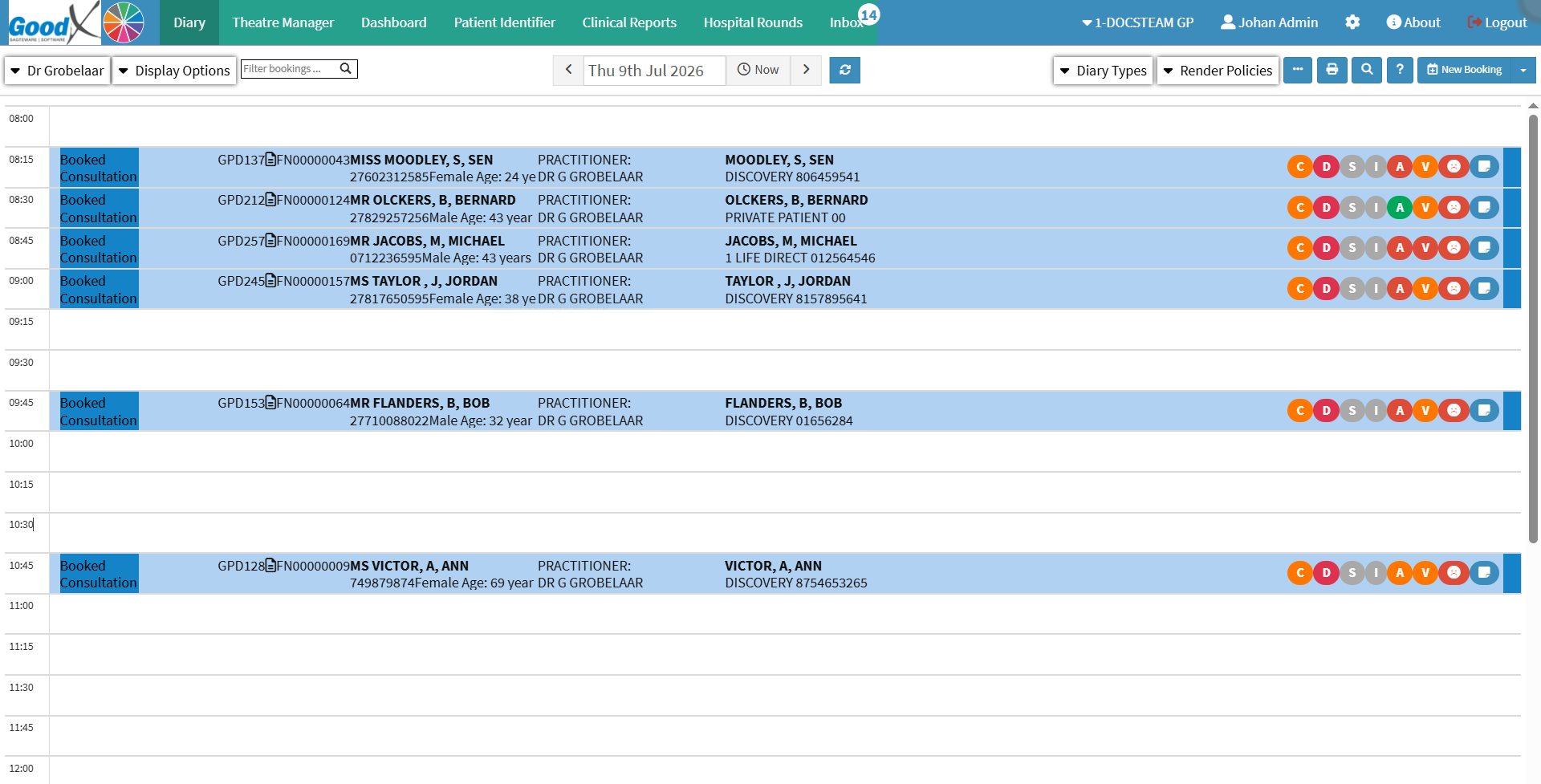
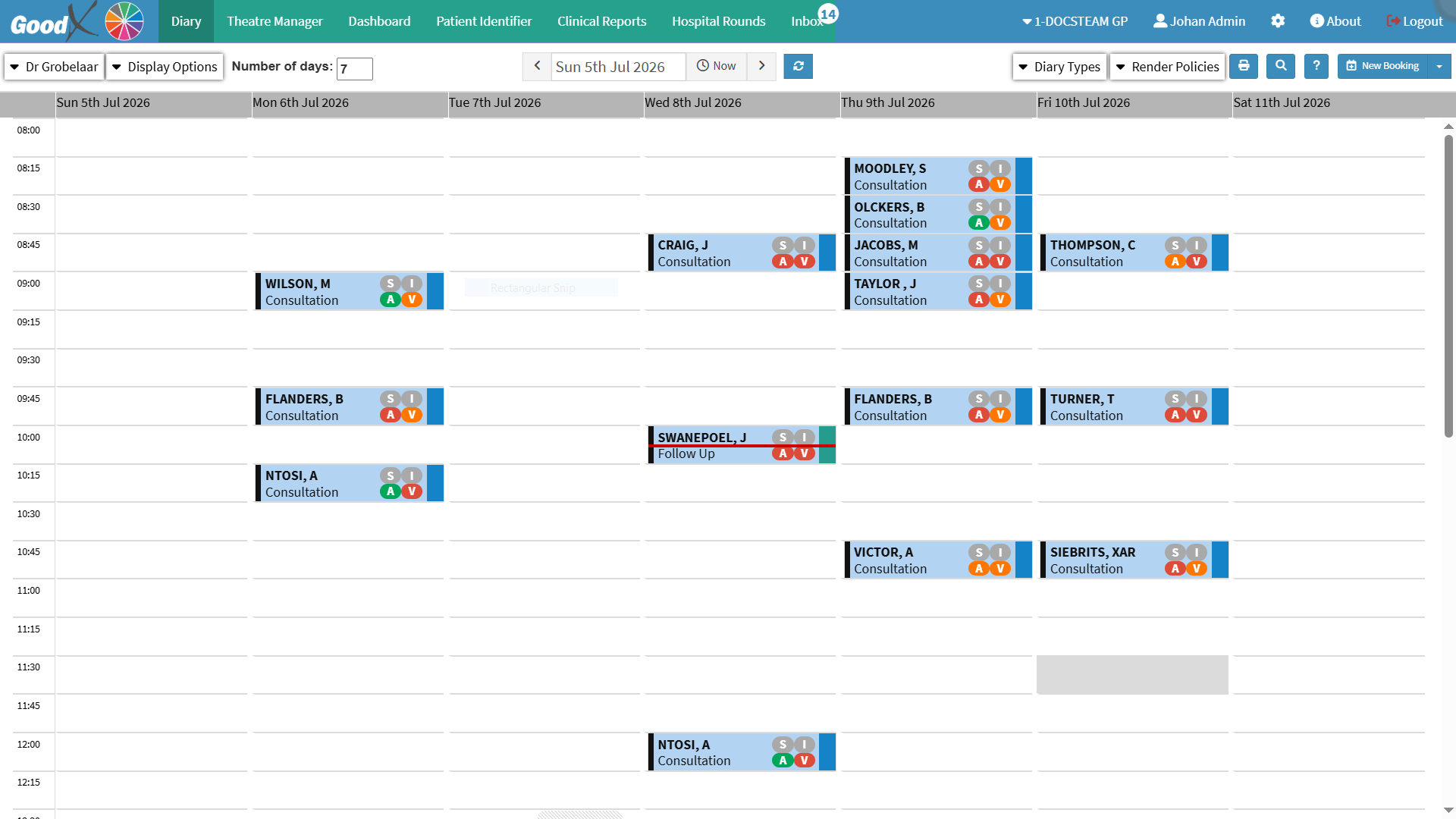
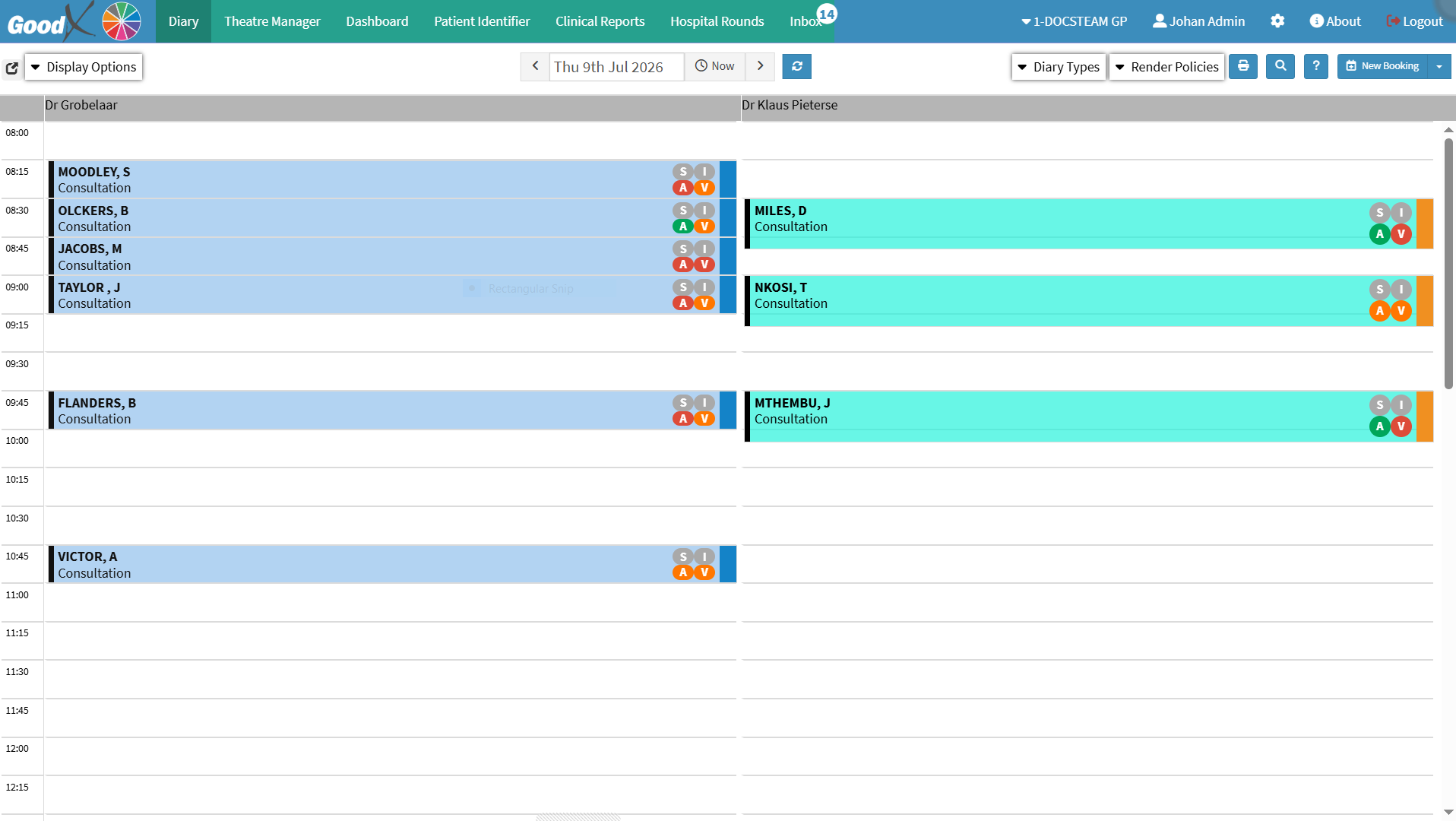
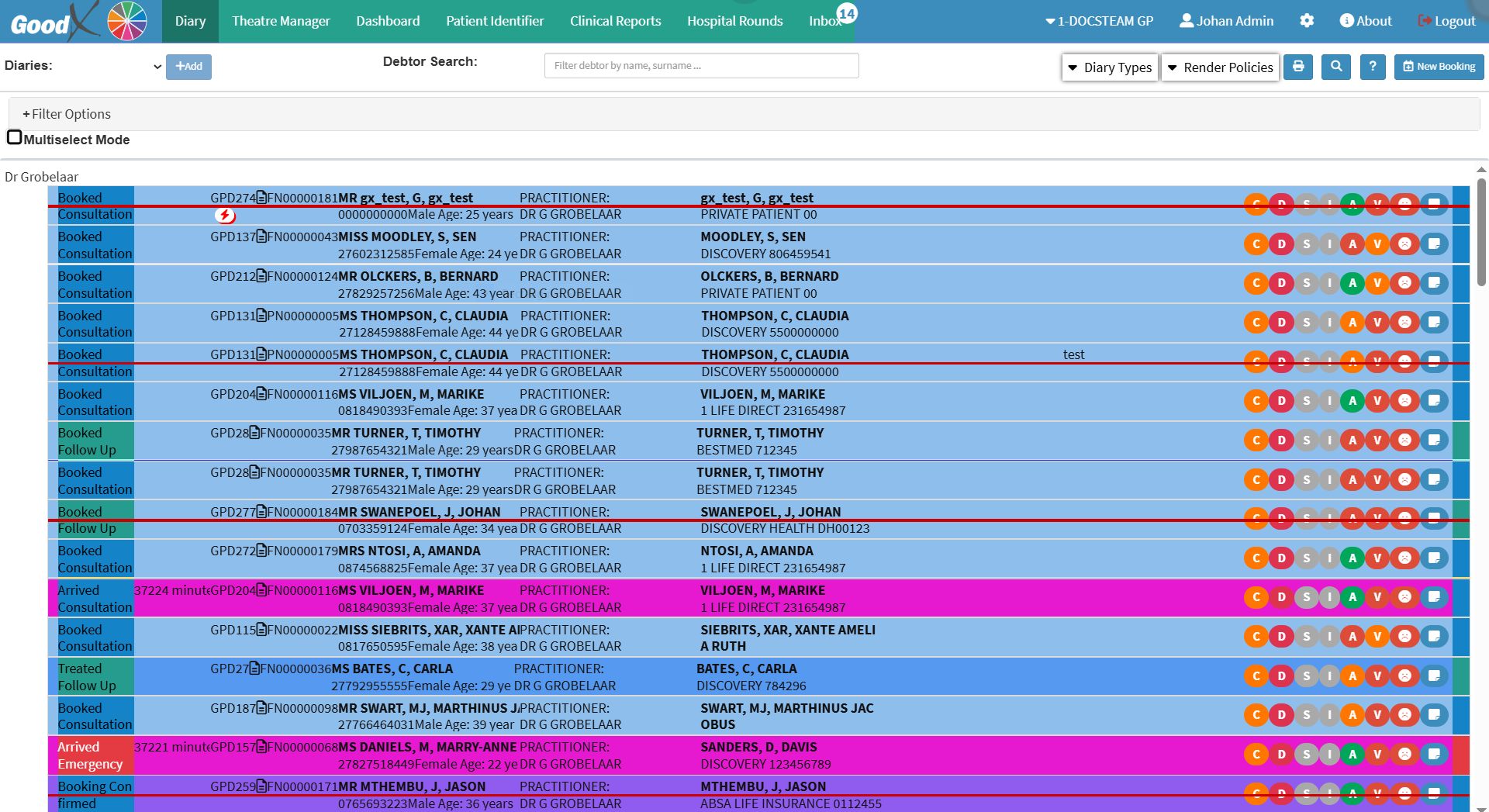
Diary Types display appointments in different layouts to support the scheduling needs of the practice. Different diary views make it easier to organise bookings, monitor practitioner availability, and manage appointments efficiently.
Multiple diaries can be displayed simultaneously, providing a clear overview of several practitioners' schedules or multiple days on a single screen. This helps improve scheduling, optimise resource allocation, and reduce the risk of missed or overlapping appointments.
The diary can be customised to suit the workflow and preferences of the practice, creating a flexible and efficient appointment management experience.