Text size
Line height
Text spacing
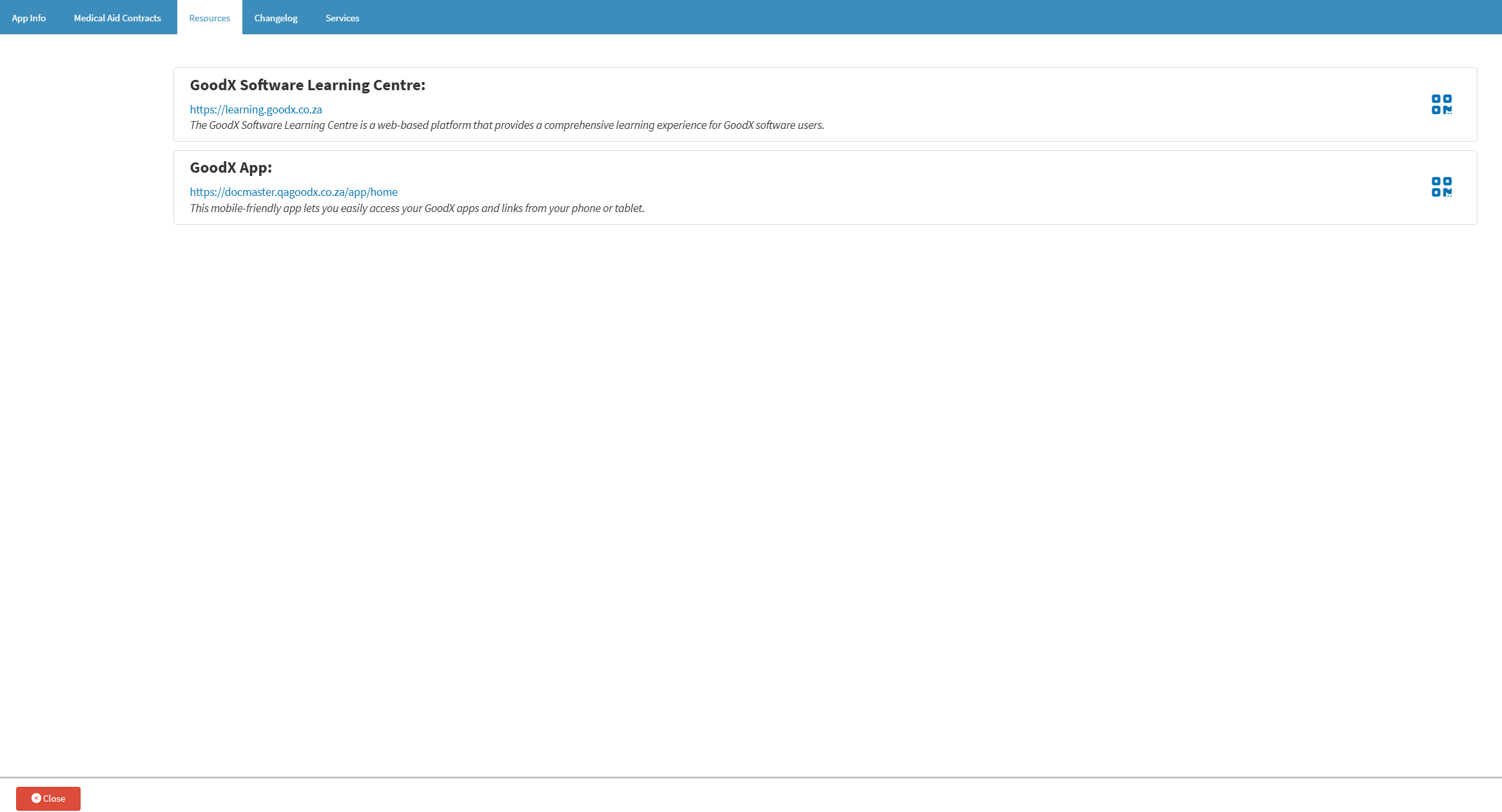
The Resources screen provides access to helpful training tools and mobile features for your practice. It brings together direct links and QR codes for resources such as the GoodX Learning Centre and GoodX App, making it easier to access the tools you need.
Having these resources in one place saves time by reducing the need to search for links and makes it easier for your team to access training and mobile features when needed. This supports a smoother daily workflow and helps your team get more from the tools available to them.
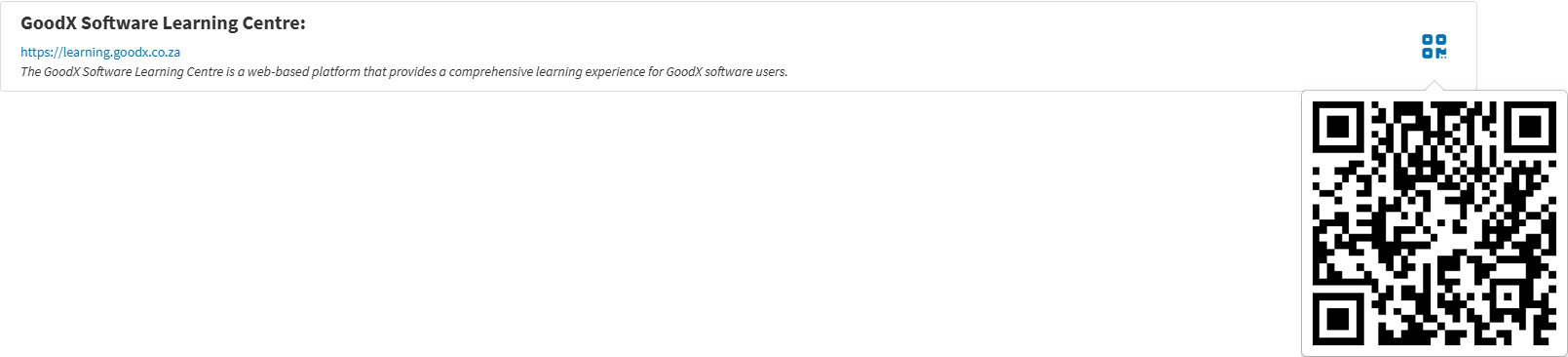
💡Please Note: You need to hover over the QR Code icon for it to open.
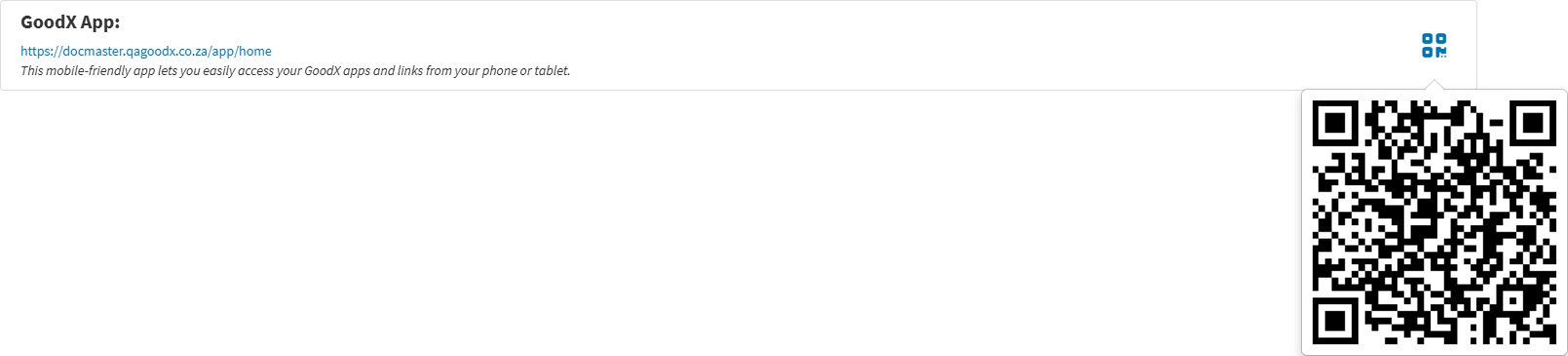
💡Please Note: You need to hover over the QR Code icon for it to open.