Text size
Line height
Text spacing
The Multi Invoice screen brings together multiple invoices into a single batch for processing. A batch can contain invoices for the same debtor across different dates or invoices for multiple debtors, making it particularly useful for Bureaus and Practices that process large volumes of invoices.
Grouping invoices into batches makes high-volume billing easier to manage and reduces the need to process invoices individually. This keeps billing organised and consistent while making reconciliation, reporting, and claim submission easier.
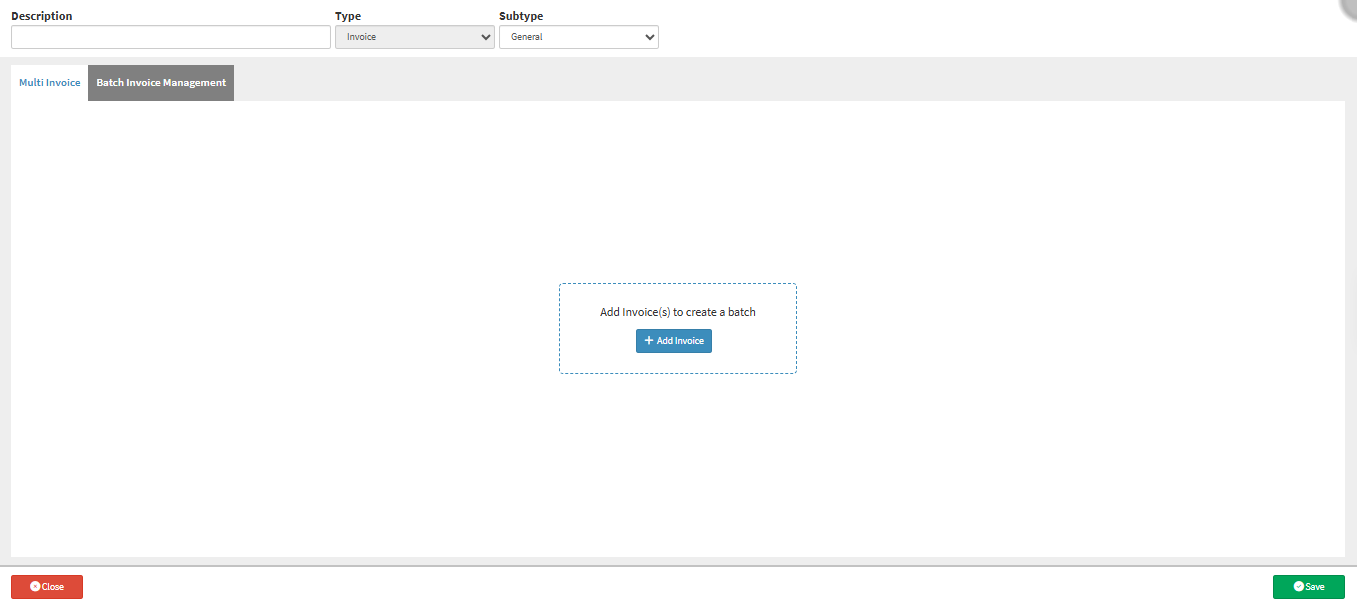
Sections

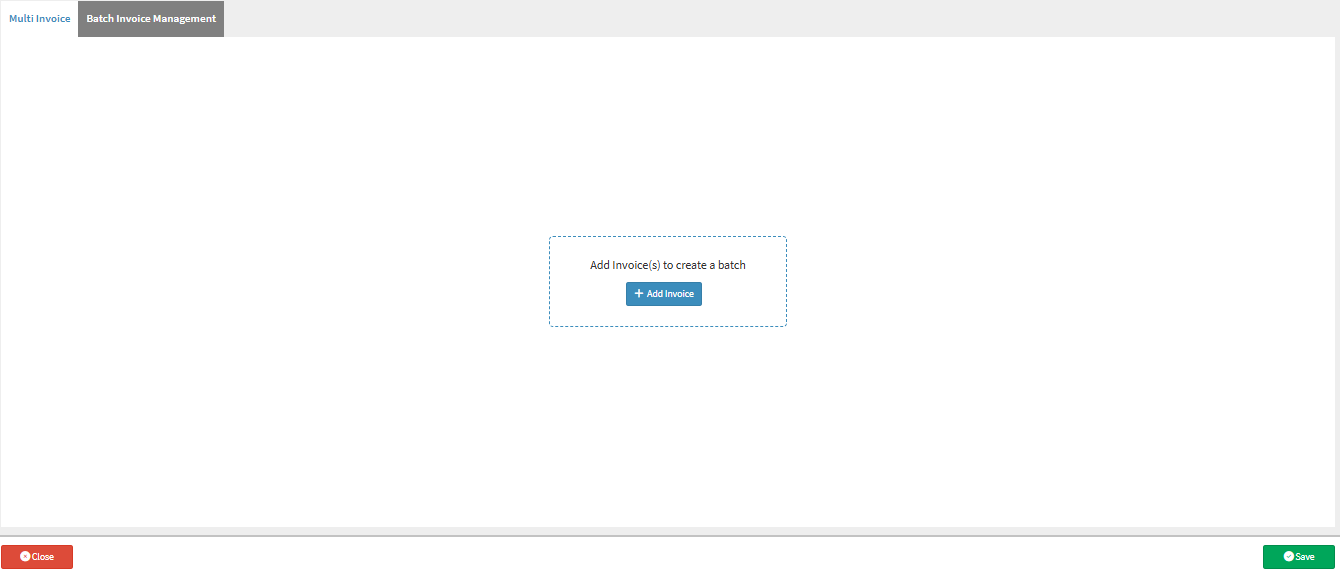
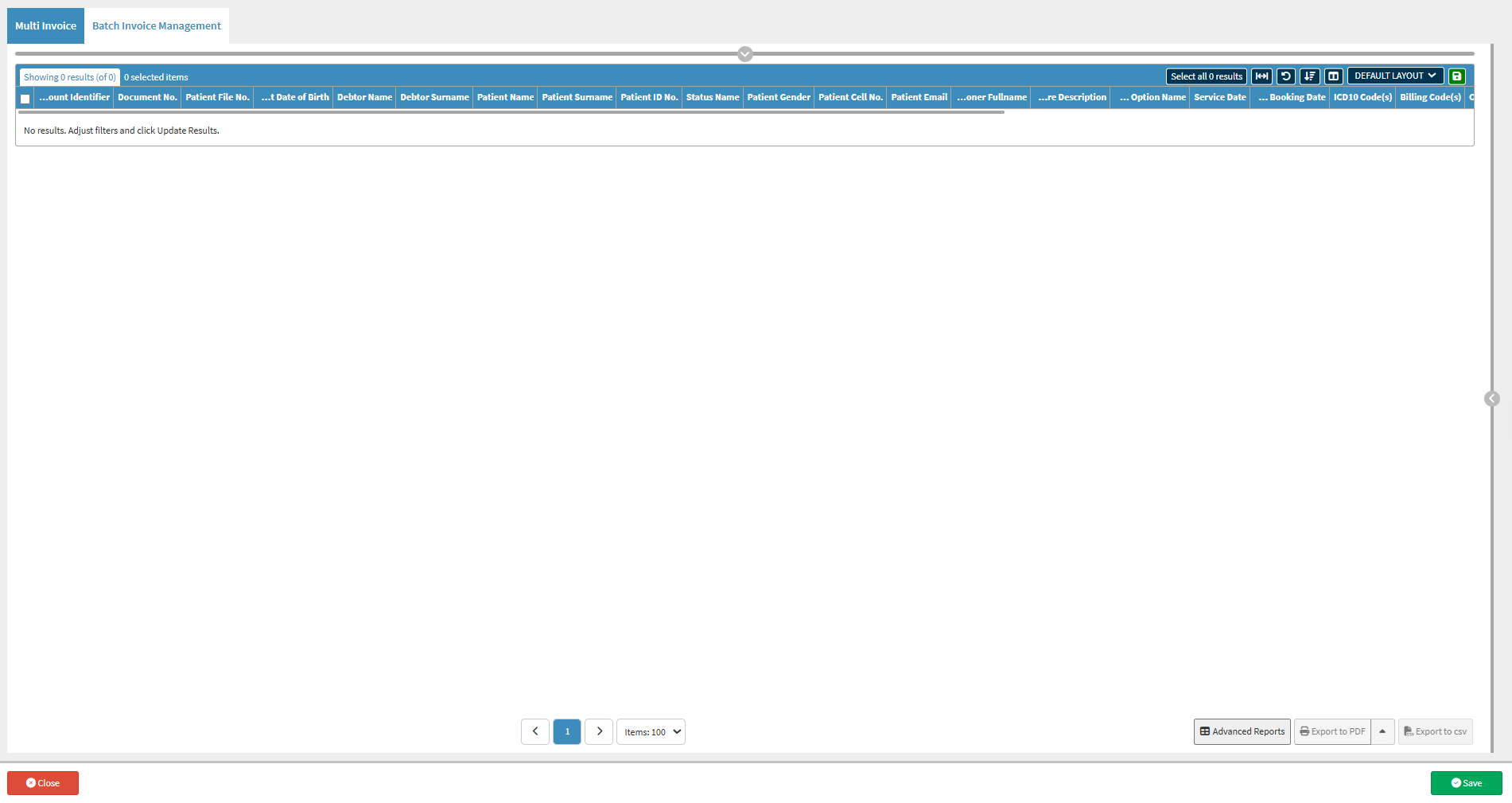
💡Please Note: An invoice must first be added to the batch for the Multi Invoice tab to become available. For details, see How to Add an Invoice to Create a Batch on the Multi Invoice Screen.