Text size
Line height
Text spacing
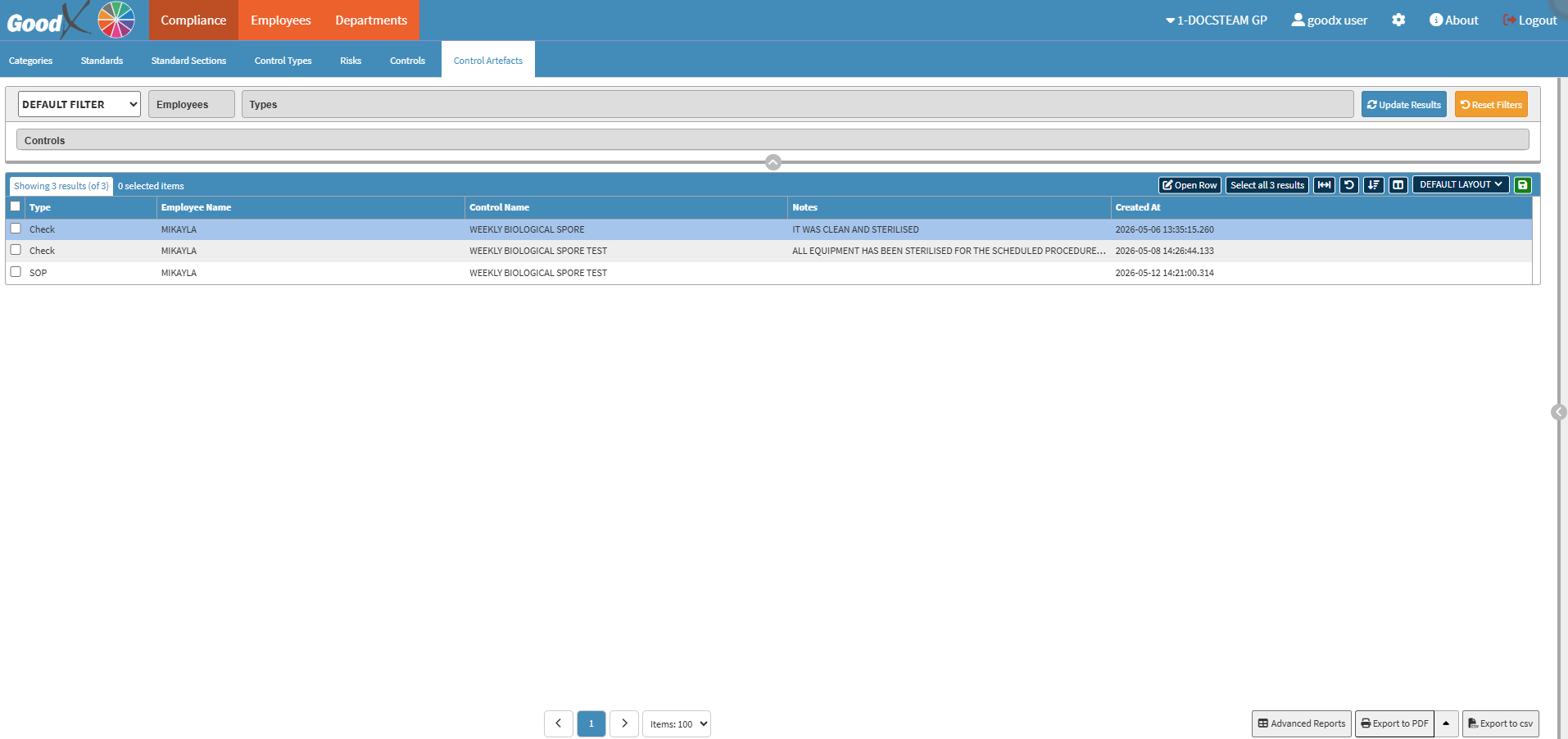
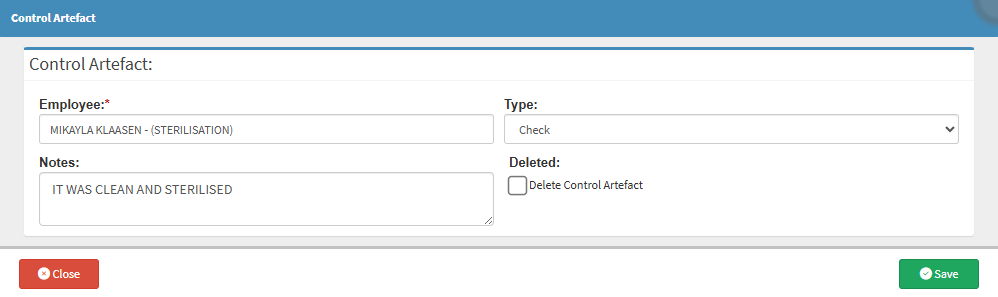
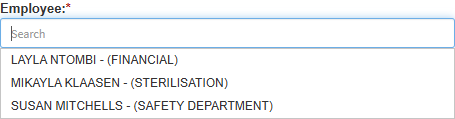
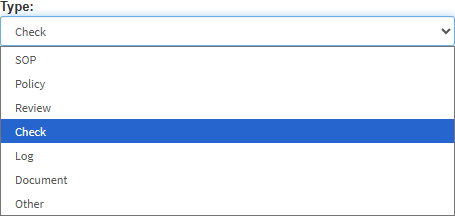
The Change Control Artefact function is used to amend, update, or correct the official records of completed compliance work within the Practice. Human errors happen. A staff member might accidentally select the wrong name, choose an incorrect record type, or type a typo into the notes field when submitting evidence. This function allows the Practitioner or authorised manager to fix those administrative mistakes rather than letting inaccurate data sit in the audit trail.
It is highly important for the Practice to use this feature correctly to maintain data integrity. Because compliance dashboards and regulatory inspectors rely entirely on the accuracy of your evidence, leaving incorrect information uncorrected could result in a failed audit or an inaccurate reflection of your clinic's safety status.