Text size
Line height
Text spacing
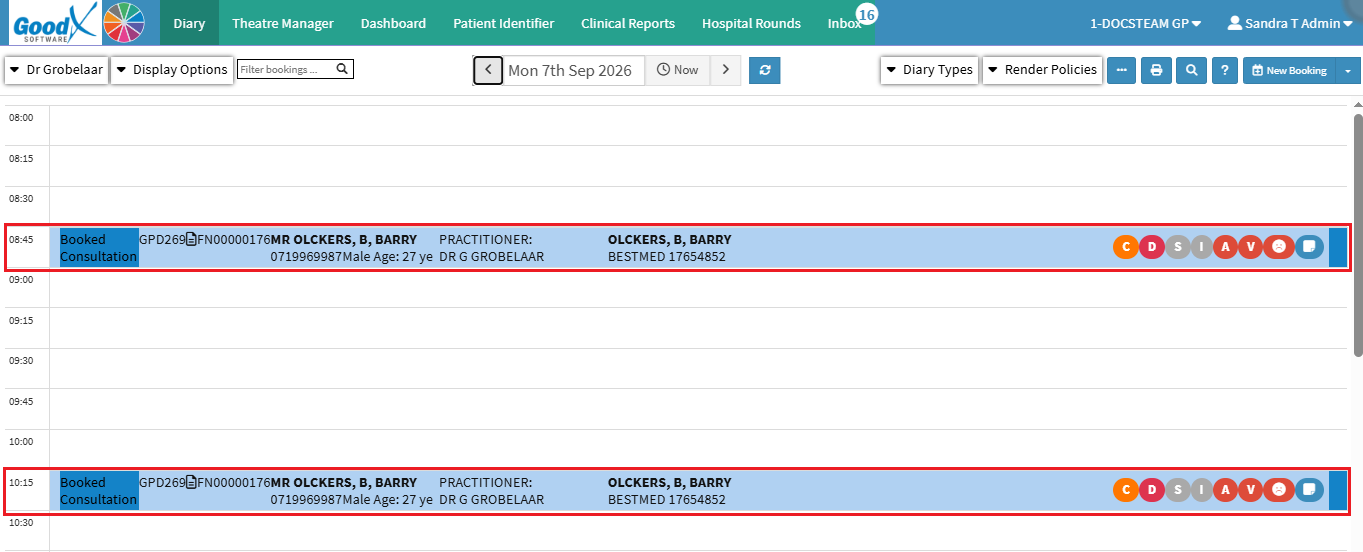
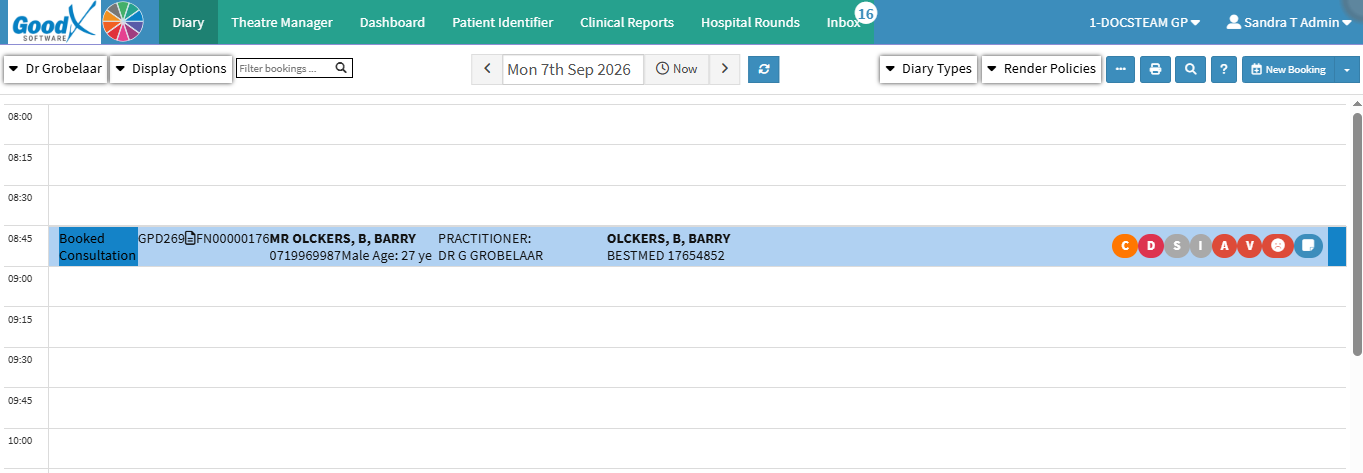
Copying Bookings makes it easy to create a new booking using the details of an existing booking. You can copy and paste the booking into a different time slot or date using keyboard shortcuts, while retaining the relevant booking information.
This is particularly useful when creating similar or follow-up appointments, as you can reuse existing booking details instead of capturing the same information again. It saves time, reduces repetitive data entry, and helps maintain consistent booking information across the Diary.

💡Please Note: Ensure that all information is correct on the Add/Edit Booking screen. For details, see Add/Edit Booking Screen Navigation.