Text size
Line height
Text spacing
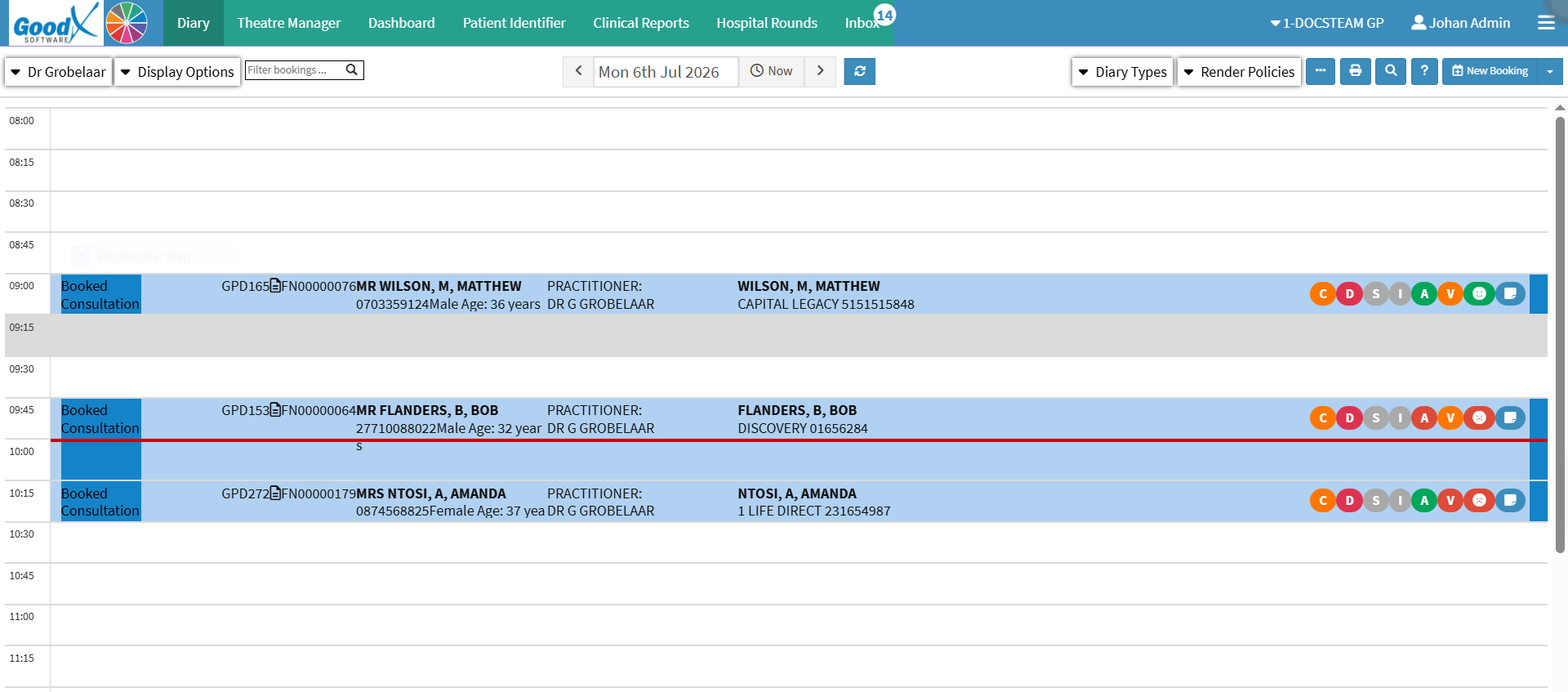
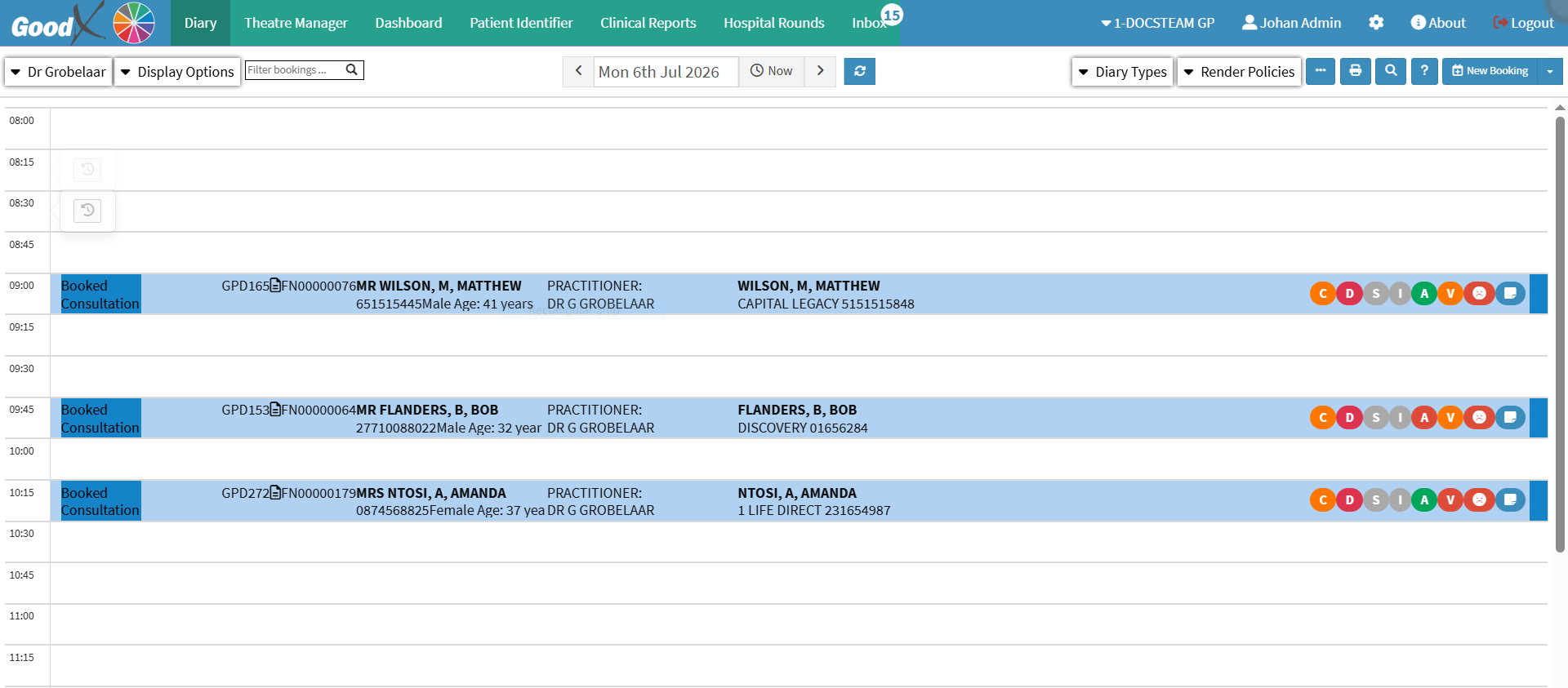
Extending an appointment is useful when a practitioner needs additional time for a consultation, procedure, treatment, or assessment. You can extend the appointment by 15, 30, or more minutes, depending on the time required.
Keeping the appointment duration up to date ensures that the Diary accurately reflects the time the practitioner will be occupied. This helps prevent overlapping bookings and scheduling conflicts while ensuring that sufficient time is available to provide the required care.

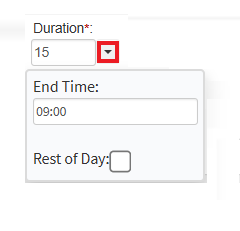
💡Please Note: After the duration is changed, the system will warn you that the duration exceeds the default duration for that specific Booking Type (Consultation - 15 minutes).