Text size
Line height
Text spacing
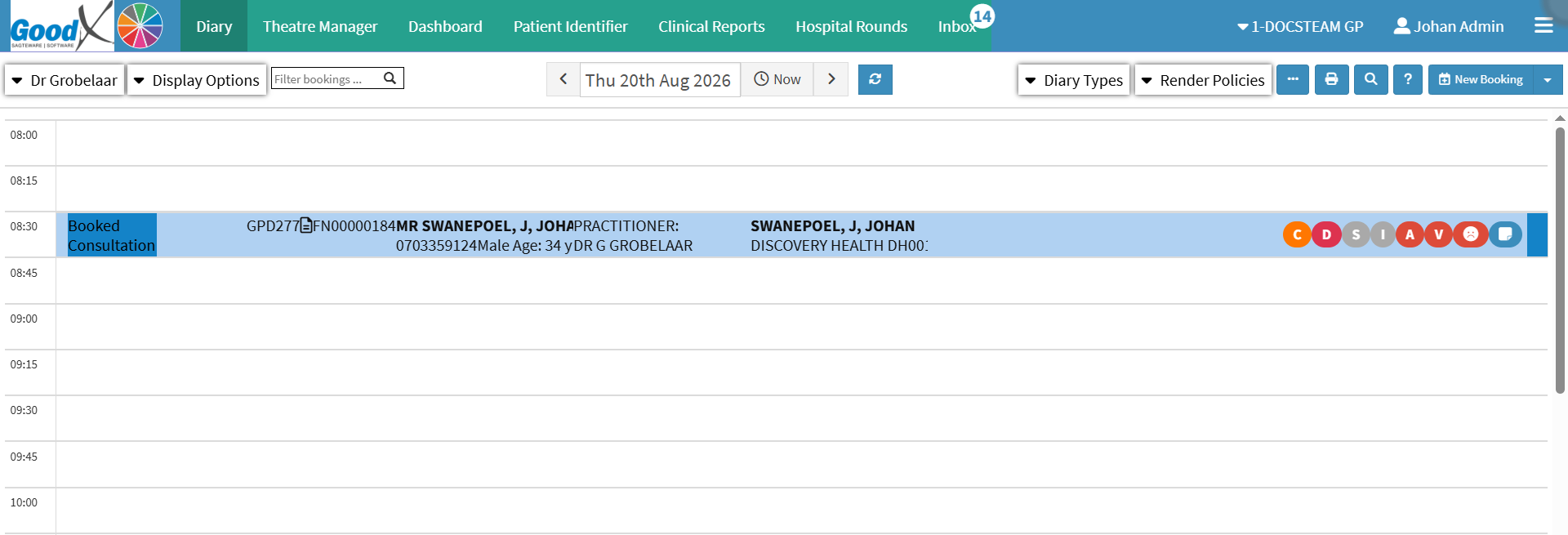
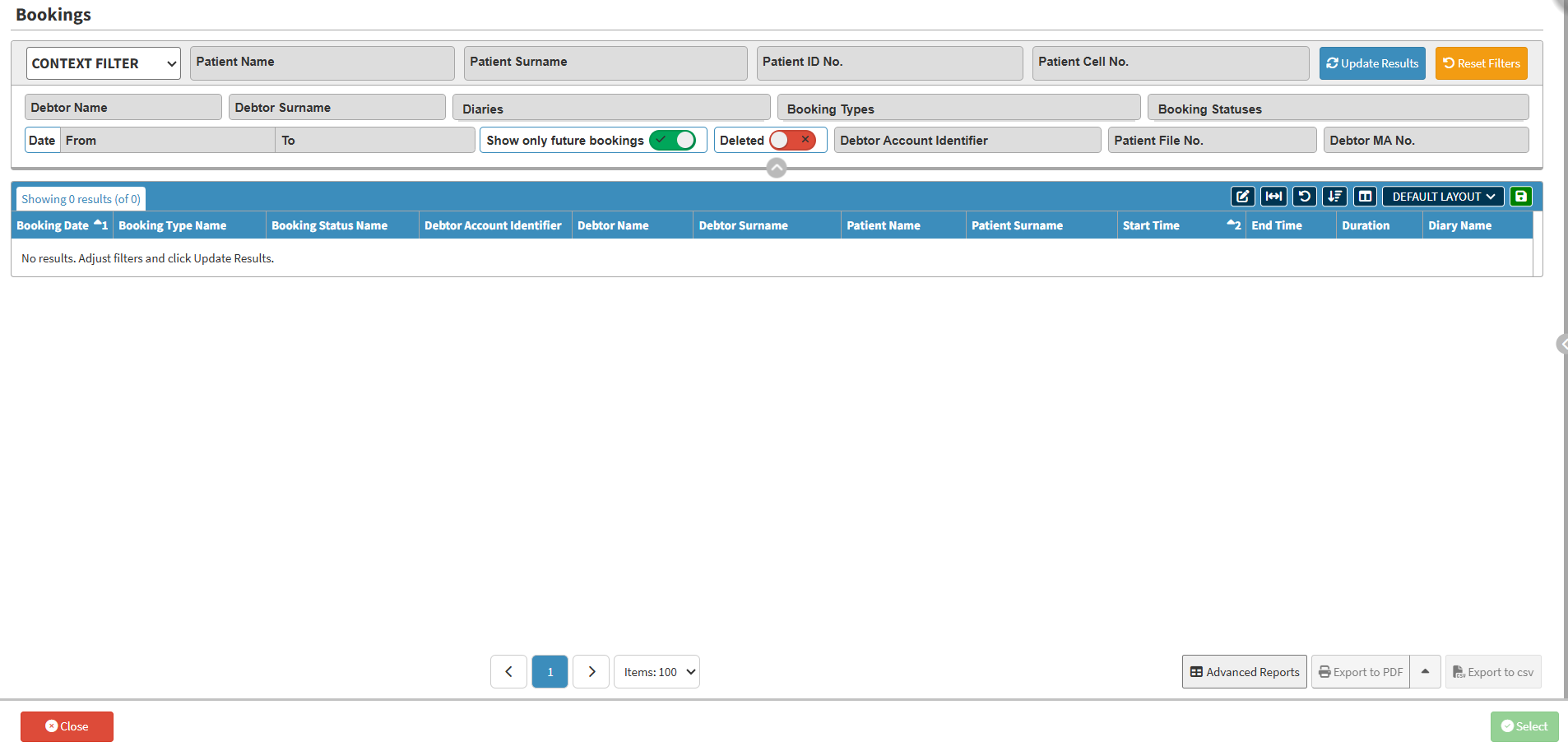
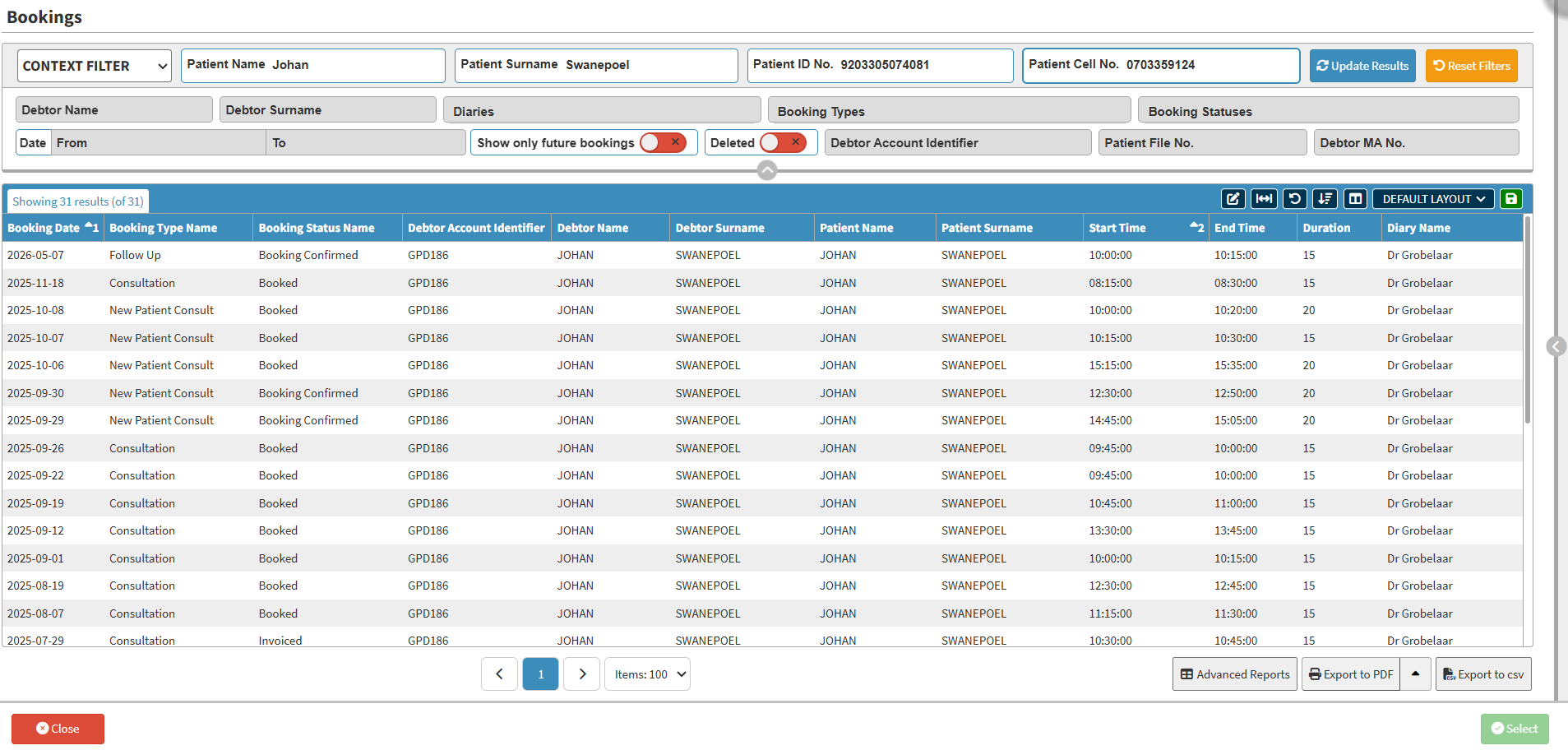
Searching for a Booking provides a quick and efficient way to locate a specific booking across multiple diaries. You can search using patient or debtor information, making it easy to find the relevant booking without manually checking individual diaries. This saves time when reviewing or updating bookings and is particularly useful when managing multiple practitioners or diaries. It provides quick access to the information you need, helping keep booking management efficient and organised.