Text size
Line height
Text spacing
A Booking Label is a printed label that contains key details from a patient’s booking, including their demographic and account information. It is typically used for quick identification and record management within the practice.
The main benefit of a Booking Label is that it streamlines administrative and clinical workflows by reducing manual data entry and minimising errors. It allows staff to easily attach accurate patient details to files, samples, or forms, ensuring clear identification and efficient handling throughout the patient’s visit.
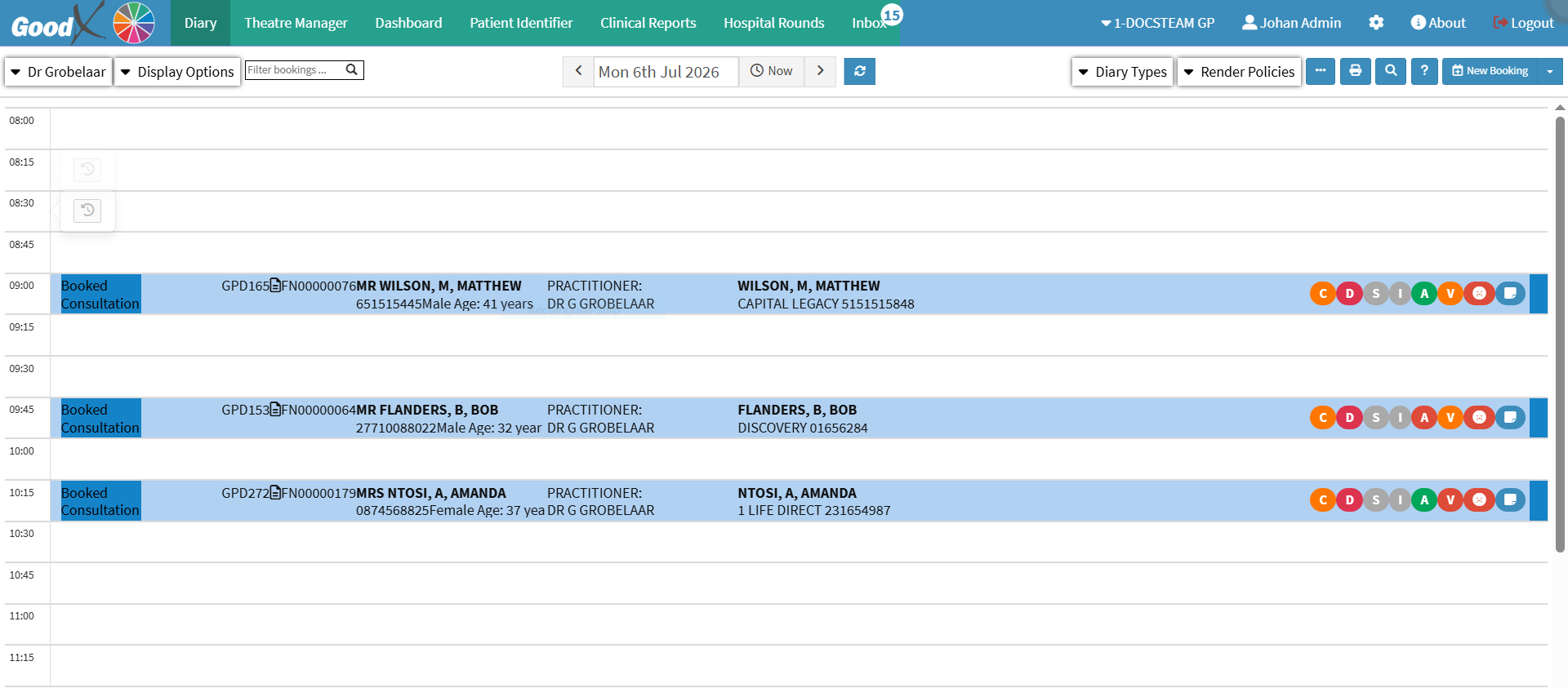
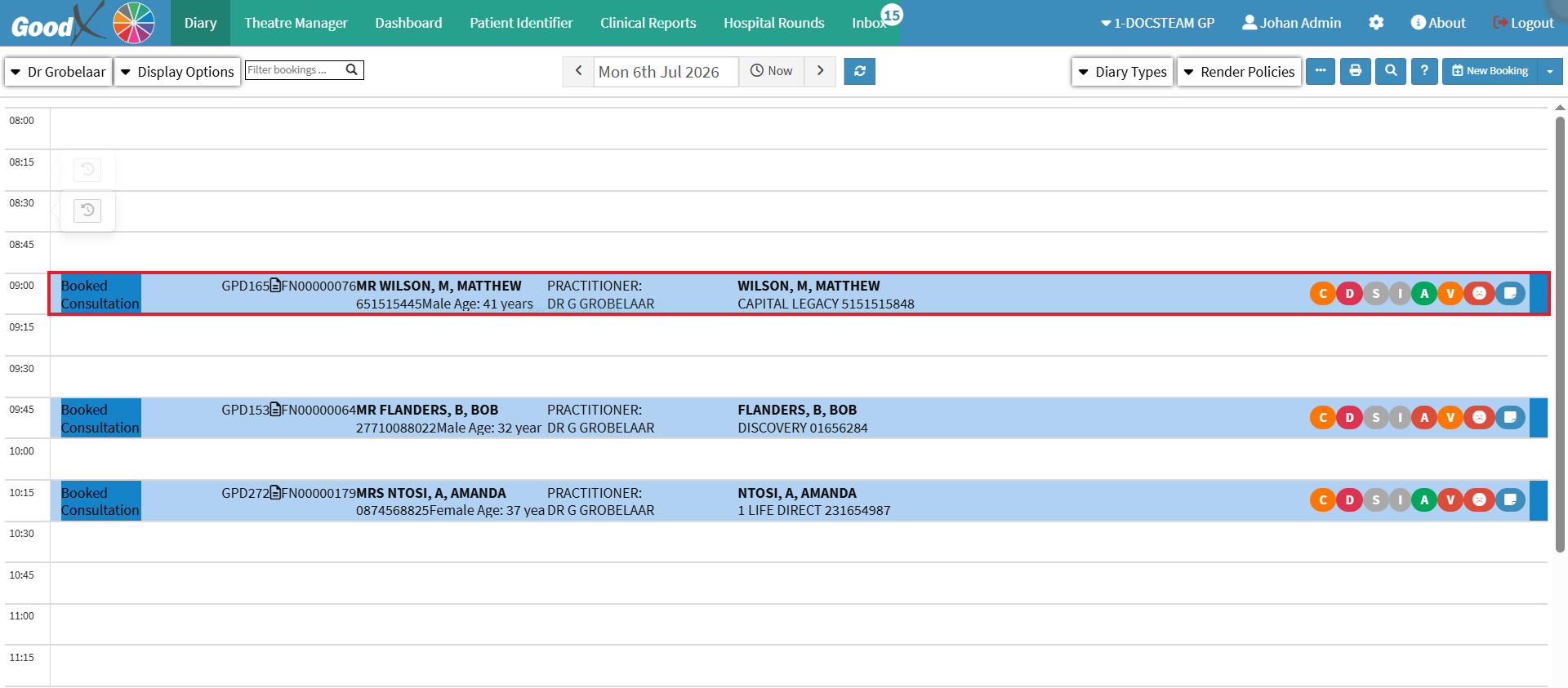
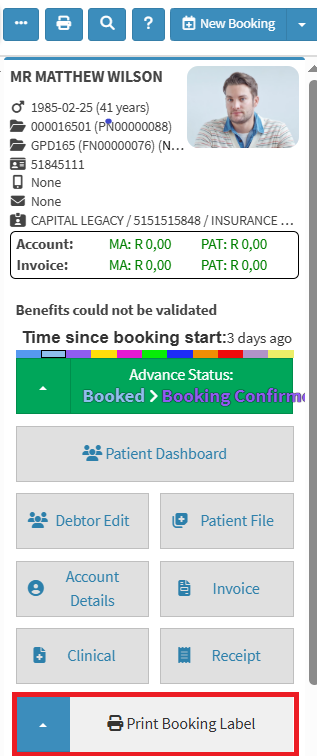
💡Please Note: The drop-down menu provides access to your label templates. For setup, see Template Print Settings
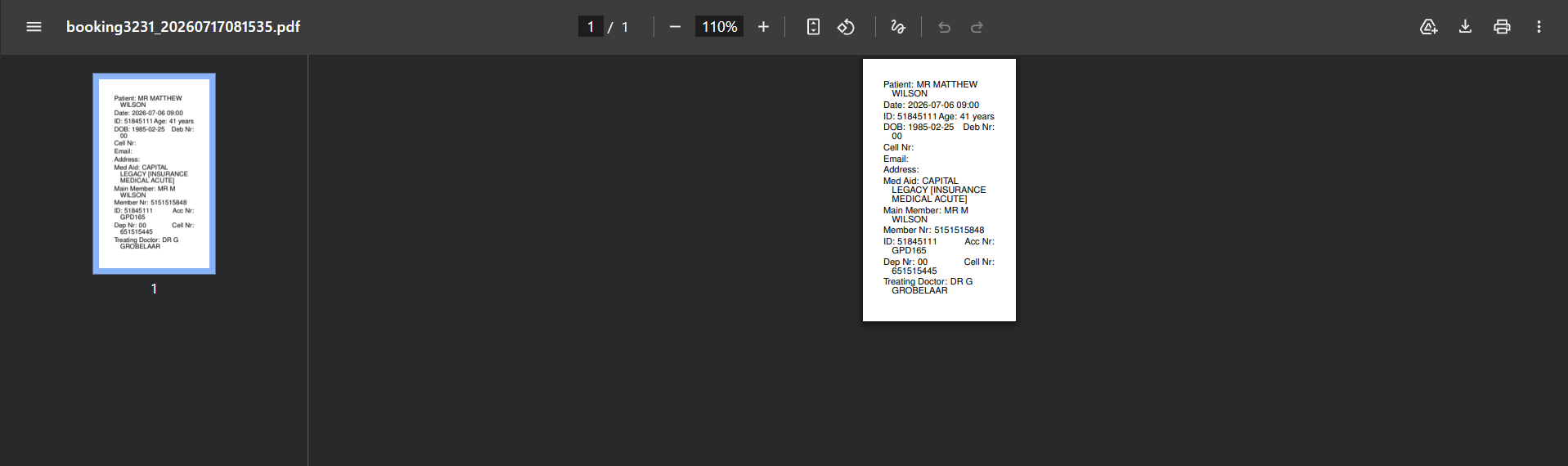
💡Please Note: The information printed on the Booking Label is generated from the demographic information in the patient's file. For details, see How to Create a New Debtor and How to Add New Dependants (Patients).