Text size
Line height
Text spacing
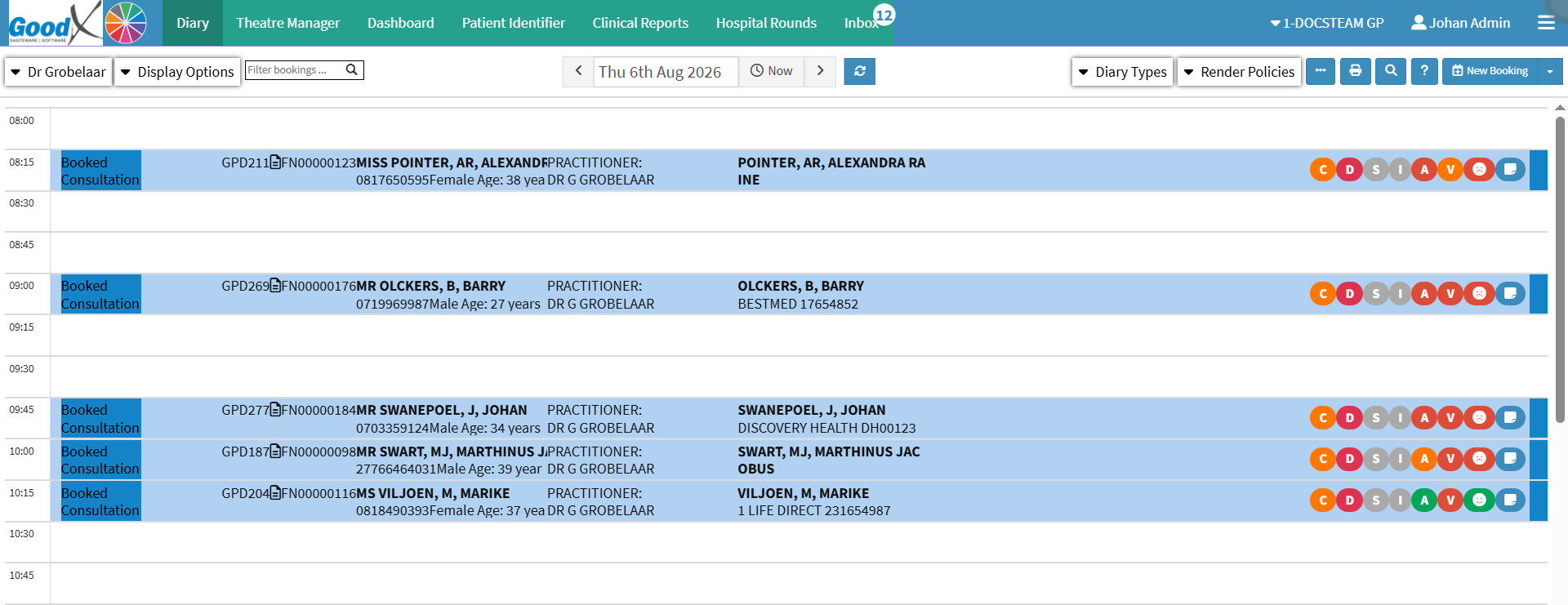
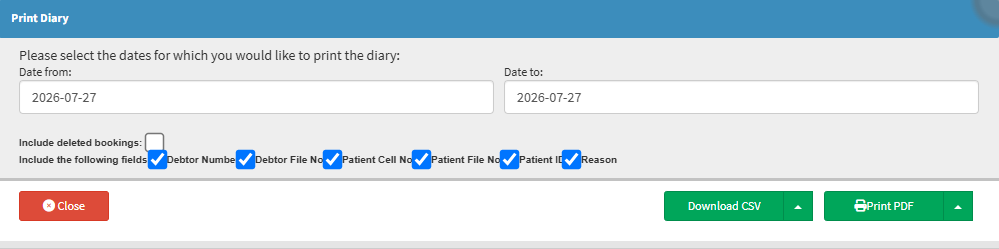
Printing or downloading the diary creates a physical or digital copy of the appointment schedule, providing a convenient backup of the day's bookings. This is particularly useful during internet or power outages, allowing staff to continue accessing important appointment information and minimise disruption to the practice.
Having a copy of the diary also makes it easier to share, review, or plan appointments when access to the system is temporarily unavailable.