Text size
Line height
Text spacing
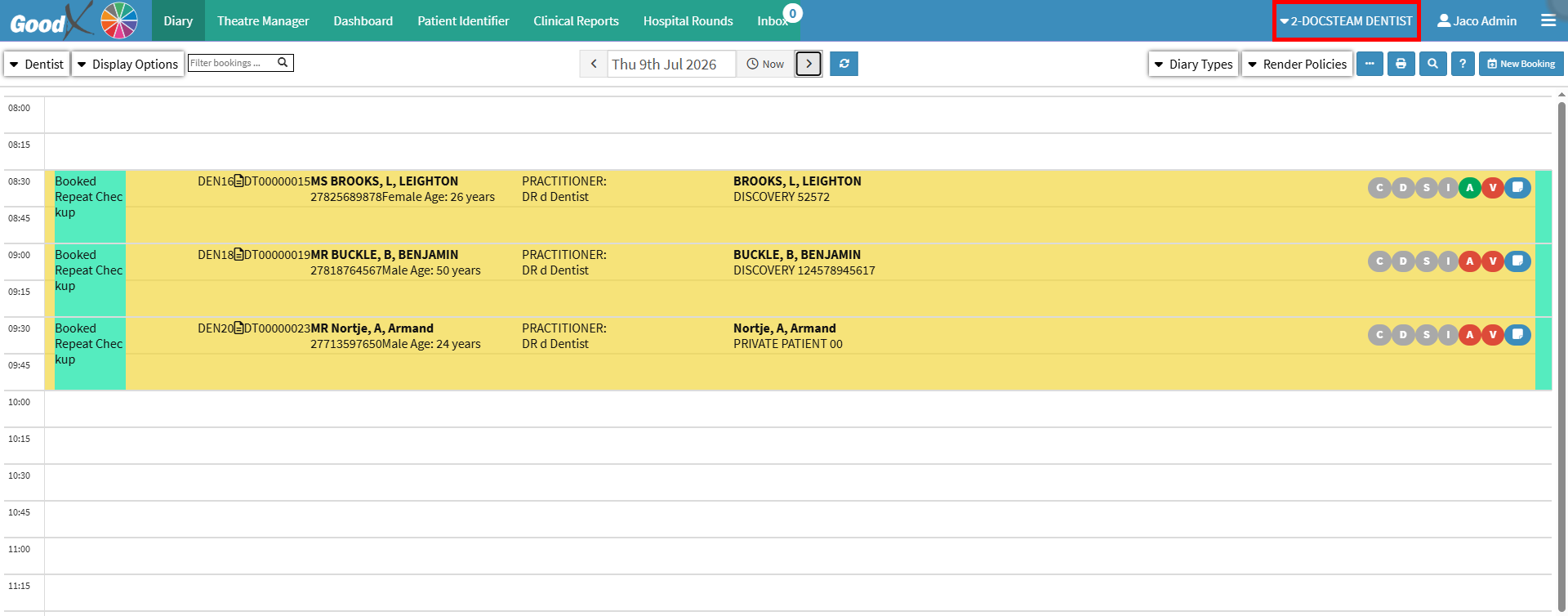
The Entity List facilitates management of multiple practices within the same company by providing quick access to each Entity’s information. This ensures efficient switching between Practices, accurate record-keeping, and streamlined workflows. By enabling seamless navigation between Entities such as general practitioners and Dental practices, the function supports consistent administration and enhances overall operational effectiveness.
💡Please Note: Each Practice Number requires a separate Entity to be created, except in cases where a group Practice Number is in place.
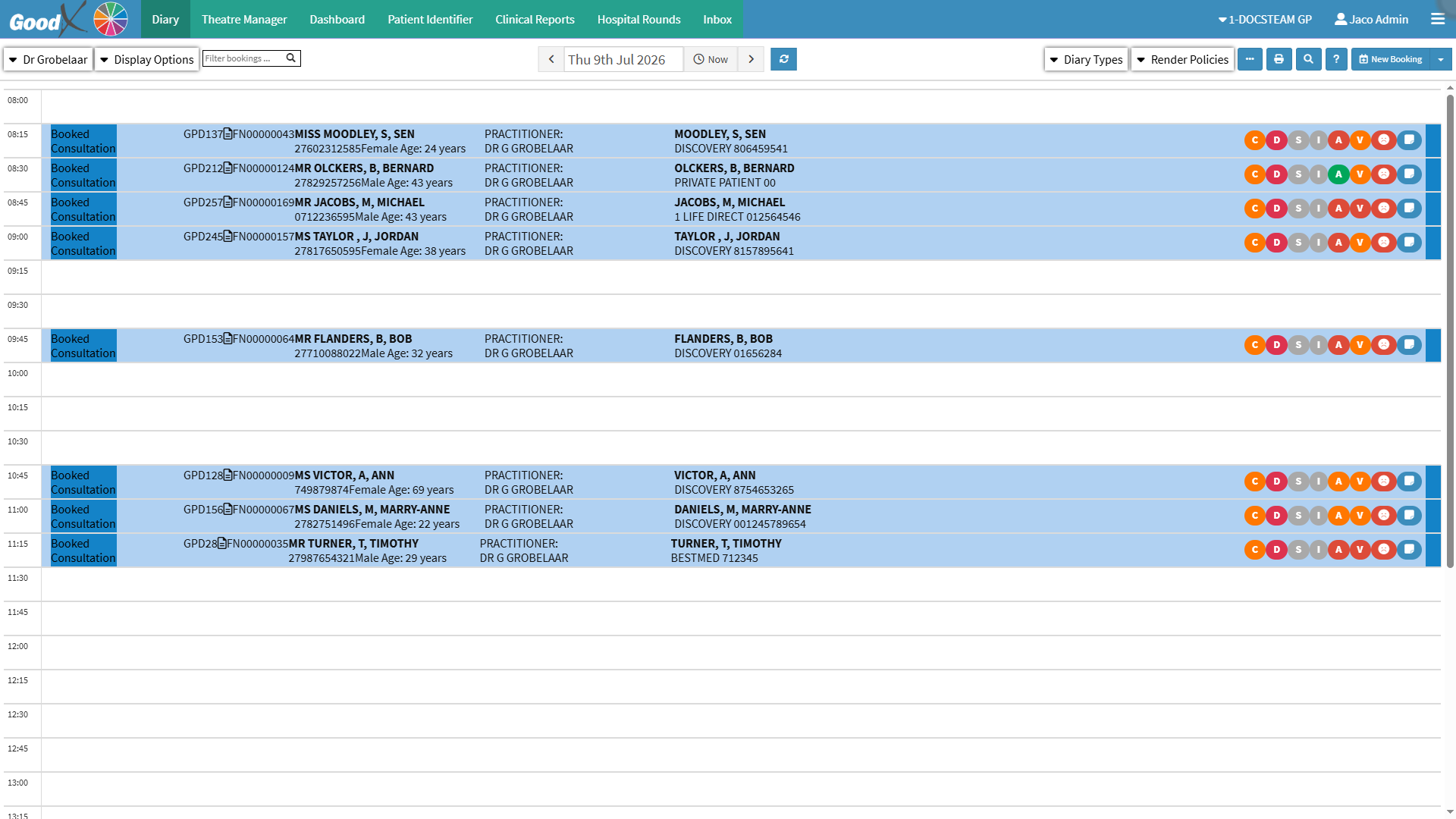

💡Please Note: The Entities displayed are determined by the Practice’s configuration; each Practice Number is configured as a separate Entity.
The Navigation bar will display the name of the active Entity.