Text size
Line height
Text spacing
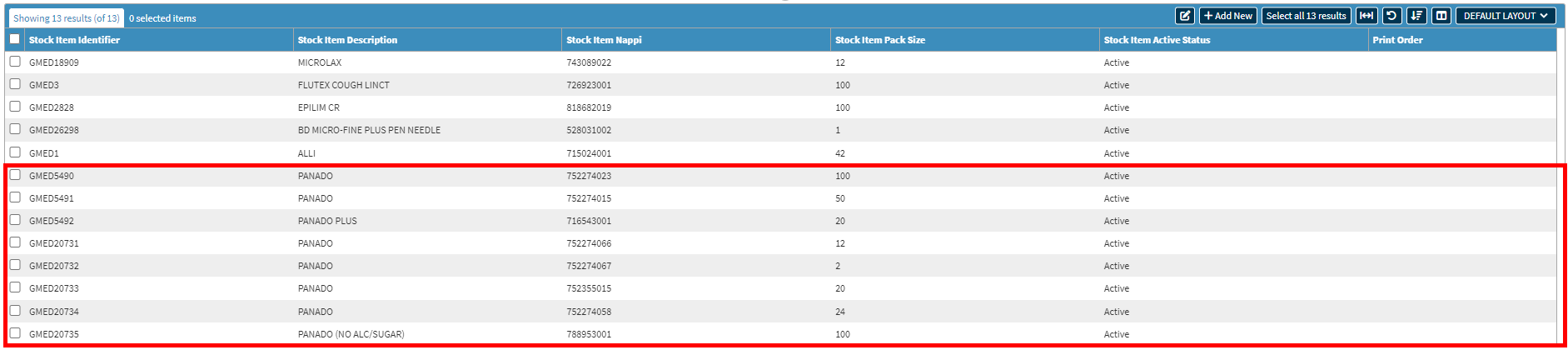
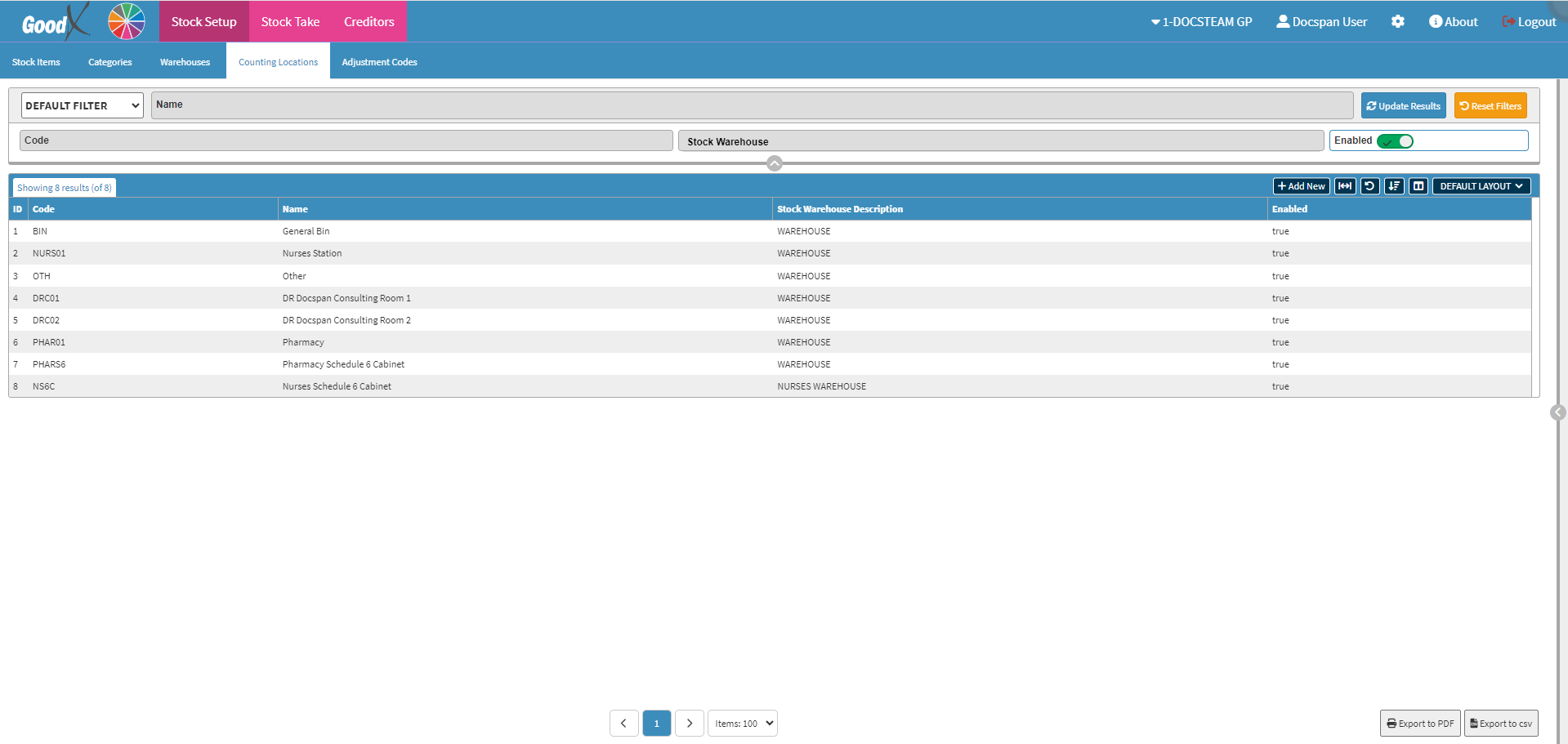
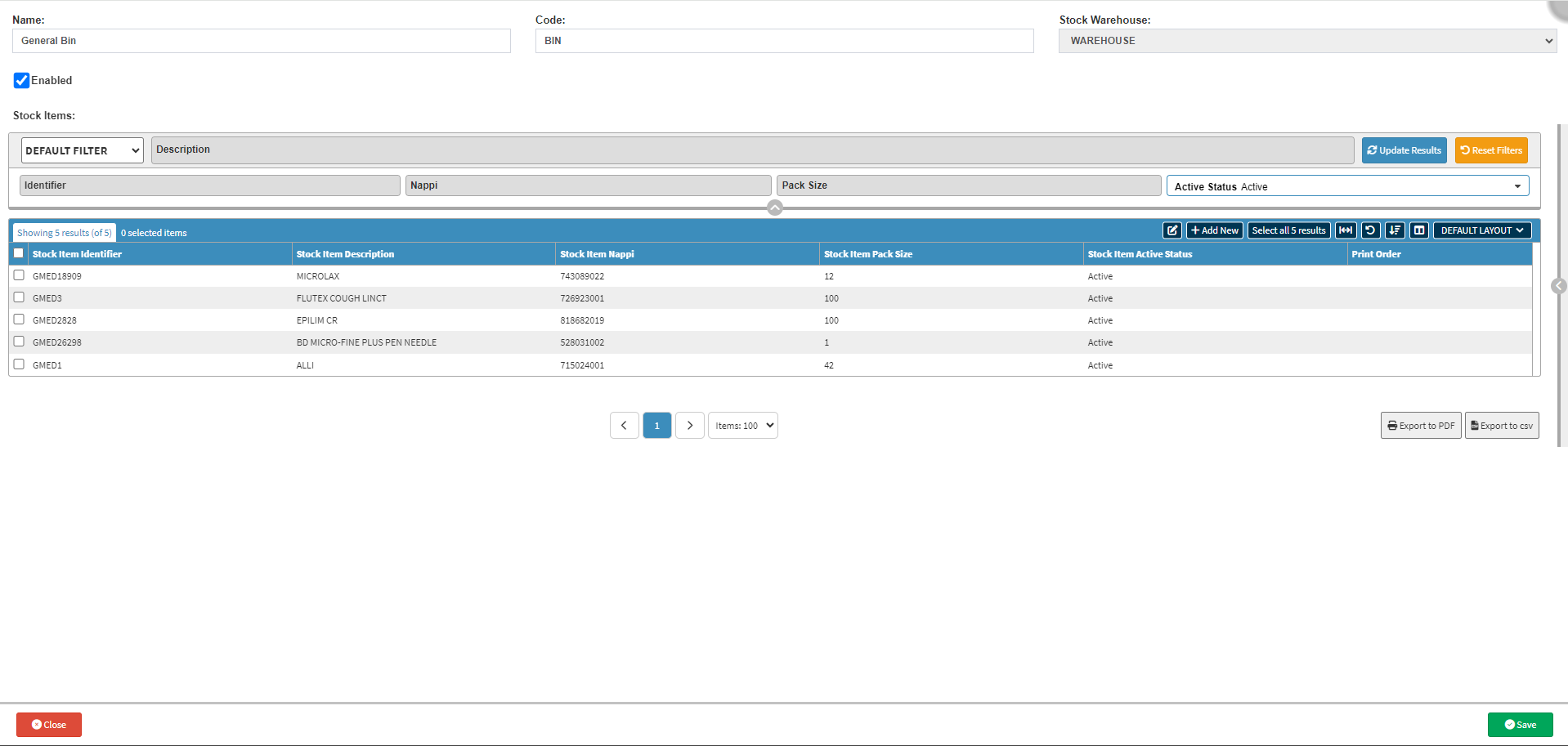
Linking Stock Items to Counting Locations allows you to assign a physical place to where the item is stored. These locations can be bins, shelves, or specific areas within the Warehouse, and are used to manage inventory levels, perform stock counts, and ensure that items are stored systematically for easy retrieval.
Please Note: Counting Locations need to be set up before Stock Items can be linked. For more information, please refer to the user manual: How to Create a Counting Location.


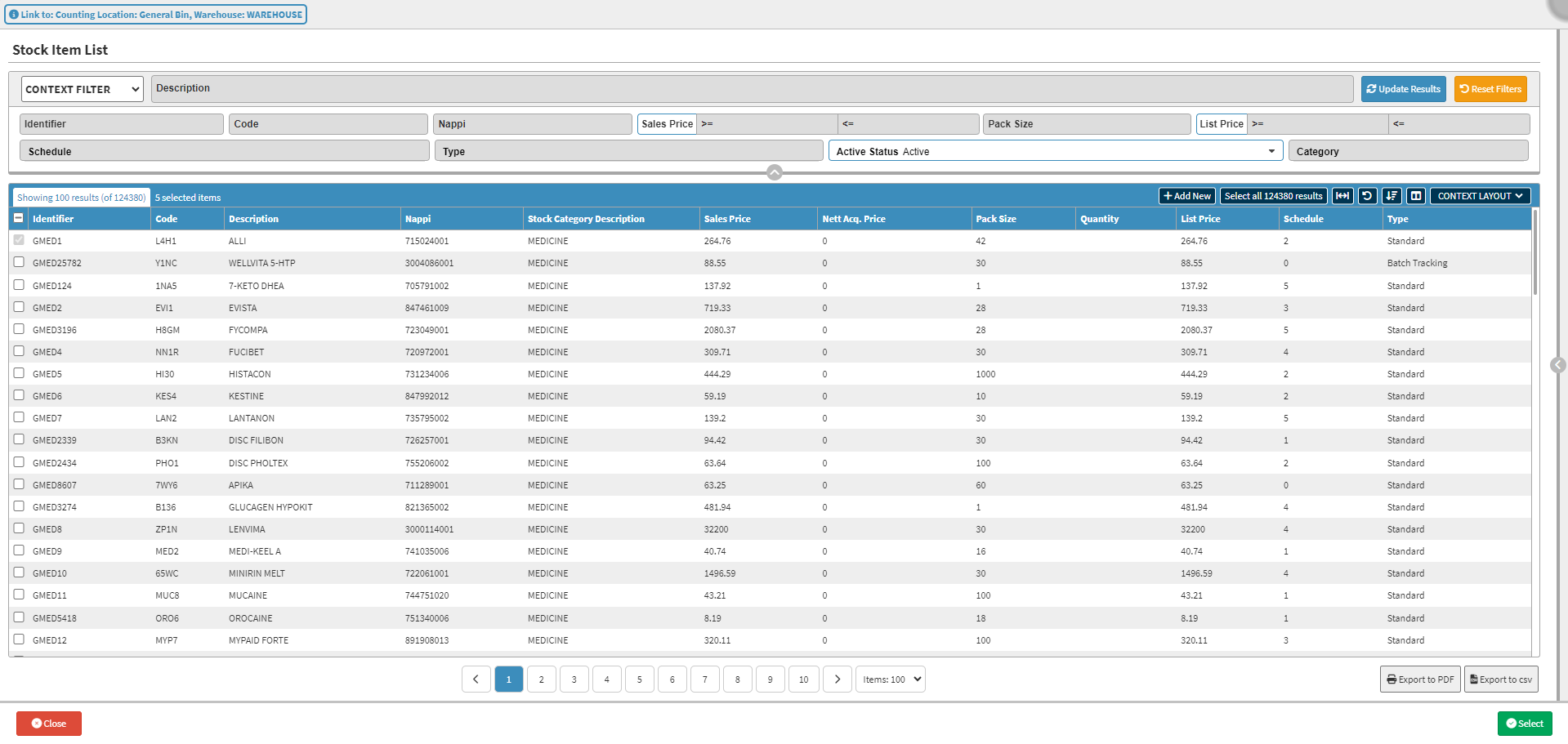

Please Note: You can select multiple items. The Select checkbox of items that are already linked to this specific Counting Location will be greyed out, and you will not be able to select them again.