Glossary: Download Treatment Plan
Related: Dental estimates from the diagnosis/observation screen
VIDEO
Click on the Download Treatment Plan button to download a PDF version of the Treatment Plan .
Please Note: When the Treatment Plan is downloaded, all the Estimates created for the Patient will be included.
A PDF version of the Treatment Plan will be downloaded to the user's device.
Click on the d ownloaded Treatment Plan .
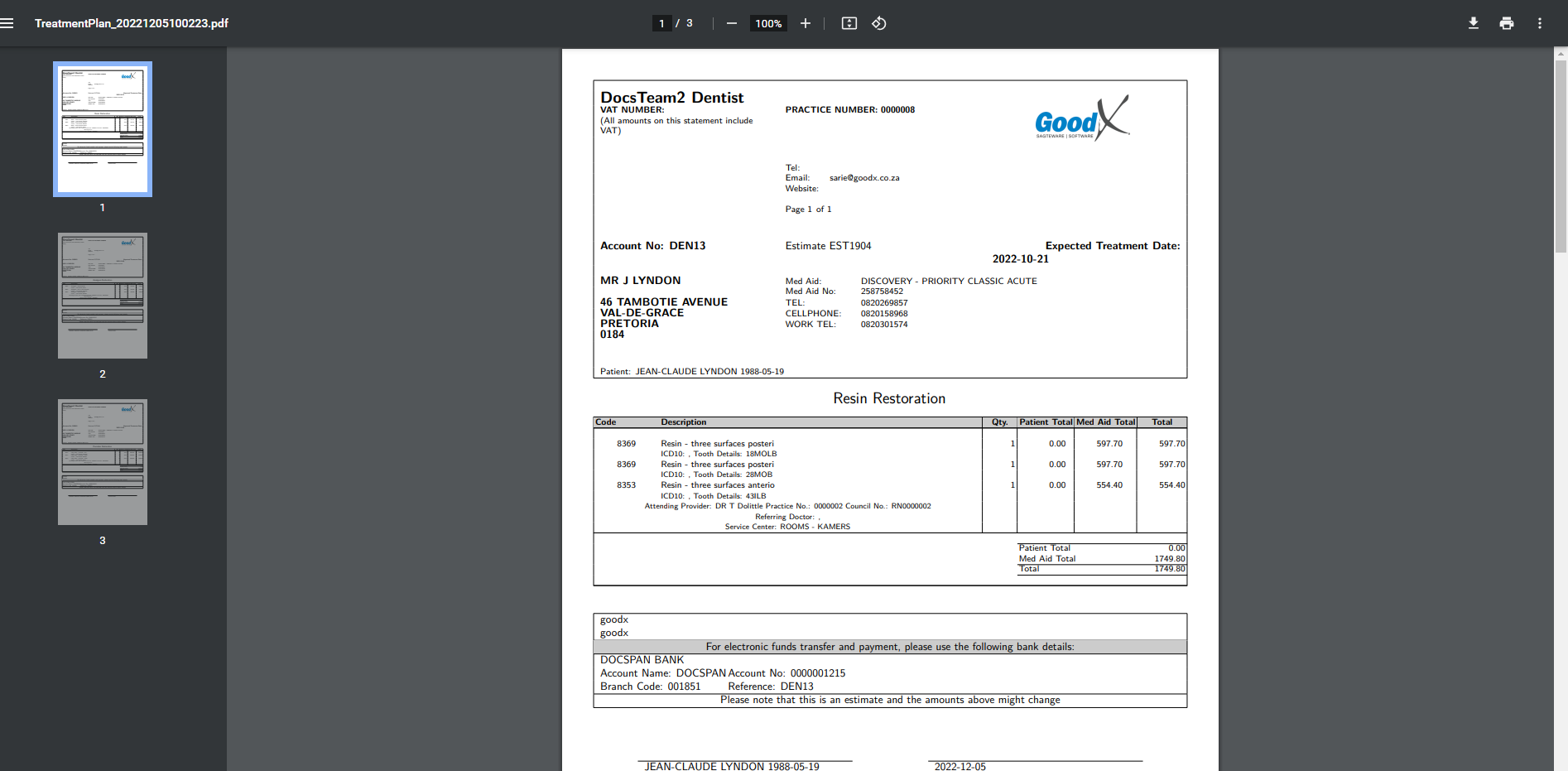
The downloaded Treatment Plan will open. Print the PDF File Click on the downloaded PDF file.
The downloaded Treatment Plan will open.
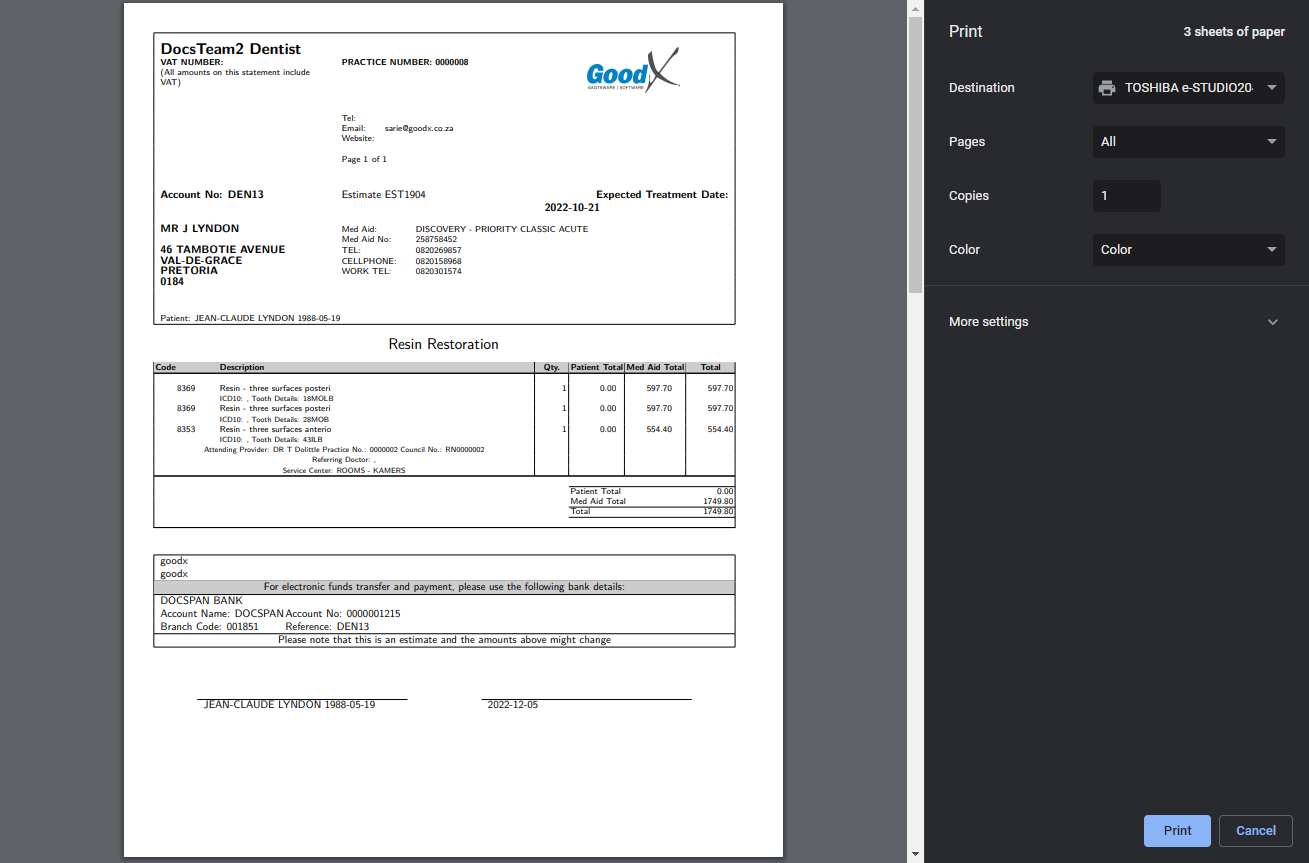
Click on the Print button to print the Treatment Plan . The P rint screen will open. Ensure that the following print settings are correct: Destination: The user needs to make sure that the correct printer is selected to where they want to print.Pages: Select the correct pages that need to be printed if there is more than one page that is following up on each other.Copies The user needs to indicate how many copies of the Statement they want to print.Click on the Cancel button to exit the Print screen without printing.Click on the Print button to print a physical copy of the Statement.
Last modified: Tuesday, 6 December 2022, 8:15 AM