Text size
Line height
Text spacing
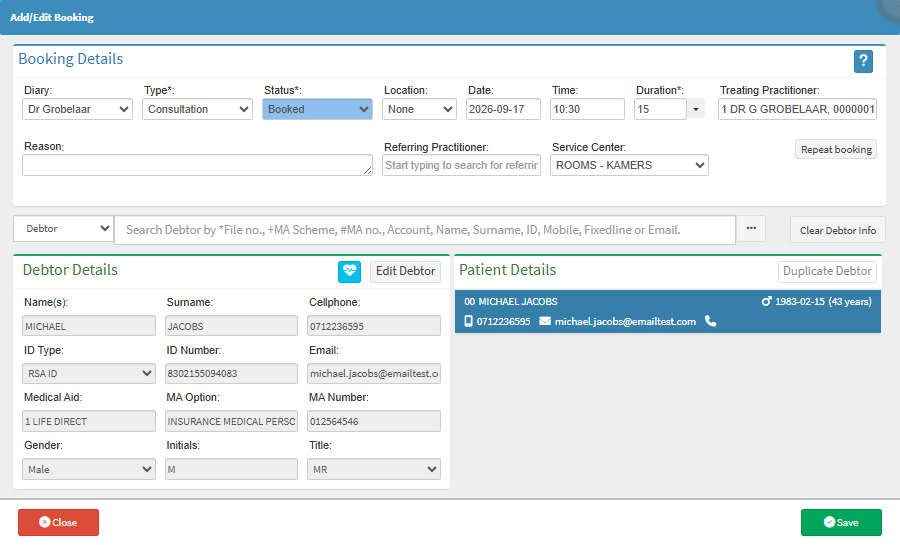
The Debtor Search helps you find the correct debtor when creating a new booking. This helps you locate an existing debtor using information already stored in GoodX, so you can link the booking to the correct account.
Using the Debtor Search saves time by making existing debtor information readily available during the booking process. It also helps keep bookings, patient information, and account details correctly connected, supporting accurate record-keeping and smoother administration.
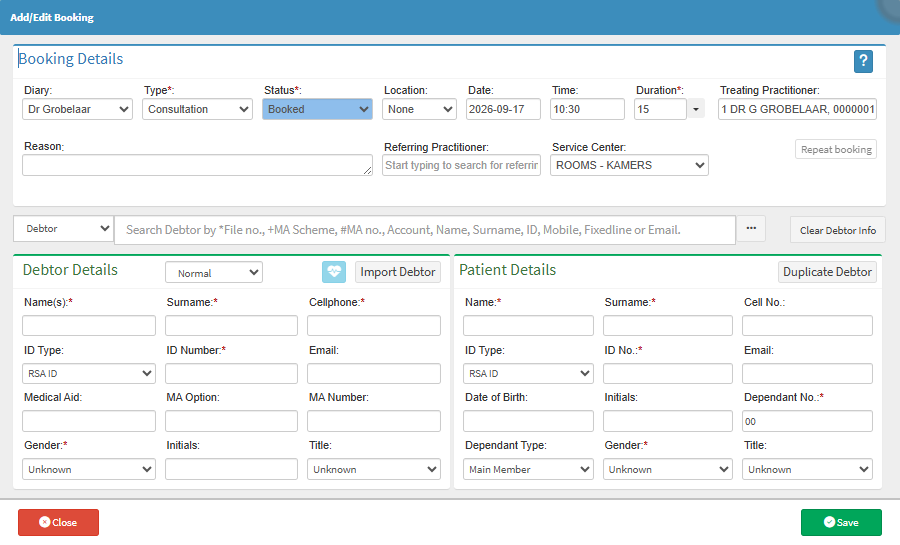

💡Please Note: Typing a single character into the search field will display a drop-down list. You can search by File No, MA Scheme, MA no, Account, Name, Surname, ID, Mobile, Fixedline or Email.