Text size
Line height
Text spacing
Editing an Electronic Remittance Advice (ERA) is important for maintaining accurate financial records within the Practice. When discrepancies or errors are identified in the ERA, making the necessary corrections ensures that all Debtor accounts reflect the correct payment information. This process helps in proper account management and reduces billing discrepancies, ensuring that the Practice's financial data remains reliable and up-to-date.
💡Please Note: An ERA cannot be edited once it has been posted.
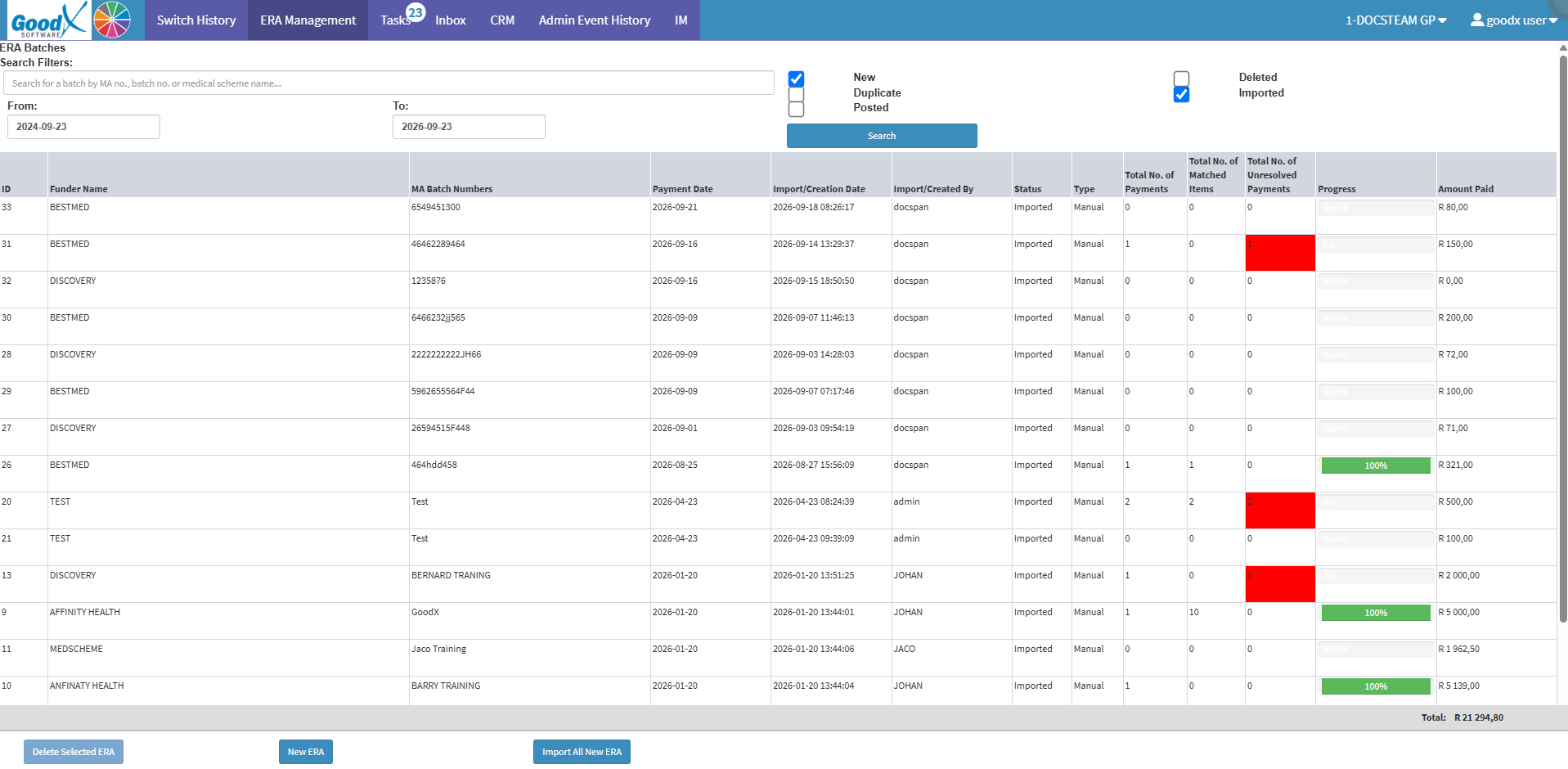
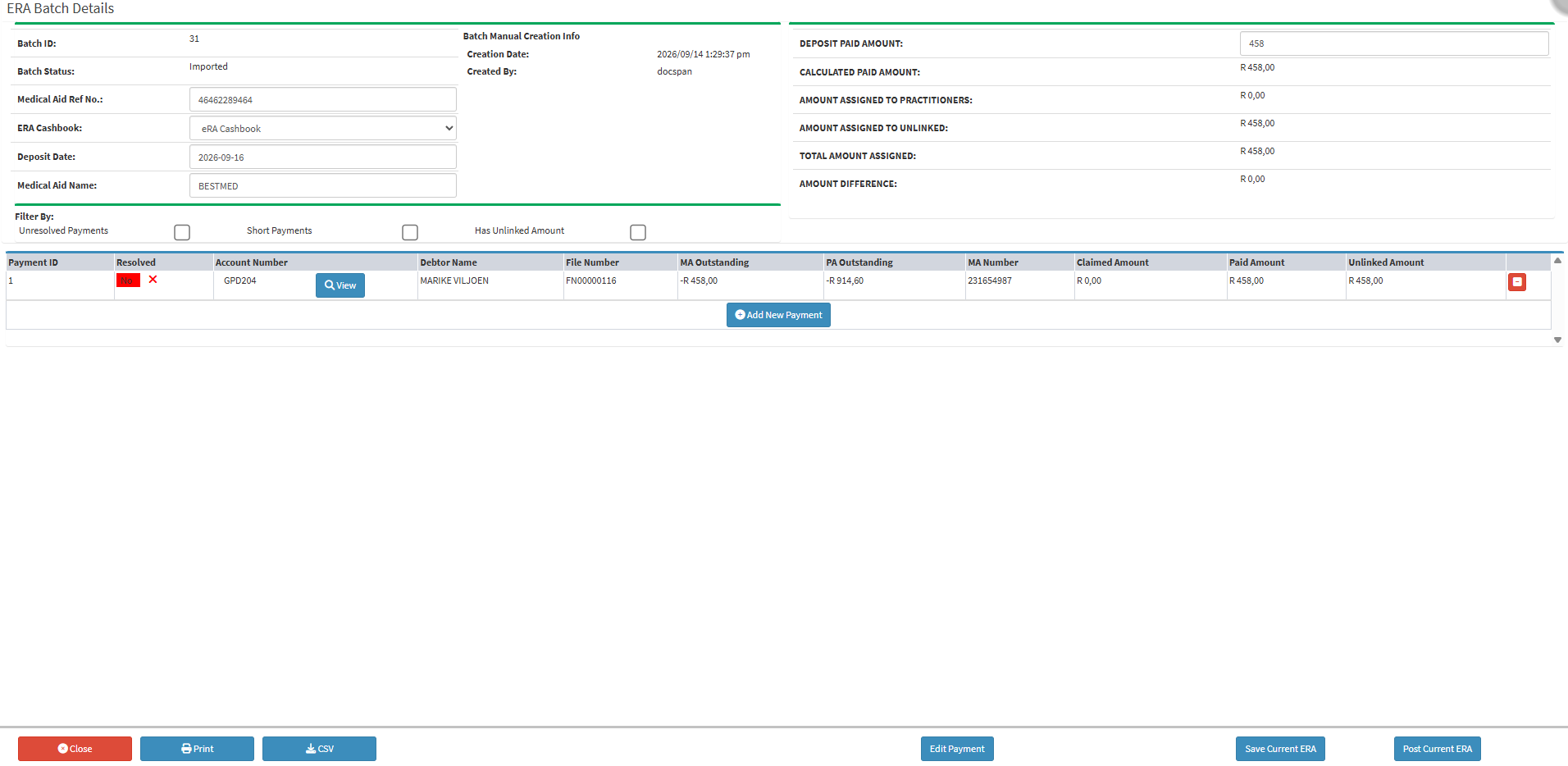
💡Please Note: Only the Medical Aid Ref No., ERA Cashbook, Deposit Date, Medical Aid Name, Deposit Paid Amount, Edit Payment, and Add New Payment fields can be edited. For more details, see ERA Batch Details Navigation (Add New Payment).