Text size
Line height
Text spacing
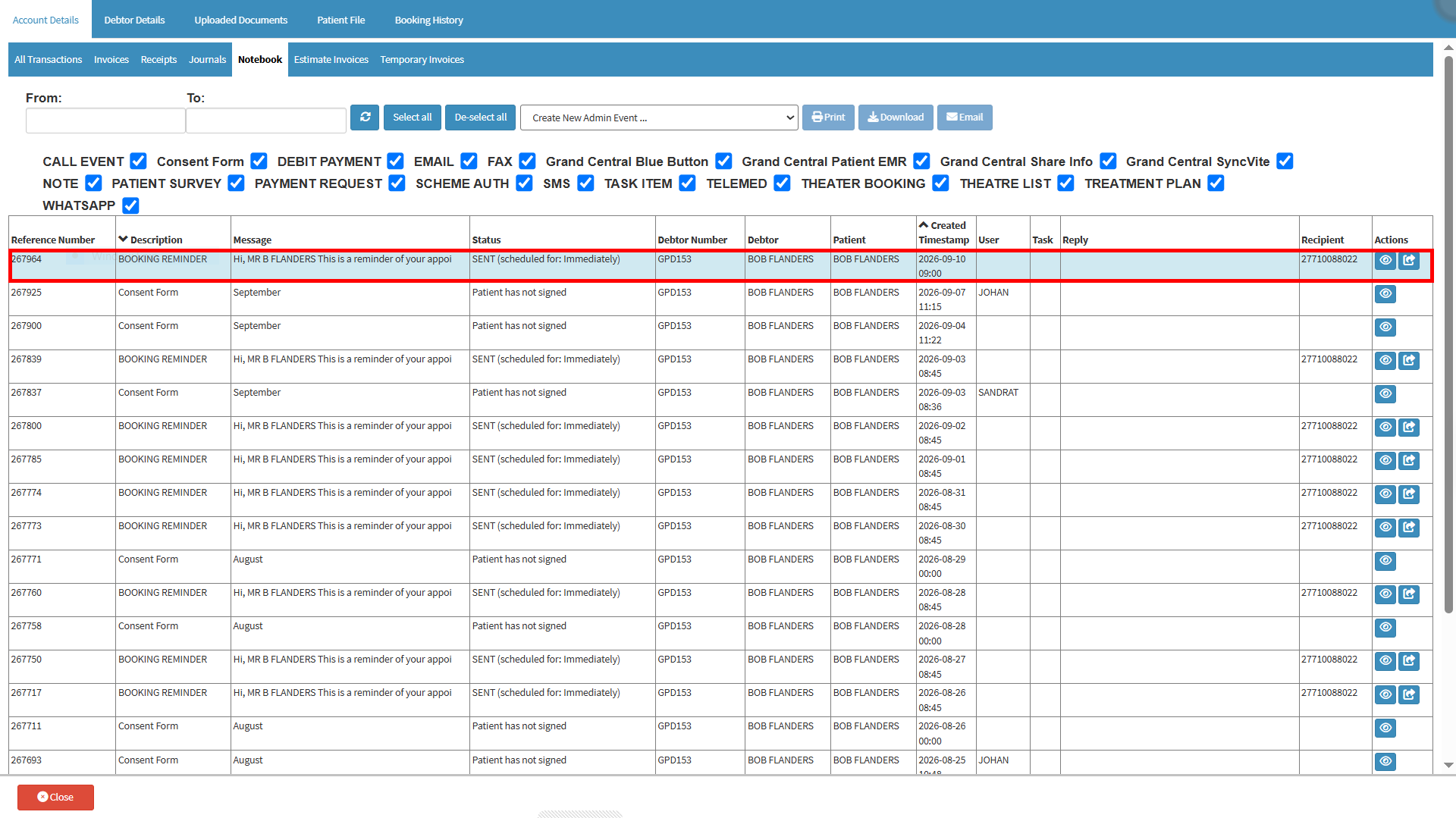
An Admin Event is used to log administrative information on a patient's Notebook. Admin Events can be created whenever information, communication, or an administrative action needs to be documented on the patient's file, whether or not the patient has a booking in the Diary.
Different types of Admin Events can be created, including calls, emails, consent forms, patient surveys, payment requests, SMSs, tasks, WhatsApp messages, and other administrative activities.
Using Admin Events keeps important administrative information together on the patient's Notebook, making it easier to review the communication and actions associated with the patient.
💡 Please Note: An Admin Event does not require a Diary booking and can be created independently whenever the information needs to be documented.
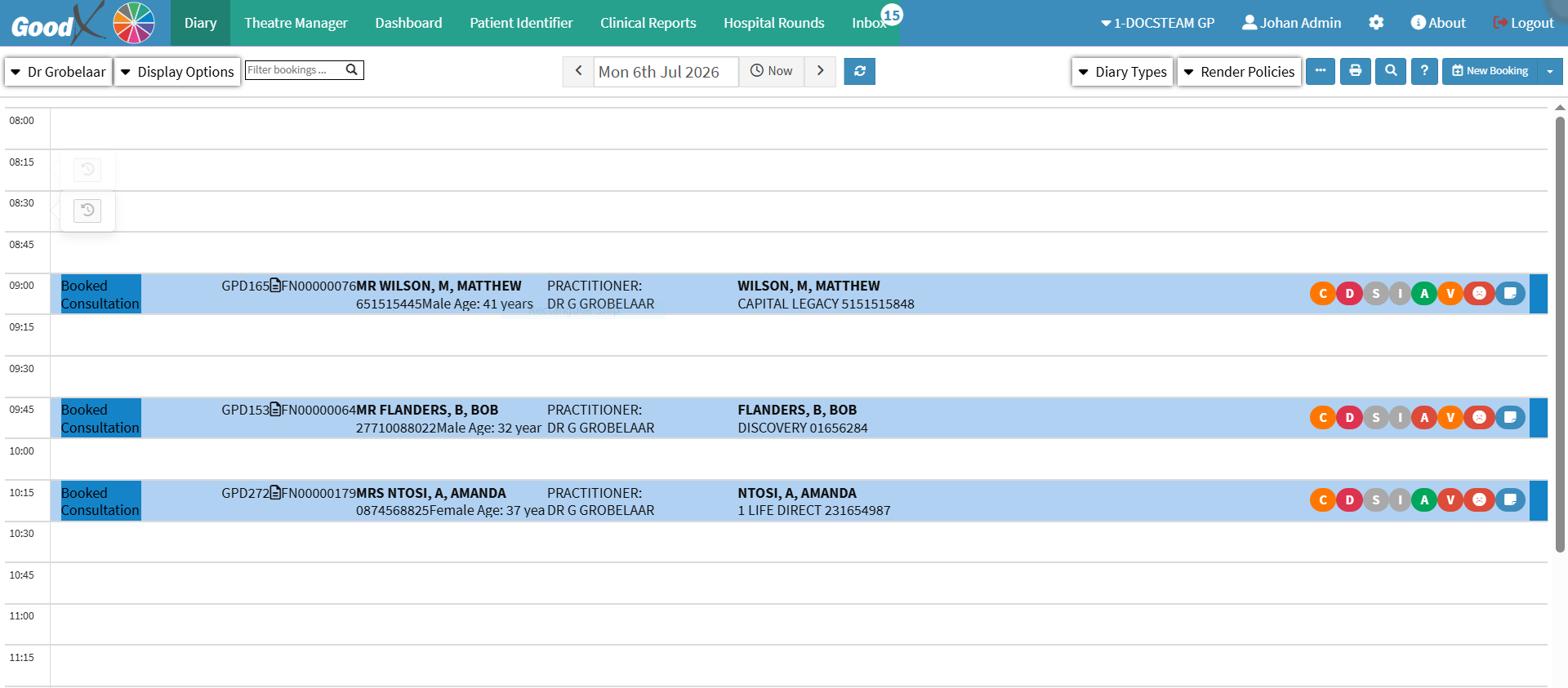


💡Please Note: The available options depend on the settings configured for the practice.