Text size
Line height
Text spacing
The Available Booking search provides a quick way to find open appointment slots across the Practice. You can filter the search by Booking Type to find available times that match the Patient's needs, without manually searching through the Diary. This makes it easier to find suitable appointment times, particularly when working with multiple practitioners or when a Patient has specific booking requirements. It saves time, improves scheduling efficiency, and helps the Practice make better use of available appointment slots.
Start on the Available Booking screen.
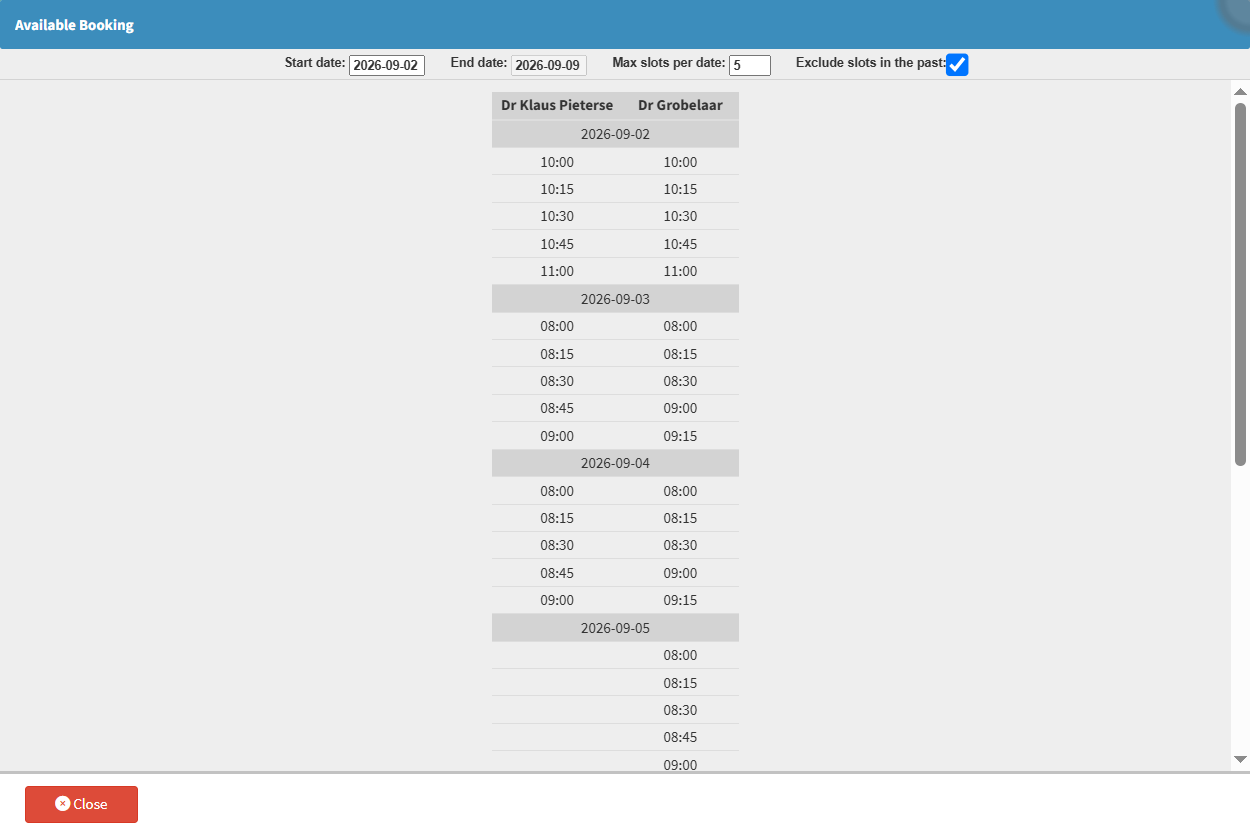

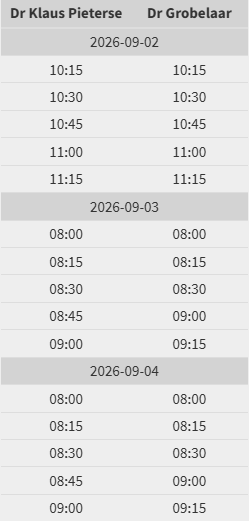
💡Please Note: Double-clicking any listed time slot opens and pre-fills the Add/Edit Booking screen with the chosen date, time, and practitioner, where you are able to create a new booking. For details, see How to Create a Booking from the Available Booking Screen.