Text size
Line height
Text spacing
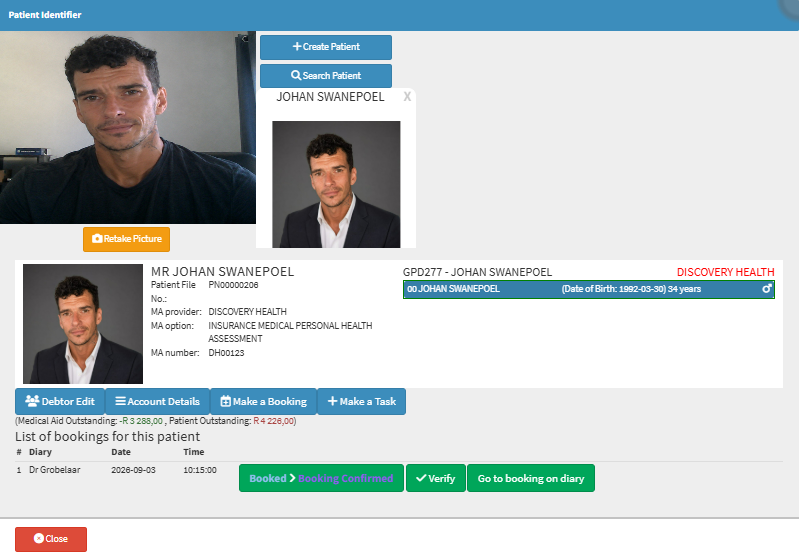
Verifying a Patient booking using the Patient Identifier allows you to update the Patient's profile picture and verify their identity simultaneously. The process involves capturing a new photo of the Patient, which is then analysed using facial recognition software to identify the Patient. The system compares the new photo with existing records to find possible matches. The new image can replace the old one in the Patient's file, ensuring more accurate identification during future visits. This helps maintain up-to-date records and improves the accuracy of Patient identification, enhancing security and reducing the risk of errors in Patient management.