Text size
Line height
Text spacing
Verifying a patient's identity confirms that the correct patient has arrived for their appointment before any treatment, consultation, or administrative processes begin. This helps ensure that all clinical, administrative, and billing information is recorded against the correct patient file.
This is essential for maintaining accurate medical records, improving patient safety, preventing misidentification, and reducing the risk of clinical or administrative errors. It also supports compliance with legal and regulatory requirements, helps prevent fraud, and ensures that billing and Medical Aid claims are processed accurately.
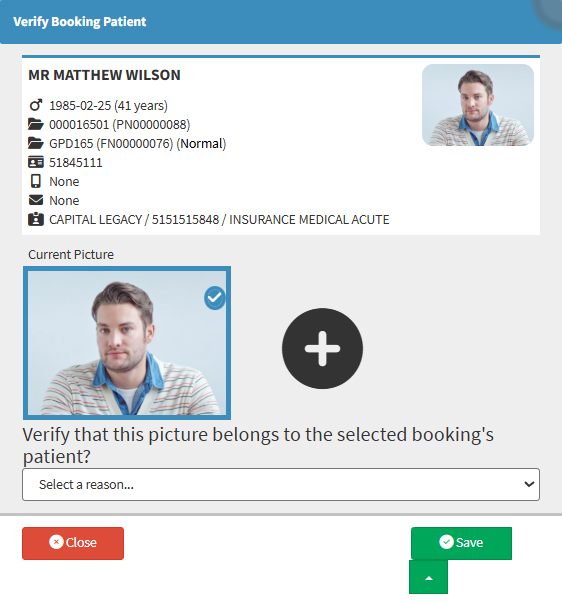

💡Please Note: The Verification icon remains red until the verification process has been completed.