Text size
Line height
Text spacing
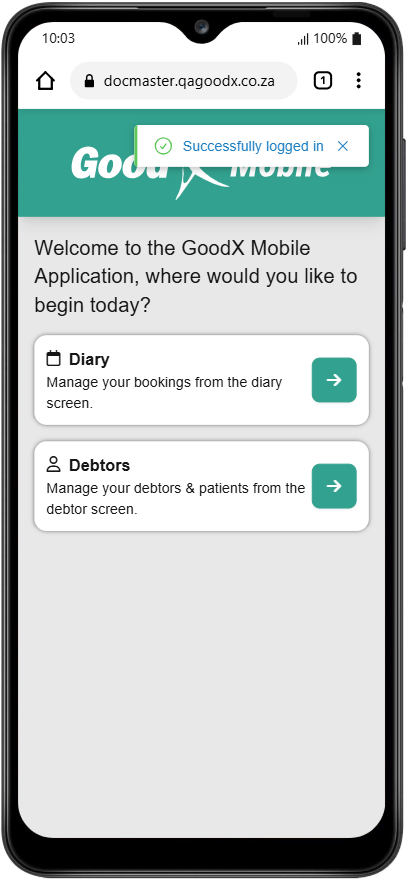
Logging into the mobile version of the system ensures that a Practitioner remains connected to the Practice even while away from a desktop. Mobile accessibility facilitates seamless management of Patient and Debtor information in real-time, whether working online or in an offline capacity. Mobile connectivity empowers you to provide efficient care and maintain up-to-date records from any location using your existing credentials.
💡Please Note: Your login information for the GoodX Mobile App will be the same as your GoodX Web login info, and should you struggle to log in, please contact the main administrator of your Practice or your designated FCL.

💡Please Note: For the purpose of this user manual, Google Chrome will be used.