Navigating and Understanding the Debtor Drilldown Report
Completion requirements
Why Use This Function:
The Debtor Drilldown Report is a detailed financial Report which gives an overview of all transactions on the system within a specific timespan, on specific accounts, and types of transactions, using specific selected groupings and filters to customise the Report to the information you want to see.
The Contents of This User Manual:
Report Options
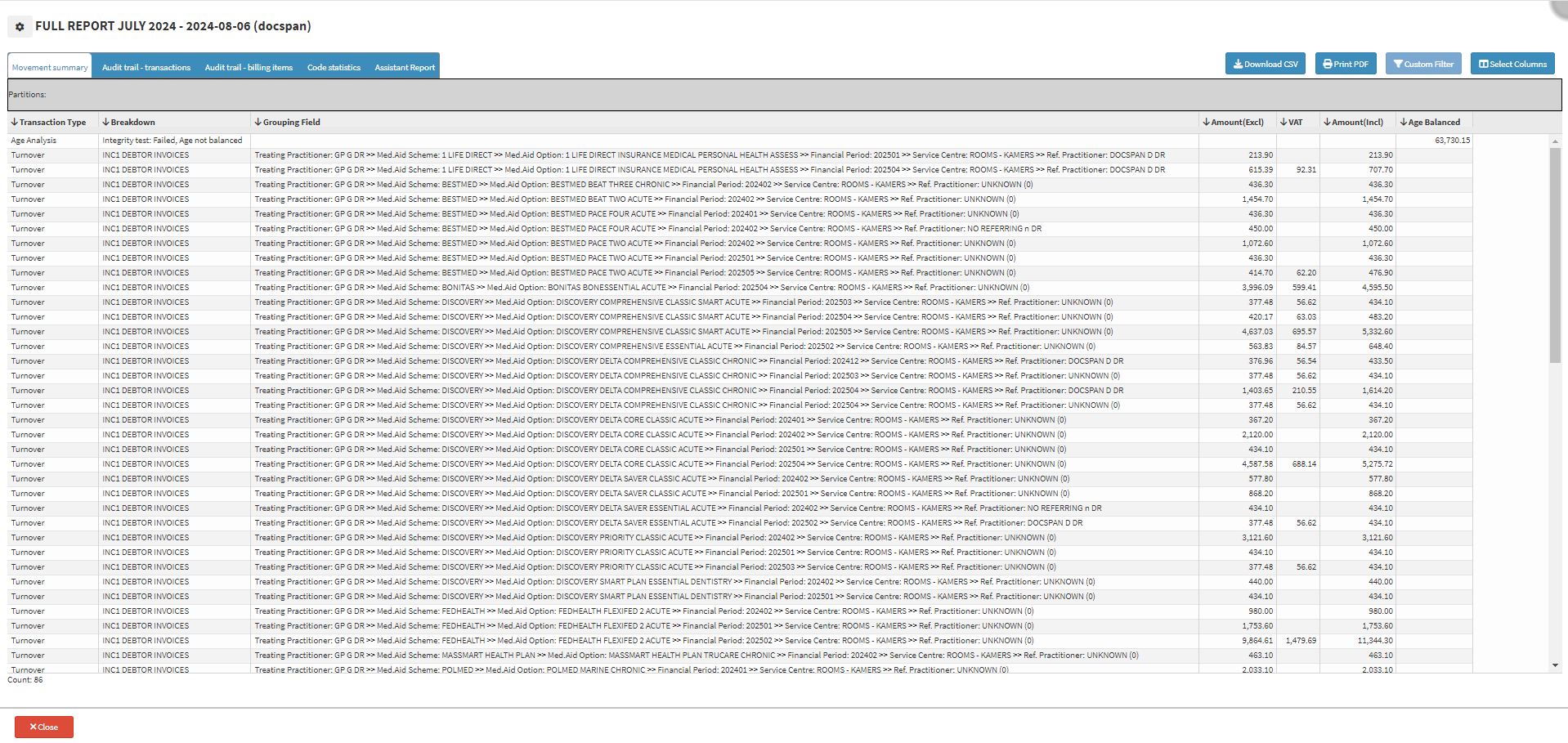
Movement Summary
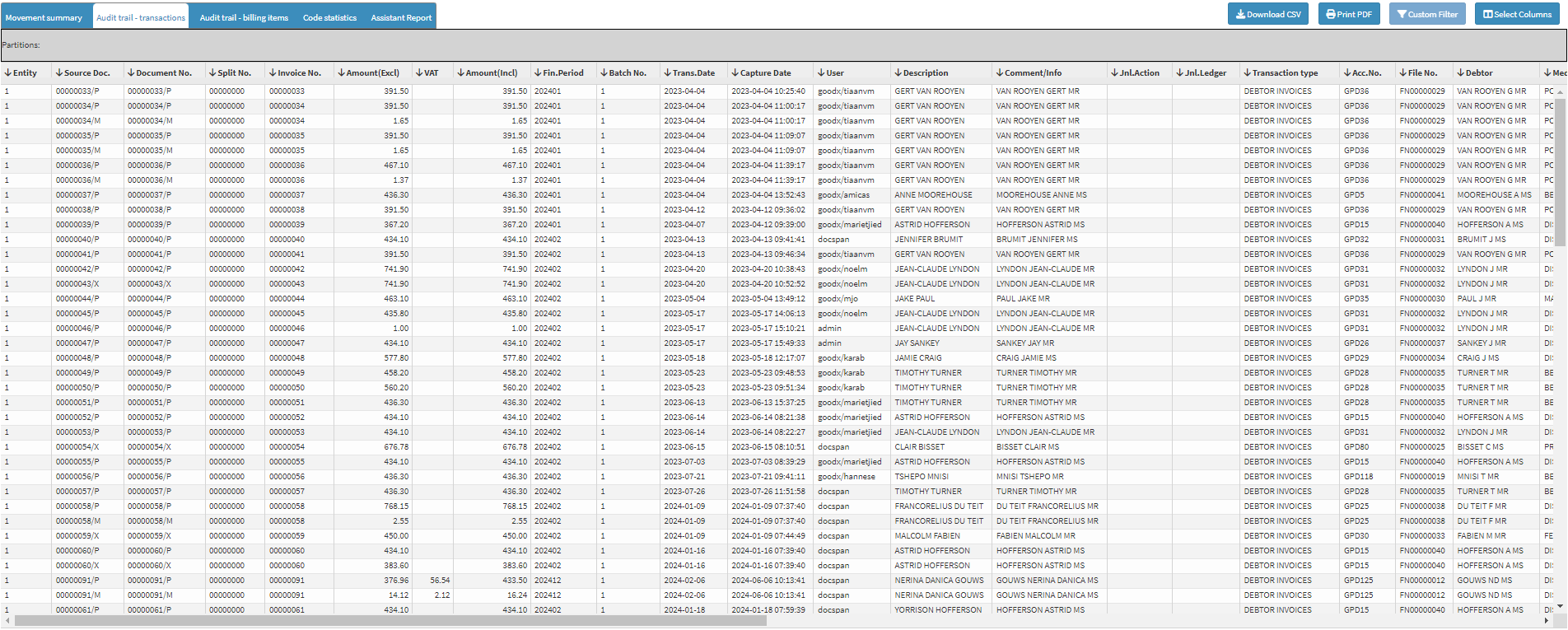
Audit Trail - Transactions
Audit Trail - Billing Items
Code Statistics
Assistant Report
This user manual will start on the Debtor Drilldown Report, Movement Summary tab.
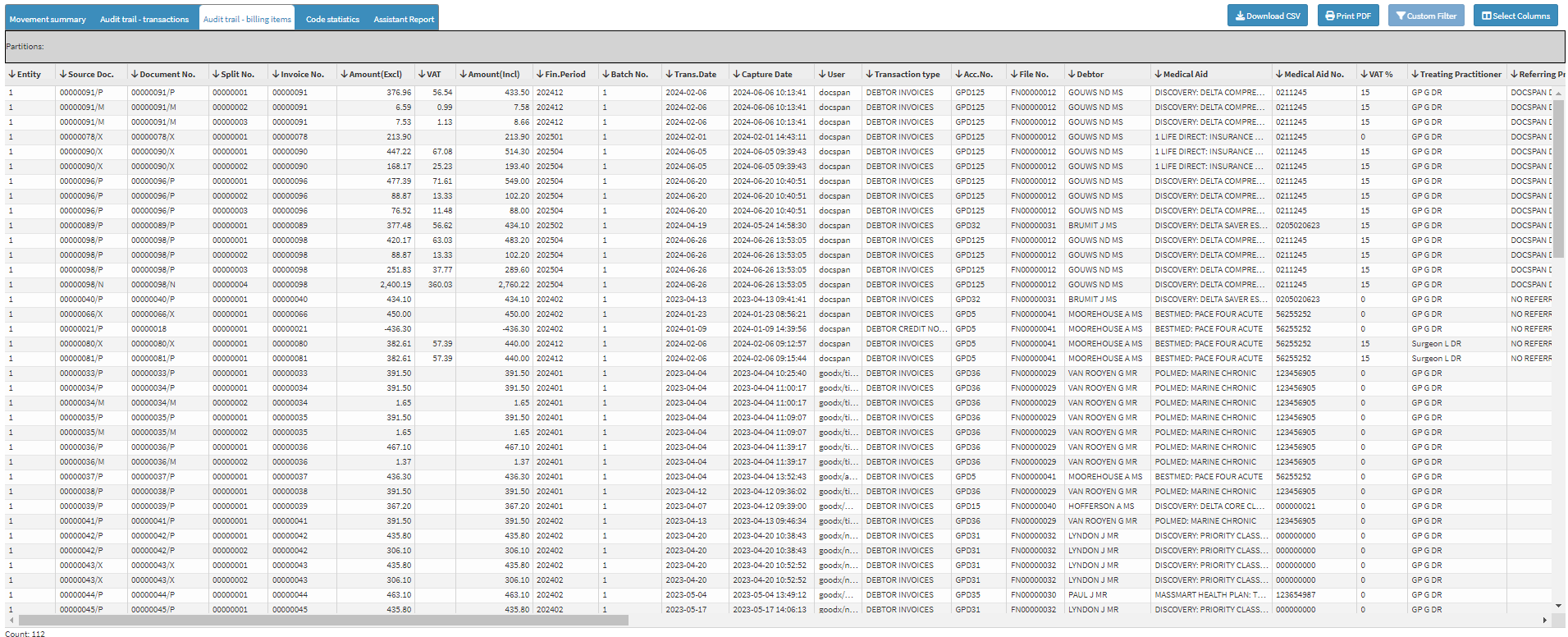
A chronological record of information relating directly to Billing Codes that were billed on a specific Invoice.
Click on the Audit Trail - Billing Items tab.
The Audit Trail - Billing Items screen will open.
Code Statistics
Provides a comprehensive overview of the usage and performance of the various Billing Codes used within the Practice.
Click on the Code Statistics tab.
TheCode Statistics screen will open.
Assistant Report
An Assistant Report provides a comprehensive overview of all transactions where Assistants were billed, offering detailed insights into the billing associated with Assistants. This report is a crucial tool for managing and analysing the periods during which Assistants provided their services and determining the compensation owed for their contributions.