The Multi Invoice Change Log serves as a comprehensive record of any modifications made to a particular Invoice within a Multi Invoice batch. The Change Log is essential for allowing users to keep track of when and by whom changes were made by adding a date and time stamp and a description of the change which has been made.
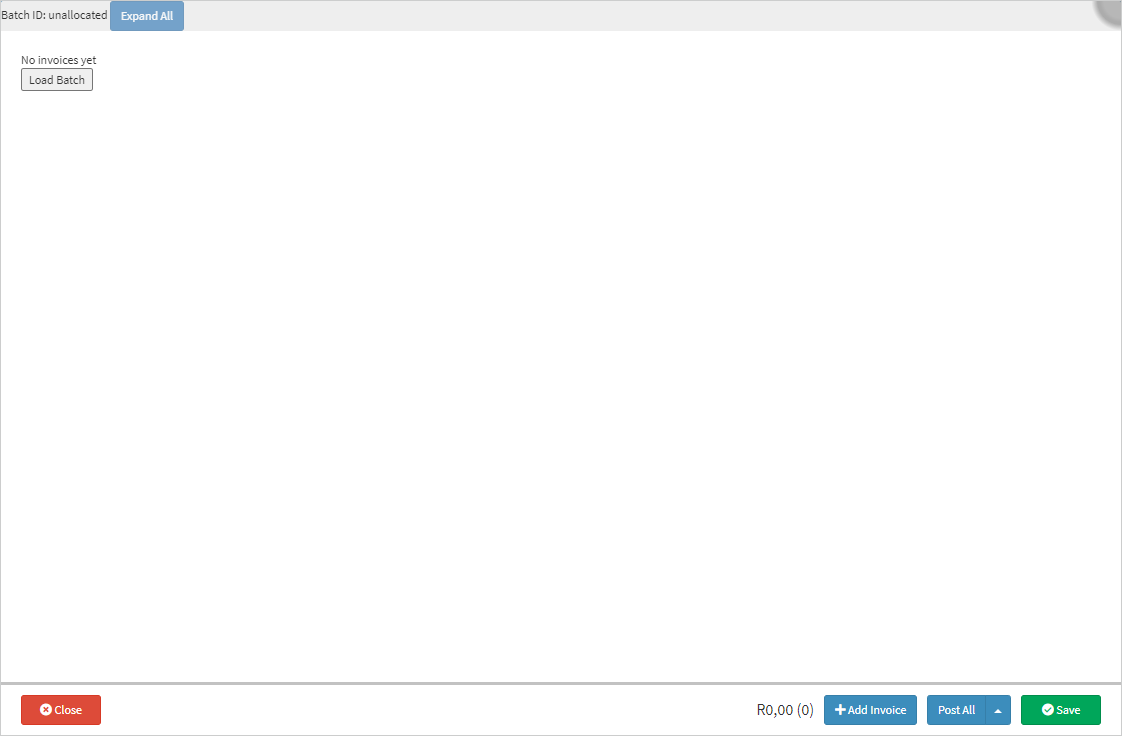
This user manual will start on the Multi Invoice screen.
For more information regarding how to navigate to the Multi Invoice screen, please refer to the user manual: Multi Invoice Screen.
Click on the Load Batch button to load all batches which have been created.
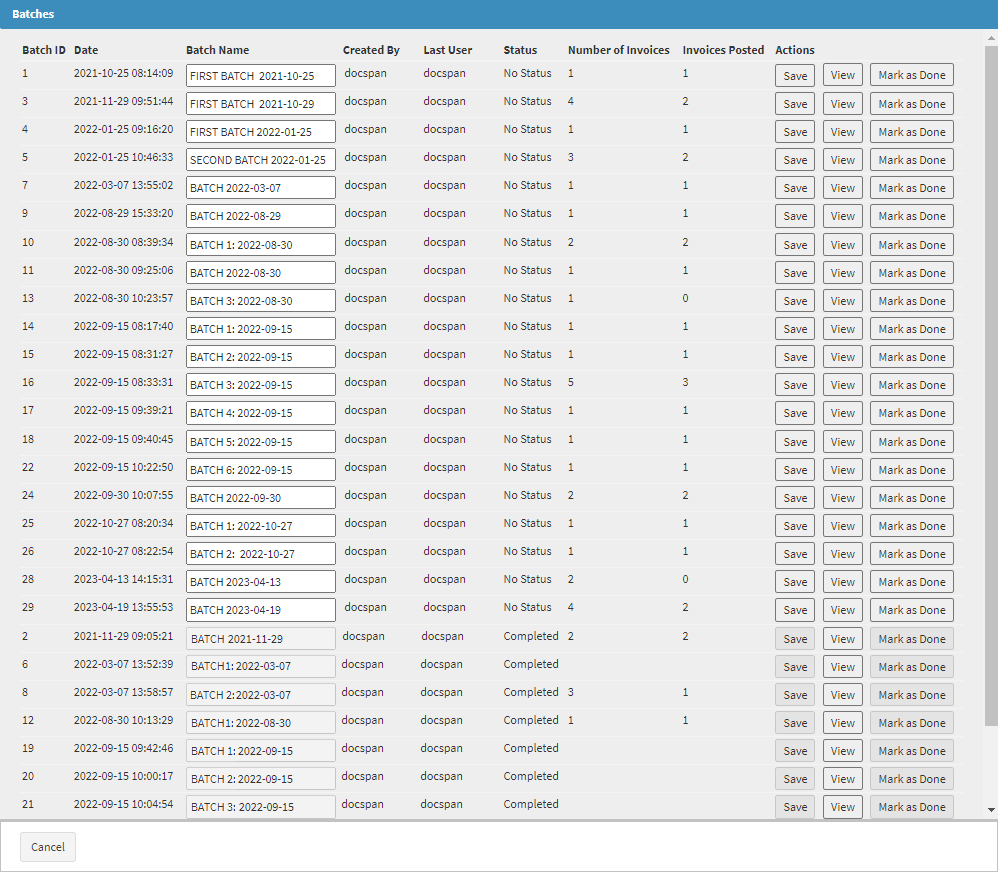
The Batches screen will open.
Clickon the View button in correspondence with the batch number to open, view or edit the batch.
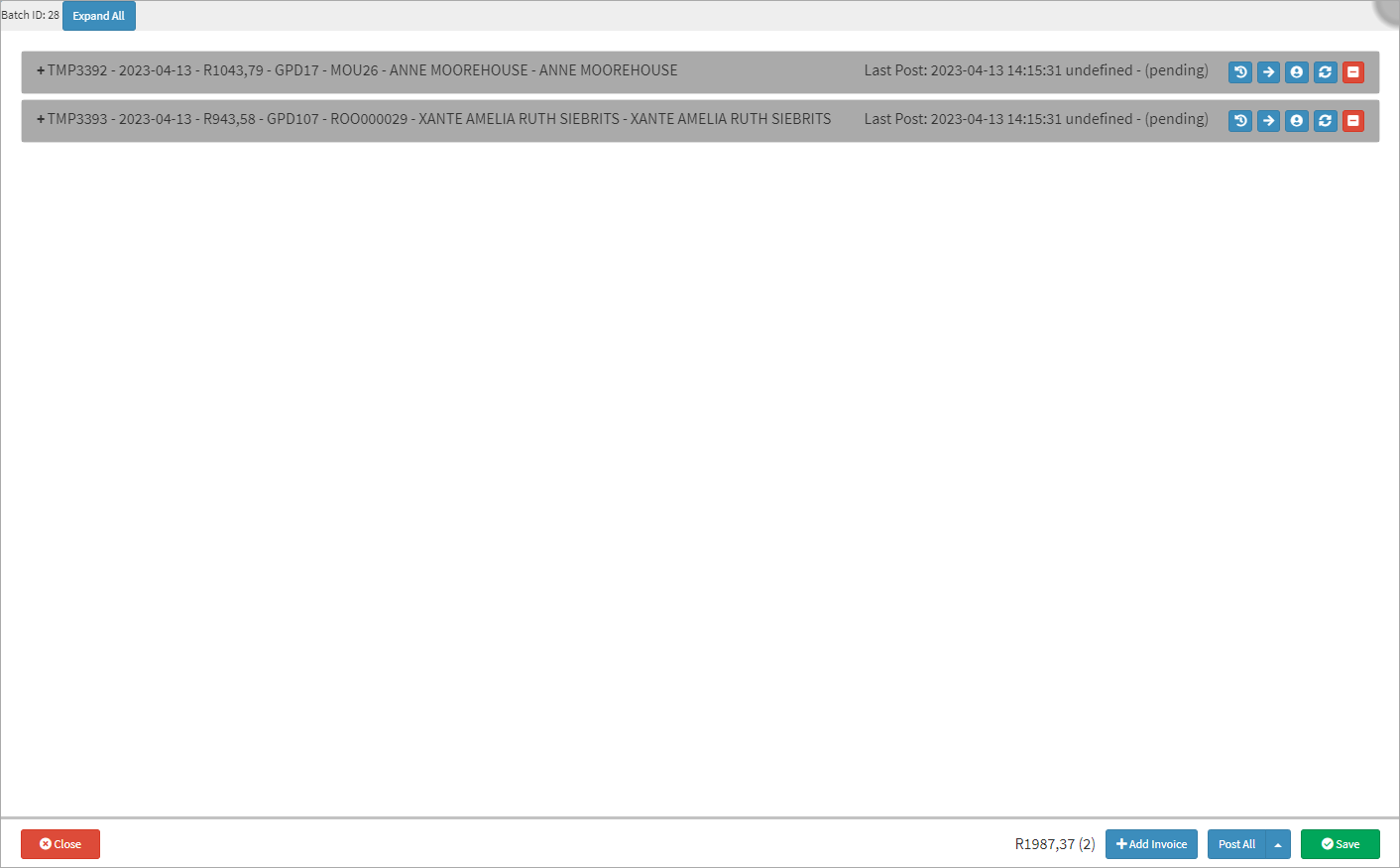
The Batch will open and display all the Invoices associated with the specific batch which was chosen.
Click on the View Invoice History button on the invoicing panel of the desired Invoice to open the Invoice History screen.
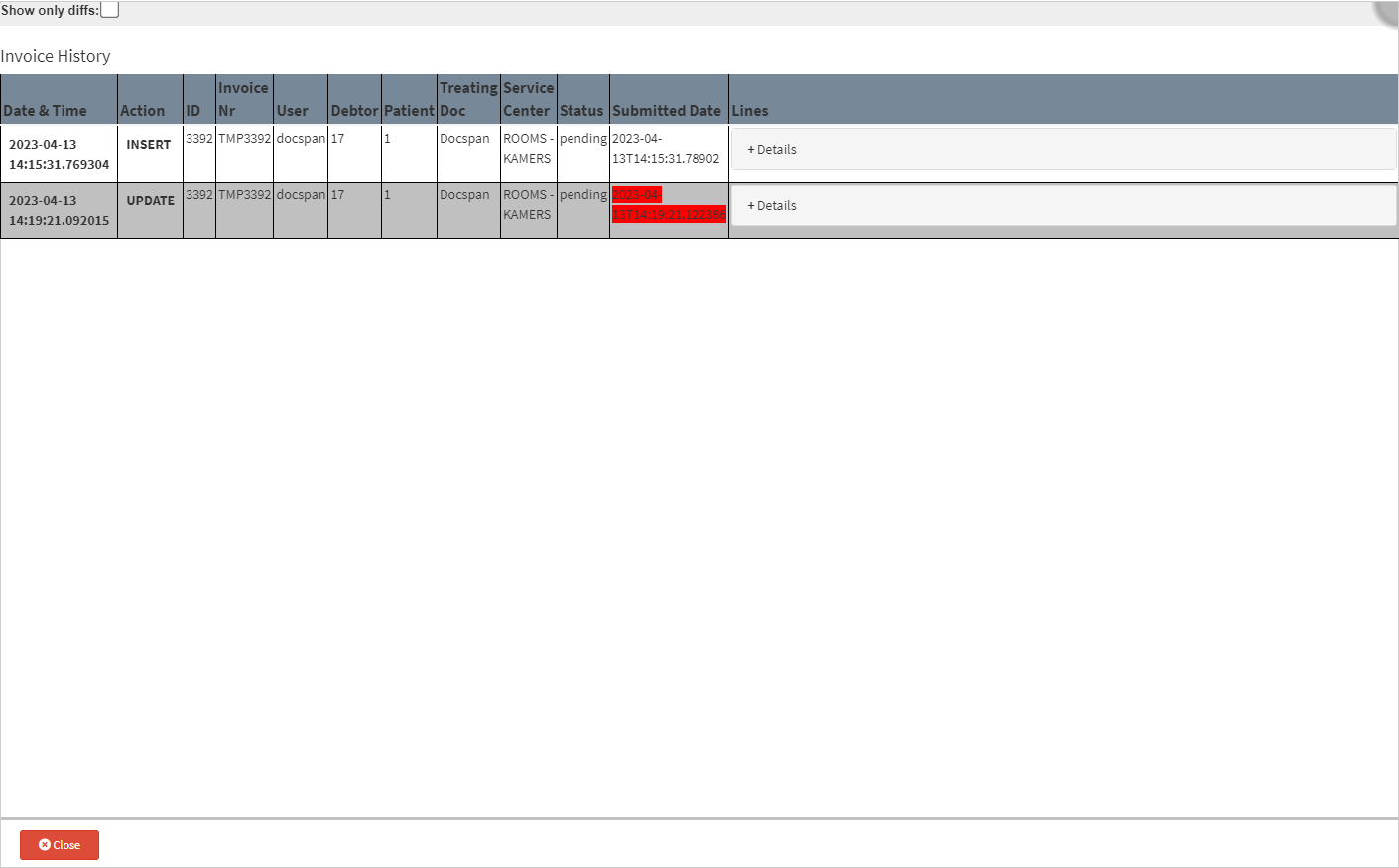
The Invoice History screen will open.
Please Note: Each entry in the History of the Invoice is logged when changes are made to the Invoice each entry represents a change which was made.
The Invoice History will be divided into columns.
An explanation will be given for each column:
Date & Time: A Date and Time stamp indicating the year, month, day (YYYY-MM-DD) and the hour, minute, seconds and milliseconds up to the 6th decimal (HH:MM:SS,MS) when the History entry was added.
Action: What was done to the Invoice. For example: Insert, indicating when the Invoice was first created or Update, indicating exactly when changes were made to the Invoice.
ID: Identification Number - The ID number will correspond with the number in the Invoice Nr column after the prefix.
Invoice Nr: The system-generated document number to identify the Invoice.
User: The username of the person who made changes to the transaction.
Debtor: The account number of the person who is responsible for the payment of the account.
Patient: The dependant number linked to the Patient for whom the Invoice was created.
Treating Doc: The Practitioner who attended to the Patient, when treatment was received.
Service Center: The place where medical care and treatment was provided to the Patient.
Status: The current situation of the action within the Multi Invoice transaction.
Submitted Date: A Date and Time stamp indicating the year, month, day (YYYY-MM-DD) and the hour, minute, seconds and milliseconds up to the 6th decimal (HH:MM:SS,MS) when the History entry was submitted.
All changes made after the initial Invoice was saved will be highlighted in red to indicate, changes were made.
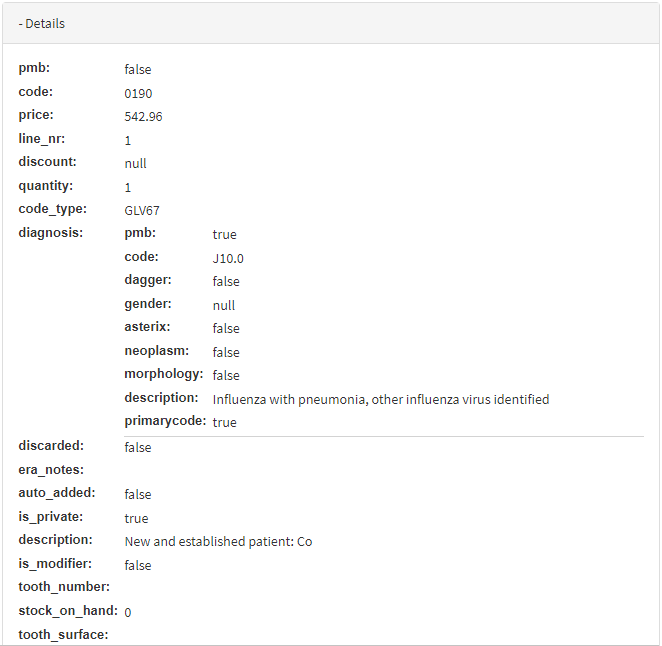
Lines: More in detail information regarding the information of the changes made to the transaction.
Click on the Details panel.
The Details panel will expand to give in-depth information about the changes which was made on the specific transaction.
Please Note: All the information within the Details panel is pulled through from the Invoice.
Click on the Close button, once the user is done reviewing the changes, to return to the Multi Invoice screen.