Text size
Line height
Text spacing
Day Setup is the configuration of the specific days and timeslots during which the Practitioner is available. The Day Setup defines when the Practitioner’s day begins and ends, ensuring accurate scheduling and efficient calendar management across the Practice.
By clearly defining when the Practitioner’s day begins and ends, the Day Setup ensures a well-structured calendar, smoother workflows, and an organised schedule that supports both the Practitioner and the Practice in delivering exceptional care.
💡Please Note: Day Setup is configured per Diary, ensuring that each Practitioner’s schedule is accurately defined and individually managed.

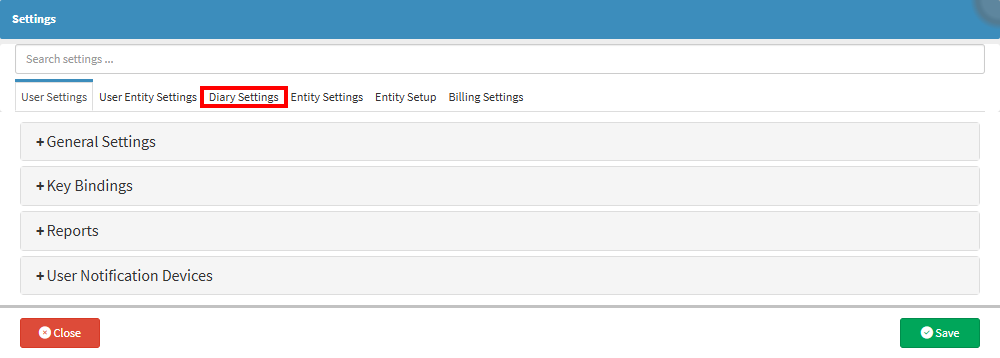

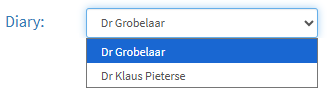
💡Please Note: If a Practice has multiple Diaries, each Diary and its settings must be configured to meet the specific needs of the Practitioner.


💡Please Note: When making changes to the Day Setup settings, please ensure the Online Day Setup in the Online Presence Settings panel corresponds to the new Day Setup changes, if necessary.
