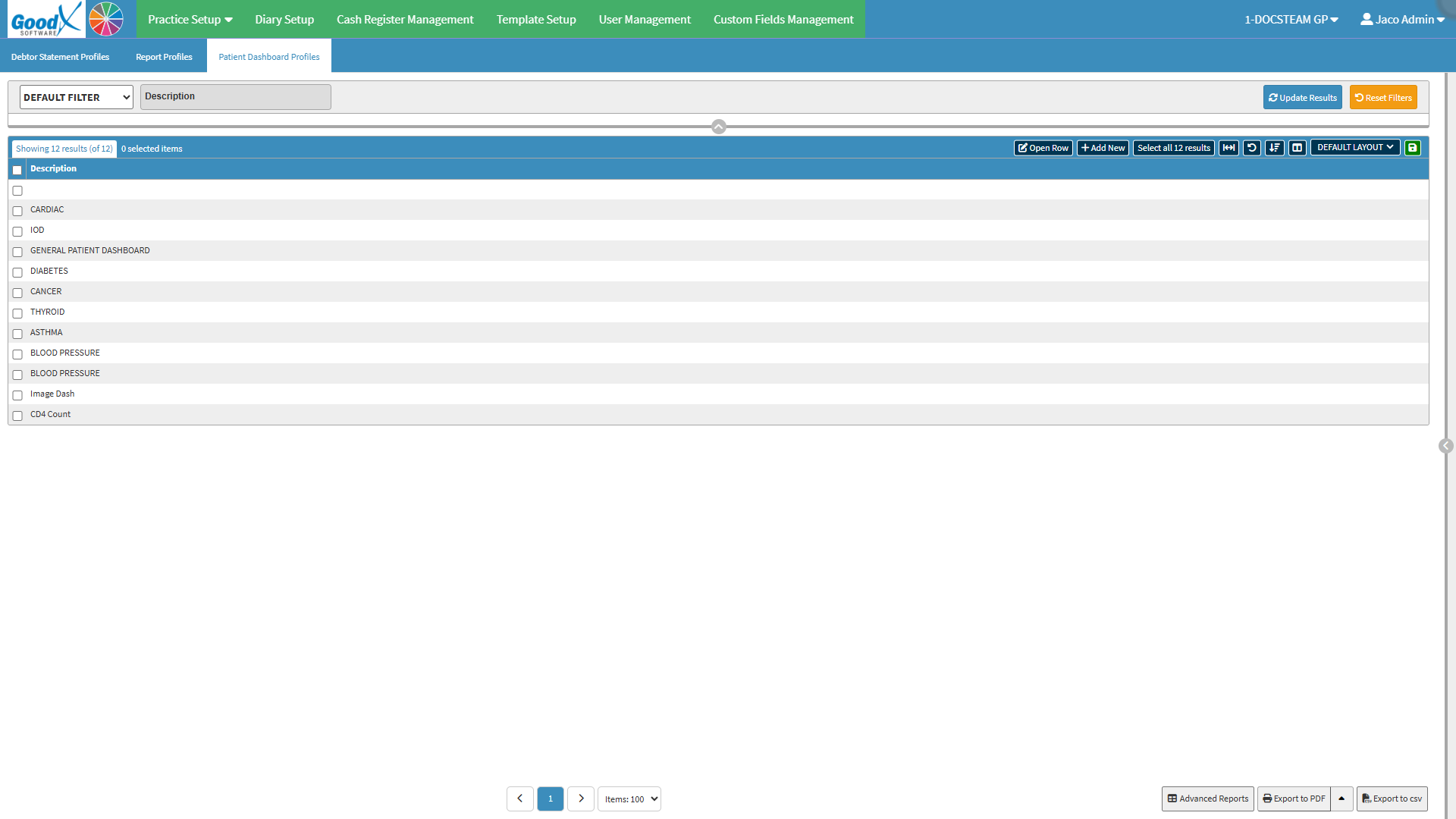
Patient Dashboard Profiles are customised dashboard profiles that determine the information and widgets available on a patient's Dashboard. Profiles can be set up for different clinical focuses, such as diabetes or heart disorders, giving practitioners a focused view of the information relevant to the patient's care.
Using different profiles makes it easier to organise the Dashboard around the information that is most useful for a particular type of care. This reduces the need to search through unrelated information and gives practitioners a clearer overview when reviewing the patient's clinical information, supporting a more efficient clinical workflow.
Default Filter: Select and apply previously saved search criteria filters.
Description: Filters profiles by their descriptions.
Update Results: Applies all the completed filters.
Reset Filters: Resets all fields entered.
Screen Columns Action Buttons
Screen Column Action Buttons: Provides tools to customise displayed columns and save preferred layouts for future use. For details, see Screen Column Action Buttons Navigation.
Columns
Description: Custom name or title given to a dashboard item.
Page Options
Page Options: Provides tools to navigate between pages, adjust the number of Items displayed, and export or save data for further use. For details, see Page Options Navigation.