Text size
Line height
Text spacing
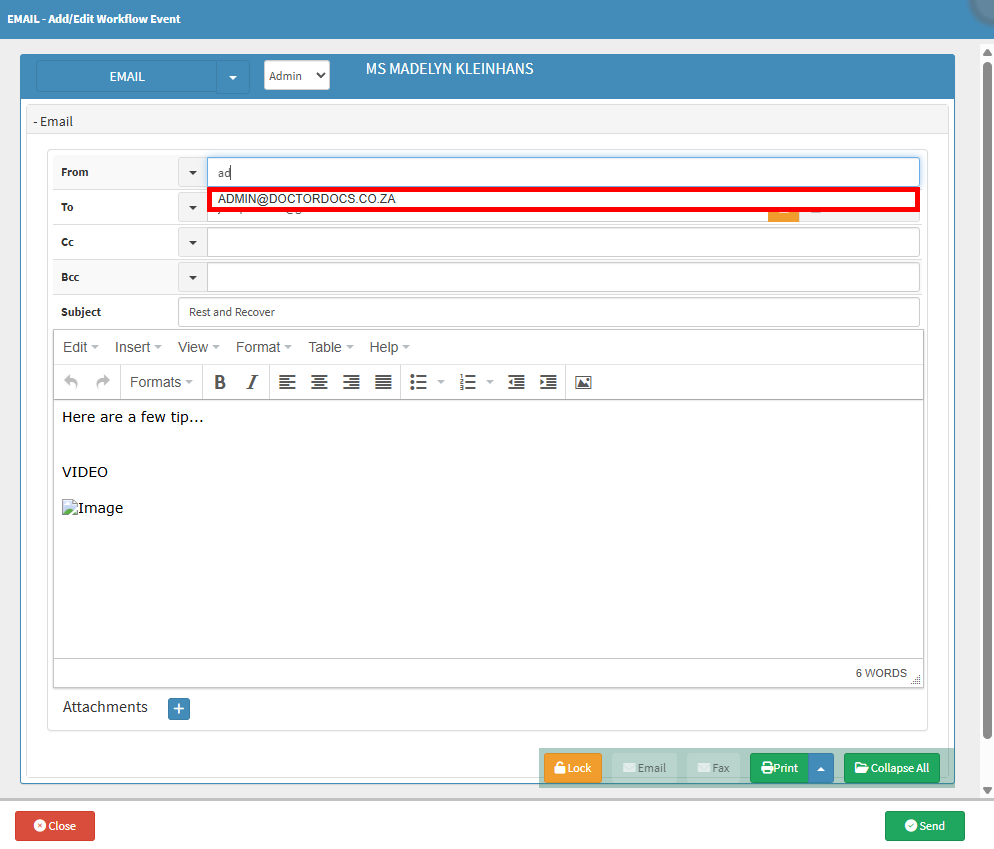
Managing your Email From List lets your practice set up and update all email addresses used for automated system communications. This feature is important because it ensures your automated emails, like appointment reminders or invoice notifications, come from accurate and recognisable senders. Using this screen benefits your practice by keeping your contact details up to date and maintaining clear communication with your patients. It also helps your practice stay professional, organised, and in complete control of where your outbound messages originate.


💡Please Note: To remove an email address, click the red bin icon next to the field.