Text size
Line height
Text spacing
The Services screen provides an overview of the add-on services enabled for your practice. It brings together communication, billing, switching, and other services in your GoodX system, so you can quickly see which services you are subscribed to and can use.
Having these services together in one place makes it easier to access the tools that support your daily workflow. This can simplify tasks such as patient communication, claim processing, and payment collection; reduce unnecessary administration; and help you get the most from the services available to your practice.
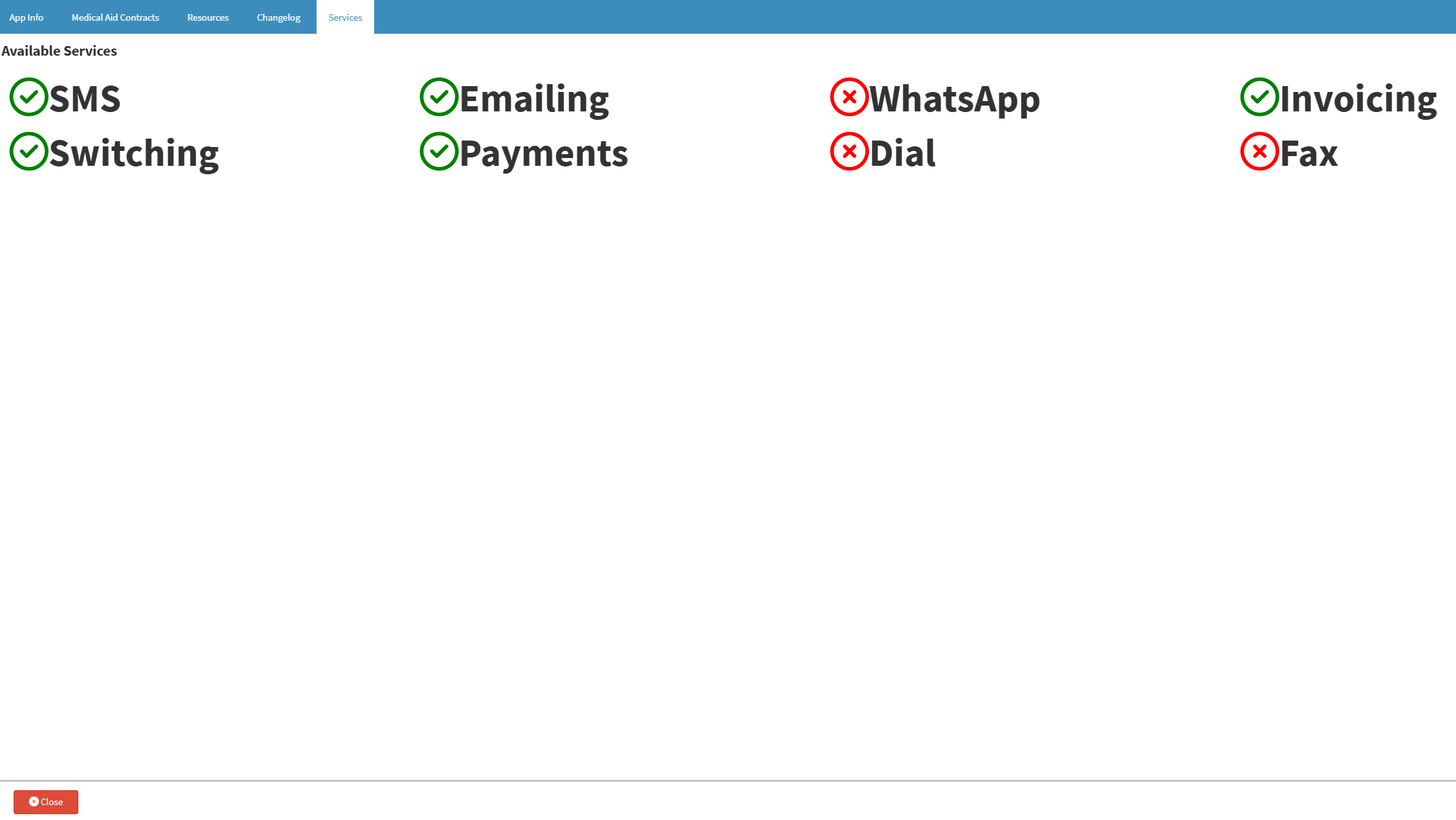

💡Please Note: A green checkmark indicates that the service is active on GoodX Web, while a red cross indicates that the service is inactive.