Text size
Line height
Text spacing
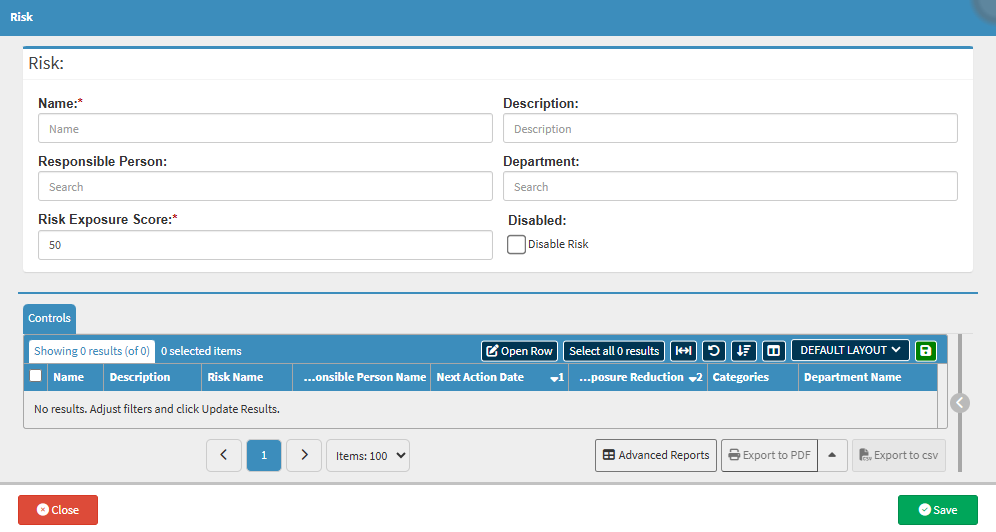
The Risk function is used to identify and document potential threats that could negatively impact the Practice. In a compliance framework, a Risk is the what-if scenario, the bad outcome that could happen if standards are not met. For example, if your Standard is "Patient Data Privacy," your Risk would be "Unauthorised Access to Patient Records."
Using this feature is a critical step for the Practitioner because it shifts the focus from simply following rules to actively protecting the business. It allows the Practice to rank dangers based on how serious they are, ensuring that time and money are spent fixing the biggest problems first.