Creating a New Recurring Service allows you to create recurring services that serve as tasks that staff need to complete for/on a Patient. You have the ability to determine which types of services should be repeated by the staff, depending on the needs of your Facility. 

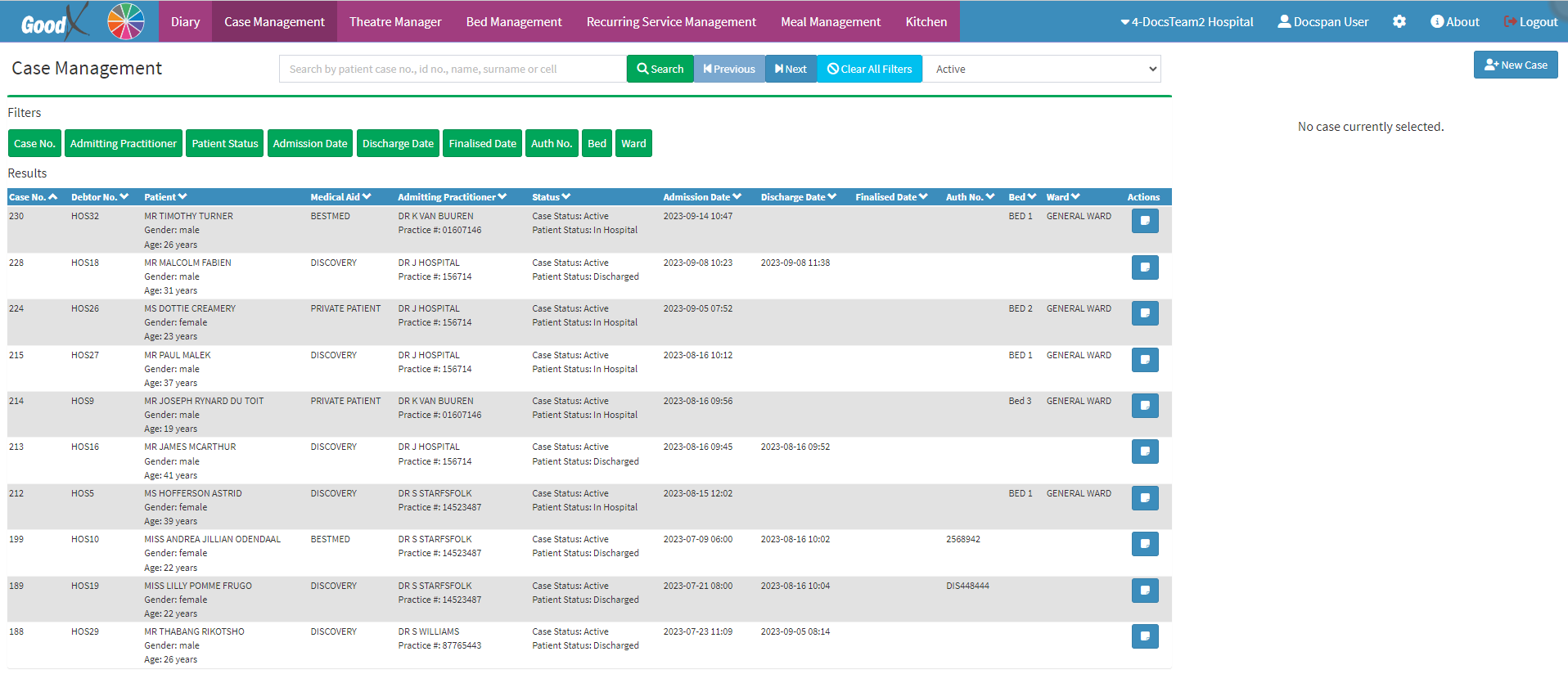
  • This user manual will start on the Case Management screen.

  • Click on the Recurring Service Management tab on the Navigation Bar.

  • The Recurring Services Management screen will open.
  • Click on the New Recurring Service button.

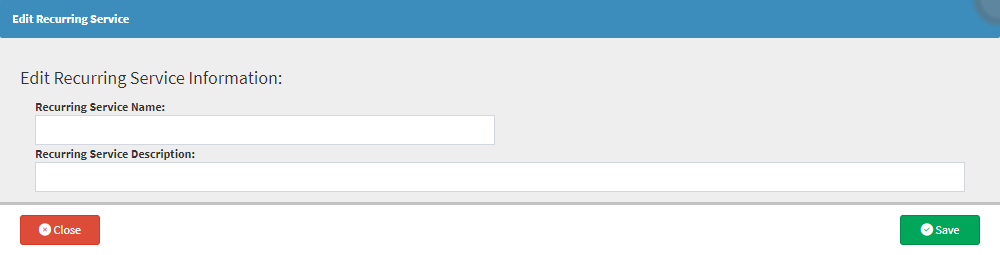
  • The Edit Recurring Service screen will open.

    • Fill in the relevant fields:
      • Recurring Service Name: What the recurring service will be identified as.
      • Recurring Service Description: General Details regarding what is expected of the staff member when the service is being done.
    • Click on the Save button to save all details that have been entered.

  • The new service that has been created will be added to the list of Recurring Services that can then be booked for a Patient. 


Last modified: Tuesday, 31 March 2026, 3:40 PM